Employee Onboarding Software for Remote Teams

Remote teams lose weeks of productivity when new hires can't find the right documentation, wait for teammates in different time zones to explain workflows, or piece together training from scattered Slack messages and outdated wiki pages.
Employee onboarding software solves this by centralizing tasks, documents, and training in one platform that works asynchronously. This guide covers how these systems work, what features matter most for distributed teams, and how to choose a platform that scales with your hiring.
What is employee onboarding software
Employee onboarding software is a digital platform that automates how organizations bring new hires up to speed. Instead of scattered spreadsheets, email chains, and ad hoc training sessions, everything lives in one centralized system.
There's an important distinction here. HR onboarding software focuses on administrative tasks like document collection, compliance forms, and electronic signatures. Employee onboarding training software, on the other hand, centers on skill development, software walkthroughs, and teaching people how to actually do their jobs. A TalentLMS and BambooHR survey found that 52% of recently hired employees said admin-focused onboarding overshadowed job readiness, making this distinction critical. Most platforms handle some combination of both.
- Administrative tasks: document collection, e-signatures, I-9s, tax forms
- Task management: automated checklists for HR, managers, and new hires
- Training delivery: courses, guides, and workflow documentation
- Progress tracking: dashboards showing completion status and engagement
Why remote teams need a dedicated onboarding platform
Distributed teams face challenges that standard onboarding processes weren't designed to handle. Robert Half's Q4 2025 data shows 24% of new job postings were hybrid and 11% fully remote, and the absence of in-person interaction in these roles creates gaps that compound quickly.
Inconsistent onboarding across locations
Without a centralized system, each manager tends to create their own onboarding process. One new hire in Austin gets thorough training while another in Berlin figures things out alone. This variance directly impacts how quickly people become productive and how connected they feel to the company. Gallup reports that only 12% of employees strongly agree their organization does a great job onboarding — a gap that widens in distributed settings.
Time zone challenges for synchronous training
Live walkthroughs and calls become difficult to coordinate when team members span Tokyo, London, and San Francisco. Scheduling constraints delay the onboarding process, and new hires often wait days for a 30-minute explanation that could have been delivered asynchronously.
Scattered documentation and knowledge silos
Remote teams frequently store information across Notion, Confluence, Google Drive, Slack, and email threads. New hires waste hours searching for the right resources instead of executing tasks. When workflow documentation is fragmented across tools, finding the right information becomes a job in itself.
Slower time to productivity for distributed hires
Without in-person access to colleagues, new hires can't tap someone on the shoulder to ask a quick question. They can't observe how experienced teammates navigate a CRM or process an order. This isolation extends the ramp-up period and increases dependency on teammates who may be asleep when questions arise.
How online onboarding software works
The typical workflow follows a clear sequence that ensures a smooth transition for new hires.
1. Preboarding before day one
Preboarding is the period between a candidate accepting an offer and their official start date. During this window, new hires complete paperwork, review company policies, and access welcome materials. When day one arrives, they're ready to learn their role instead of filling out tax forms.
2. Automating tasks and workflows
The software assigns tasks to HR, IT, managers, and new hires based on role, department, or location. A sales hire in Chicago triggers a different workflow than an engineer in Berlin. Automated sequences ensure nothing gets missed, from laptop provisioning to team introductions.
3. Delivering training content asynchronously
Courses, documentation, and workflow guides are delivered on demand. Employees learn at their own pace without waiting for scheduled sessions. Video guides that show exactly how to complete tasks in specific software tools tend to be more effective than static documentation because people can see what to click and where to go.
4. Tracking progress and completion
HR and managers use dashboards to monitor onboarding progress in real-time. This tracking helps identify bottlenecks, ensures compliance requirements are met, and provides visibility into where new hires might be struggling without requiring constant check-ins.
Key features of new hire onboarding software
When evaluating options, look for capabilities that address the specific challenges of remote work.
| Feature | What it does | Why it matters for remote teams |
|---|---|---|
| Customizable workflows | Automates task sequences by role or department | Ensures consistent process across locations |
| Self-service portals | Gives new hires access to tasks and resources | Reduces dependency on HR availability |
| Electronic signatures | Enables digital document signing | Eliminates mailing physical paperwork |
| Training delivery | Hosts courses, guides, and walkthroughs | Supports async learning across time zones |
| Progress tracking | Shows completion status and engagement | Provides visibility without manual check-ins |
Customizable onboarding workflows
Role-specific processes cater to the unique needs of different departments. A customer success hire follows a different path than a product designer. Workflows can trigger automatically based on start date, department, or location, so HR doesn't manually configure each new hire.
Self-service employee portals
Portals act as centralized hubs where new hires access all their tasks, documents, and training resources in one place. This reduces constant back-and-forth with HR and empowers employees to complete onboarding independently, even at 2 AM in their time zone.
Software training and workflow guides
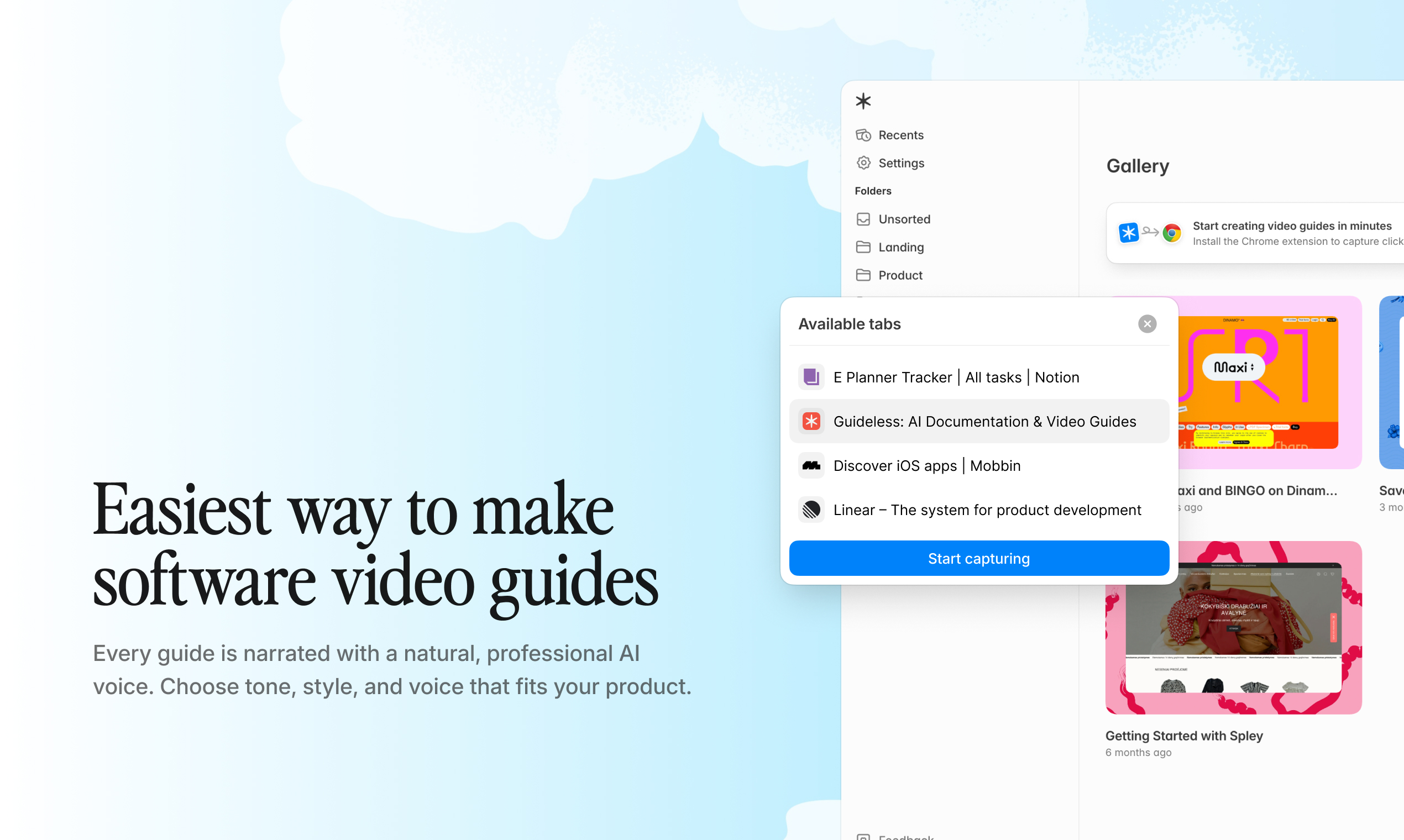
Effective onboarding includes learning modules and how-to content for the tools employees use daily. Structured video guides that show exactly how to navigate Salesforce or process a refund in Stripe are more effective than written instructions. Tools like Guideless allow teams to create software walkthroughs by simply clicking through a workflow once, then generating a narrated guide automatically.
Progress tracking and analytics
Dashboards provide a clear view of which tasks are complete, pending, or overdue. Analytics help identify where new hires get stuck, which training content gets the most engagement, and how to improve the overall process over time.
Benefits of HR onboarding software for distributed teams
Implementing an onboarding system delivers tangible outcomes that directly address the operational challenges of managing a distributed team.
Faster time to productivity
Structured onboarding reduces the time new hires spend searching for information or waiting for help. On-demand training content supports digital adoption by allowing employees to learn what they need, when they need it, rather than waiting for a teammate in a different time zone to wake up.
Consistent experience across locations and time zones
A centralized system ensures every employee receives the same high-quality information and training, regardless of their location or manager. The new hire in Singapore gets the same onboarding as the one in New York.
Reduced dependency on live calls and walkthroughs
Asynchronous training content replaces repetitive live sessions. Instead of scheduling the same Zoom call for every new hire, teams record the explanation once and reuse it. This frees up valuable time for customer success, HR, and team leads to focus on higher-value work.
Scalable training without increasing headcount
Reusable onboarding content allows teams to onboard more employees without a proportional increase in HR or training staff. When you hire ten people in a month instead of two, the onboarding system handles the volume without breaking.
How to choose the best employee onboarding platform
Selecting the right platform requires evaluating criteria that are especially relevant for remote and distributed teams.
Evaluate async training capabilities
Look for platforms that support on-demand learning content employees can access anytime. Video-based training is more effective than static documentation for teaching software workflows because people can see exactly what to do. Consider tools that make it easy to create and update workflow guides without specialized video editing skills.
Check integration with HR and productivity tools
Common integration categories include HRIS (Workday, BambooHR), payroll (ADP, Gusto), communication tools (Slack, Microsoft Teams), knowledge bases (Notion, Confluence), and project management software (Asana, Jira). Integrations reduce manual data entry and allow onboarding to fit into existing workflows.
Assess workflow customization and flexibility
Employee onboarding isn't one-size-fits-all. The software should adapt to different roles, departments, and locations. Rigid systems that force you into a predefined process often create frustrating workarounds and lead to low adoption.
Consider content creation and maintenance effort
Onboarding content quickly becomes outdated as products and processes change. Tools that require significant effort to create or update content create a maintenance burden that leads to stale, inaccurate information. AI-powered tools like Guideless reduce the time required to produce and maintain training content by generating guides from a simple click-through of a workflow.
How to onboard remote employees without live walkthroughs
Teams can replace time-consuming synchronous training with scalable, asynchronous alternatives.
Replace synchronous training with structured video guides
Short, step-by-step video guides are more consumable than hour-long recordings or dense documents. Employees can pause, rewatch, and reference guides whenever they need them. Tools like Guideless allow teams to create structured video guides by simply clicking through a workflow once, then generating a narrated walkthrough automatically.
Create software walkthroughs employees can follow on demand
Showing new hires exactly what to click and where to go in a software application reduces confusion and minimizes support requests. Visual guides with captions and highlights are far more effective than written instructions that say "navigate to Settings and select the Integration tab."
Update training content quickly as workflows change
Product features and internal processes change frequently. An effective onboarding tool allows quick updates to prevent knowledge decay. When the CRM interface changes, you re-record the workflow and regenerate the guide in minutes rather than hours.
Employee onboarding software integrations
The right integrations connect the onboarding platform to the rest of your tech stack, automating data flow and reducing manual work.
- HRIS and payroll systems: Integration with Workday, ADP, or Gusto syncs employee data automatically, reducing manual entry and errors.
- Knowledge bases and documentation tools: Integration with Notion, Confluence, and help center platforms allows training content to be embedded where employees already work.
- Communication platforms: Integration with Slack or Microsoft Teams enables automated notifications and reminders about pending tasks.
- Project management tools: Integration with Jira, Asana, or Monday.com allows onboarding tasks to appear alongside regular work.
How to track onboarding progress and measure success
To understand if your onboarding is effective, track the right metrics.
Completion rates and task tracking
Completion rate is the percentage of assigned tasks finished within expected timeframes. Low completion rates may indicate unclear instructions, missing resources, or overwhelming task loads. Tracking completion by task type helps pinpoint specific bottlenecks.
Engagement metrics for training content
Tracking views, watch time, and drop-off points for training videos reveals which content is effective and which needs improvement. These insights inform how teams improve employee training over time. Analytics from tools like Guideless show exactly where employees disengage from training guides, so you can fix the specific moment that loses people.
Time to productivity benchmarks
Time to productivity is the period between an employee's start date and when they can perform their core role independently. Tracking this metric over time reveals whether improvements to your onboarding process are shortening the ramp-up period.
Build a scalable remote employee onboarding system
Effective employee onboarding requires systems that scale with team growth, not processes that require more headcount. The combination of automated workflows, structured training content, and centralized knowledge creates a foundation that improves over time.
As teams create more guides and refine their processes, onboarding becomes faster, more consistent, and more effective. Tools like Guideless help teams turn complex software workflows into clear, reusable video guides that new hires can follow without live support.
Frequently asked questions about employee onboarding software
What is the difference between HR onboarding software and employee training software?
HR onboarding software handles administrative tasks like paperwork, compliance forms, and document management. Employee training software focuses on skill development, courses, and workflow education, often including video guides and learning modules.
How long does it typically take to implement employee onboarding software?
Implementation time varies based on complexity, integrations required, and customization needs. Simple platforms can be deployed in days, while enterprise solutions with extensive integrations may take weeks. Comparing onboarding software for HR leaders helps narrow the options based on team size and requirements.
Can employee onboarding software handle new hires in multiple countries?
Most modern platforms support multiple languages, regional compliance requirements, and location-specific workflows. Teams should verify that their chosen solution handles the specific countries where they operate.
How do teams keep onboarding content updated when workflows change frequently?
Teams benefit from tools that make content updates quick and low-effort. Solutions like Guideless allow users to re-record a workflow and regenerate guides in minutes rather than hours.
What is preboarding and why does it matter for remote employees?
Preboarding refers to the period between offer acceptance and the first day of work. It allows new hires to complete paperwork, access welcome materials, and prepare for their role before they officially start.
Can small teams benefit from employee onboarding tools?
Yes. Small teams often lack dedicated HR staff, making automated onboarding especially valuable. Free onboarding software with self-service portals and reusable training content reduces the burden on existing team members who would otherwise handle onboarding manually.