Loom is widely used for recording quick screen videos. It’s great for sharing updates, explaining something ad-hoc, or talking a teammate through an issue in real time. You hit record, talk through the screen, and send the link. We built Guideless for a different job.
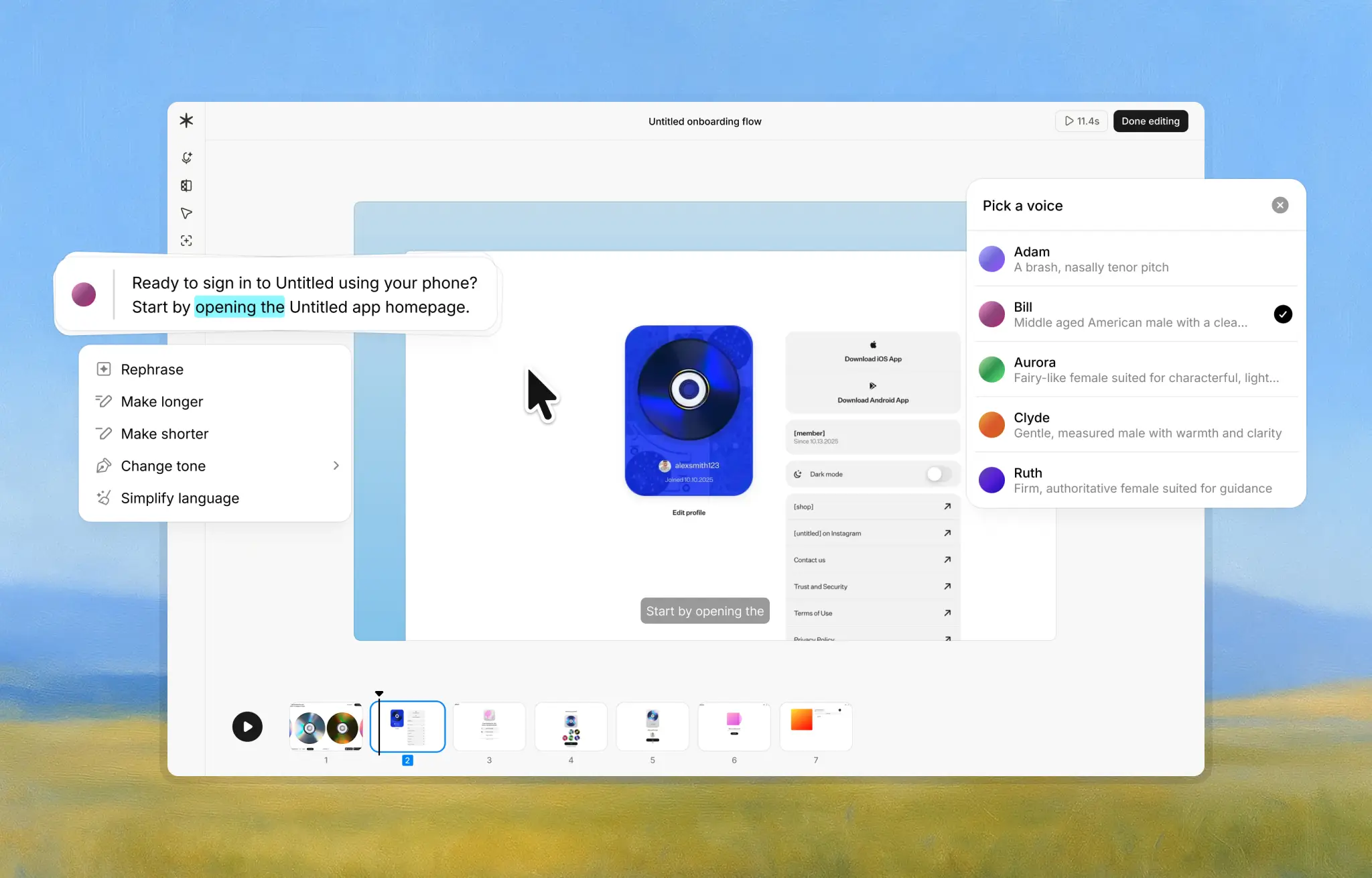
Instead of recording yourself explaining a process, Guideless is designed to create polished software tutorials that can be reused across customer onboarding, employee training, and customer support.
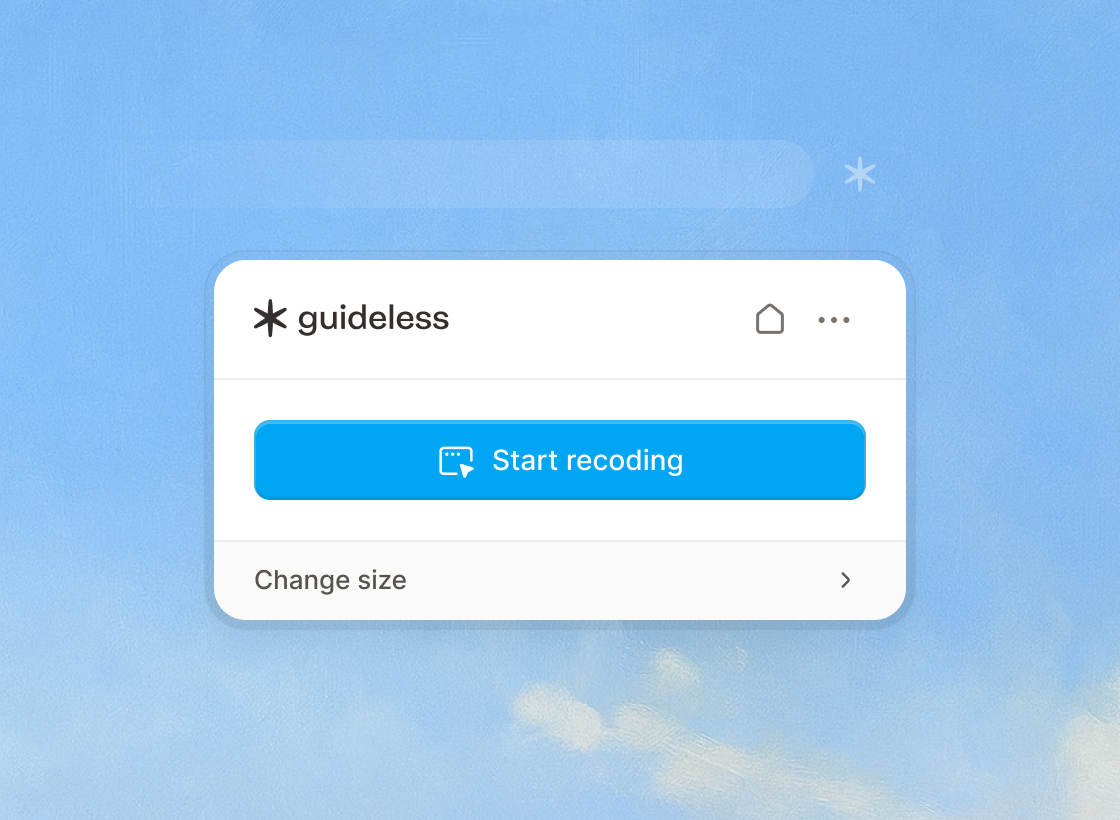
You click through a workflow once, and Guideless captures those interactions and turns them into a clean, AI-narrated video guide automatically. No voice recording. No re-takes. No editing timeline.
The difference is subtle but important: Loom is about communicating in the moment. Guideless is about teaching workflows at scale.
Feature Comparison
At a high level, the distinction comes down to structure and consistency.
| Feature | Guideless | Loom |
|---|---|---|
| Recording Method | Click-through capture (no voice needed) | Screen recording with live voice narration |
| Narration | Automated AI voiceover (consistent) | User’s own voice (varies in clarity and style) |
| Retakes & Editing | Minimal – AI trims mistakes; one-click redo if needed | Manual – may require multiple takes or manual trimming |
| Output Consistency | Professional, uniform narration every time. | Depends on presenter; each video can differ in tone/quality |
| Use Case Focus | Structured how-to guides for reuse. Mainly for customer onboarding, support, and employee training | Quick informal sharing, team updates, personal messaging |
| Limitations (Free) | Free tier: 3 guides and basic analytics. | Free plan: 5-minute video limit and limited storage |
With Loom, the quality of the video depends on the presenter, their setup, and how many takes they’re willing to do. With Guideless, the output is consistent by design, which matters when guides represent your product or your company.
What Guideless Does Better
Guideless removes the friction that usually comes with recording tutorials. There’s no pressure to speak clearly, get the timing right, or record multiple takes. The narration is generated automatically and sounds clear and professional.
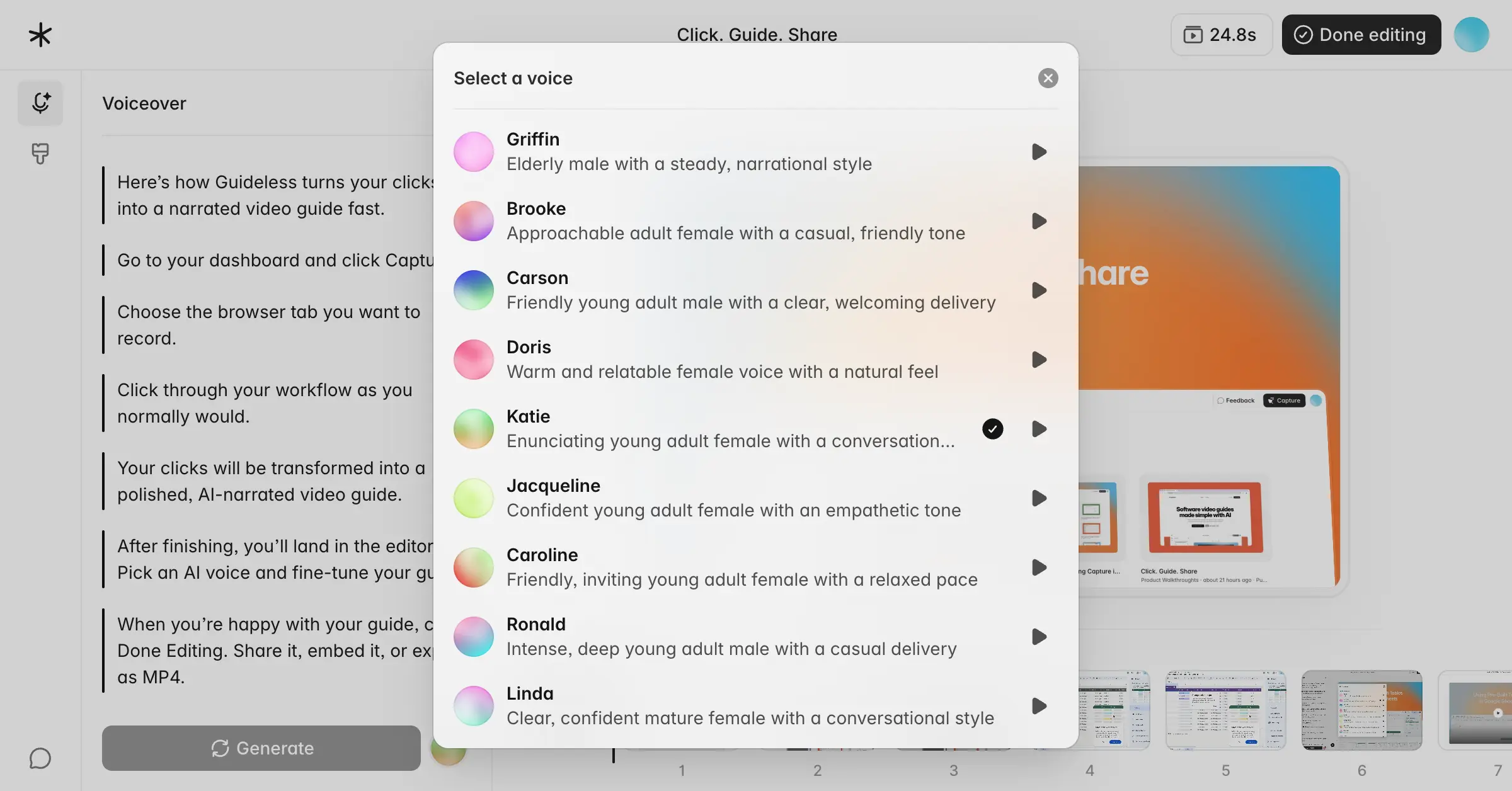
Because Guideless understands clicks and UI interactions, it can highlight actions, trim long pauses, and blur sensitive information without manual work. That makes it easier to keep guides up to date, even as workflows change.
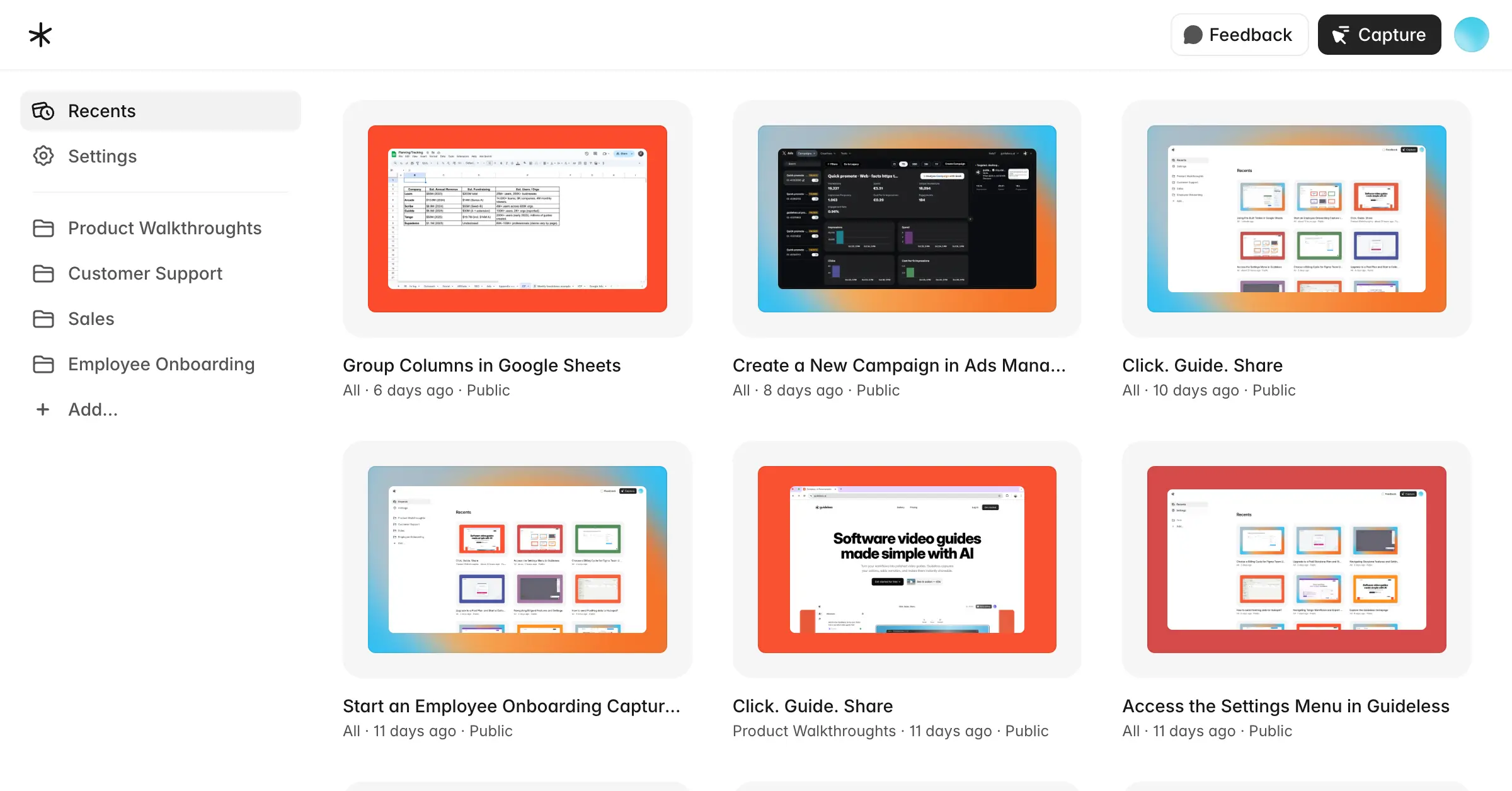
This approach works especially well for product walkthroughs, customer onboarding, employee training, and support documentation, where clarity and consistency matter more than a personal touch.
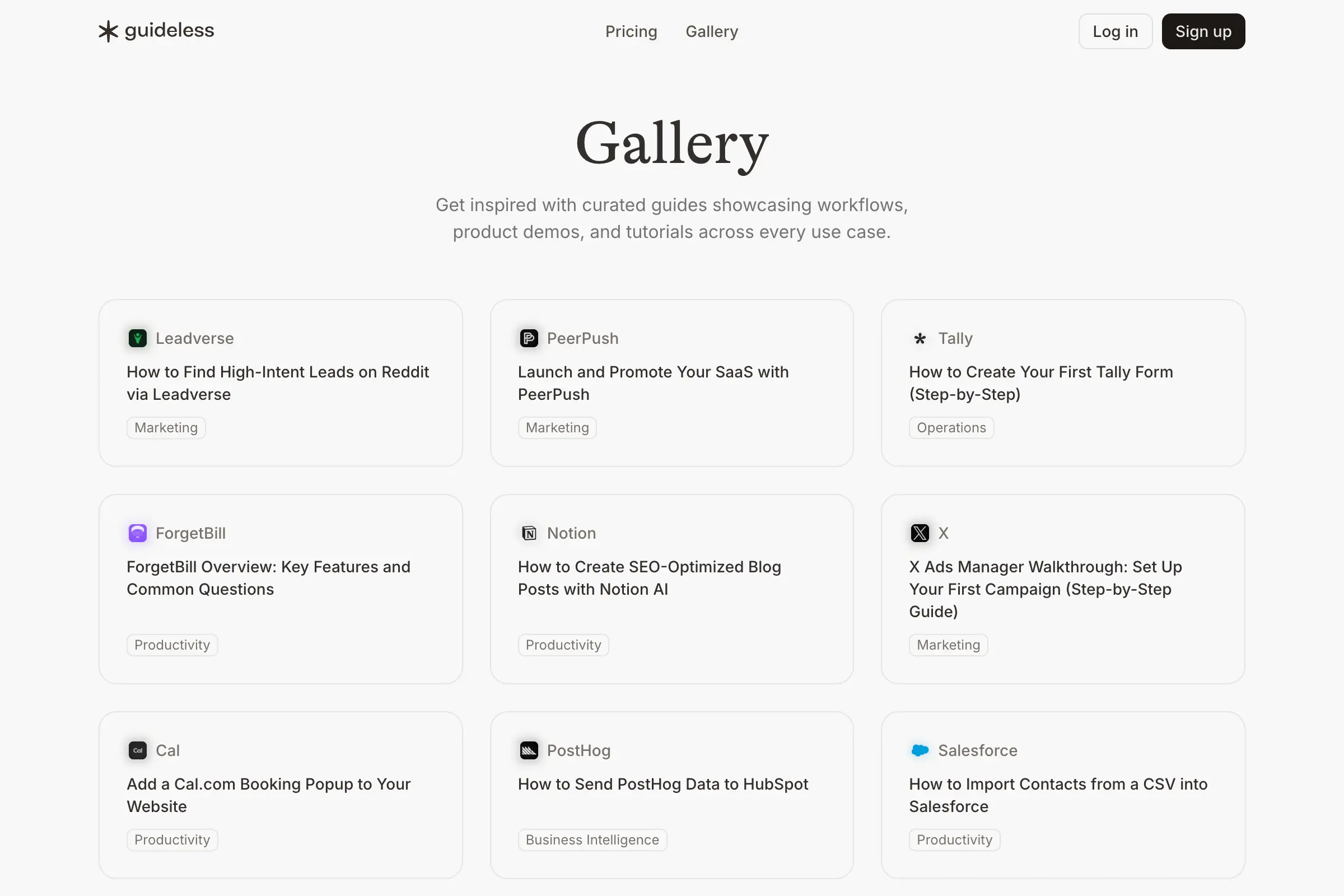
If you want to see what these guides look like in practice, the Guideless gallery includes real examples created by SaaS teams across all of these use cases.
Where Loom Still Fits
Loom still shines when a personal voice matters. If you want to speak directly to someone, include your webcam, or explain something informally, Loom is often the fastest option. It’s also well suited for spontaneous updates, internal team communication, or quick feedback loops where structure isn’t the priority. Features like comments and reactions make it useful for collaboration and discussion.
Final Word
Loom and Guideless solve different problems. Loom is excellent for quick, human screen recordings and informal communication. Guideless is built for creating structured, reusable software tutorials that don’t depend on who recorded them or how many takes it took. Many teams use both: Loom for conversations, Guideless for documentation and training that needs to scale.
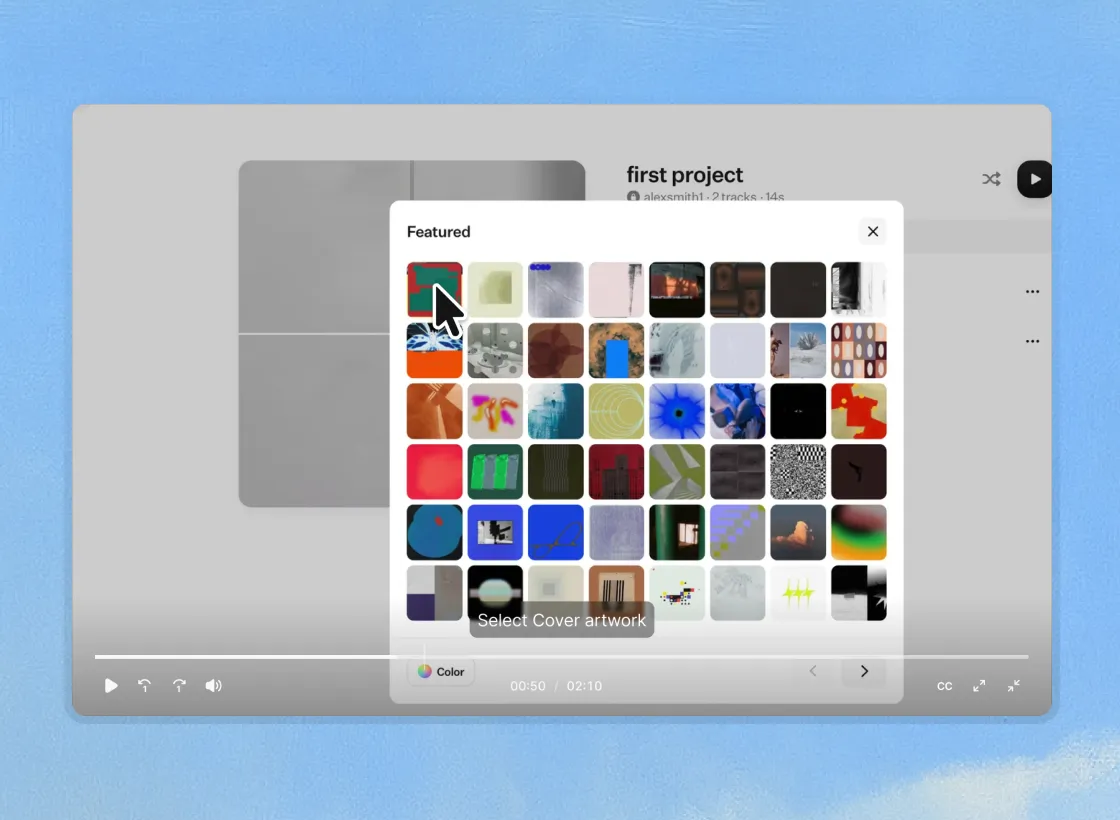
If you’re curious how teams apply Guideless in real onboarding and training scenarios, you can explore our customer case studies here.
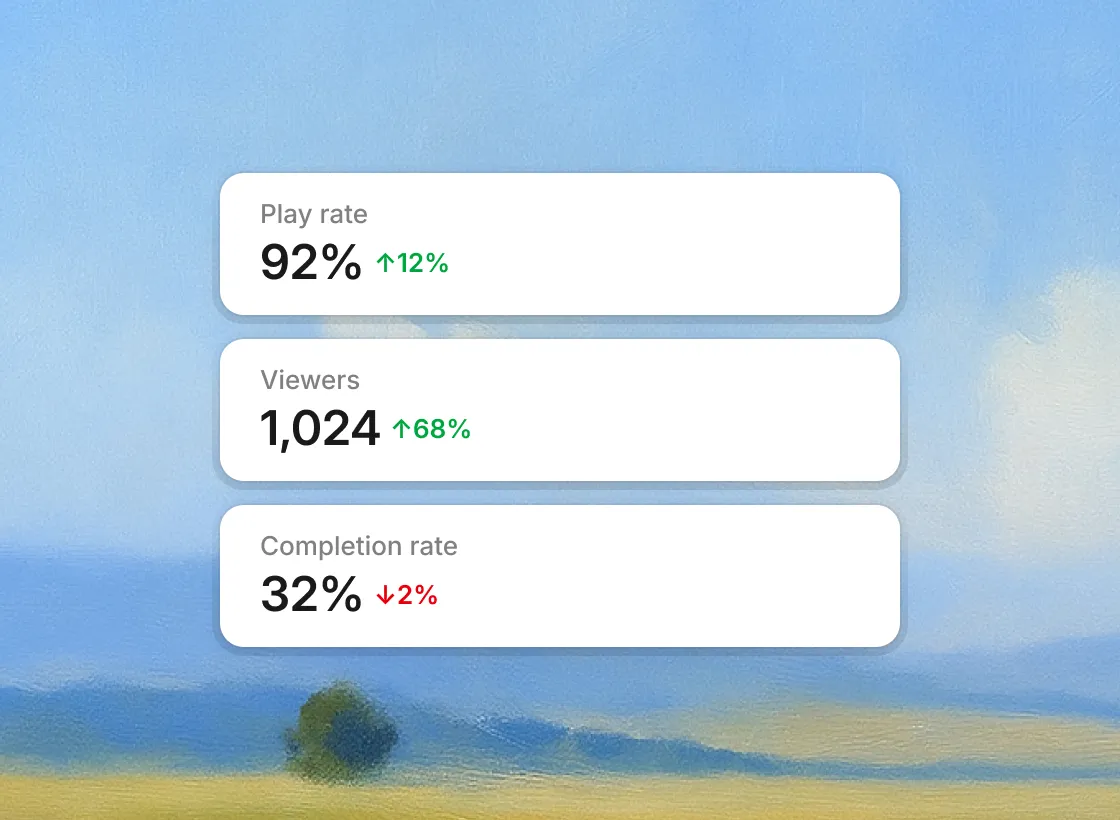
And if you want to try it yourself, you can start free and capture your first guide in under a minute.