Tools like Tango are well known for workflow documentation. By turning actions into screenshots and written instructions, they make it easy to create static, step-by-step guides that users can read and follow at their own pace. For many teams, that’s a practical way to document processes.
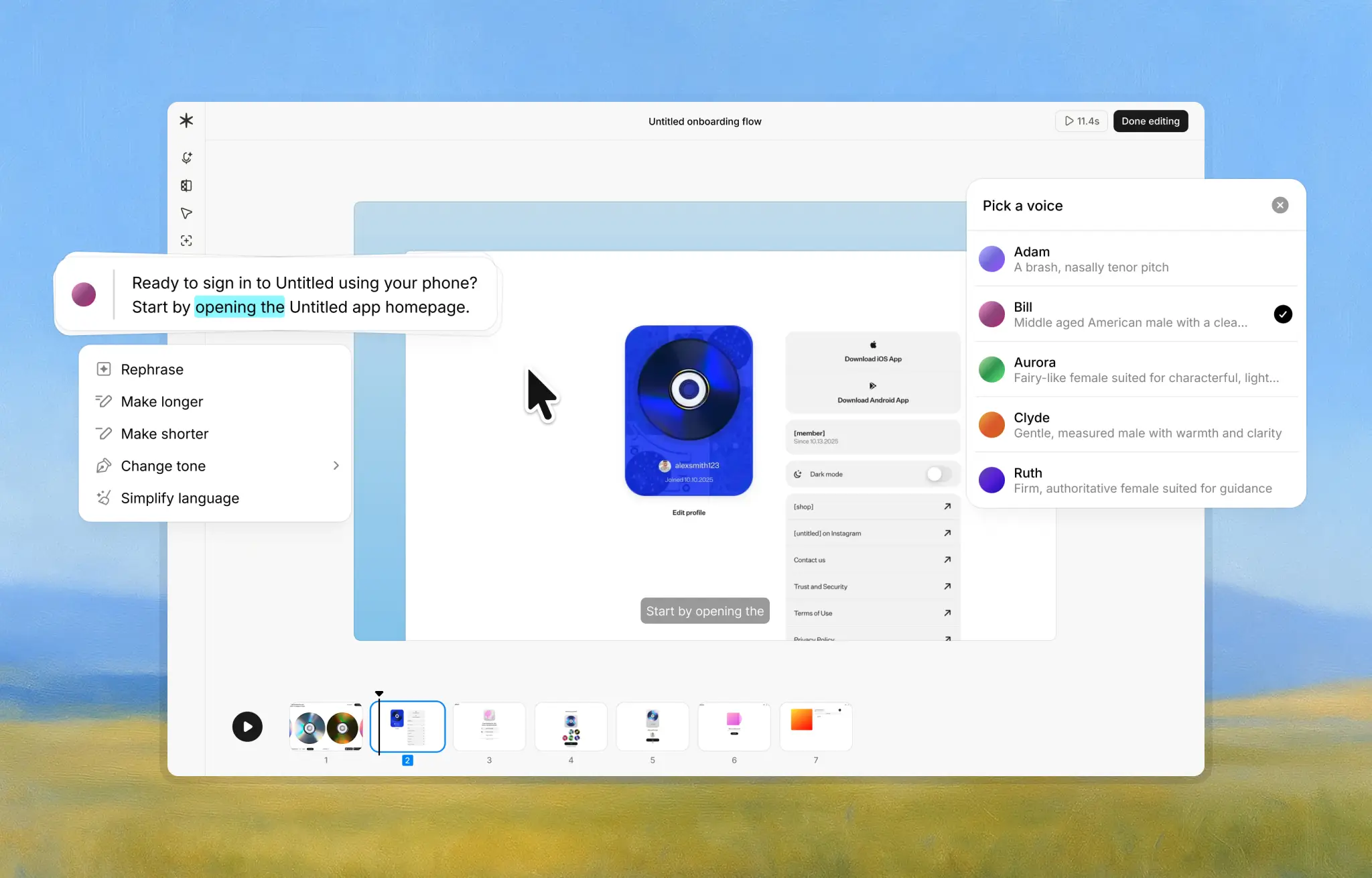
We built Guideless for a slightly different reason. Instead of documenting workflows as text and images, we wanted to turn real work into AI-powered product walkthroughs that people can follow visually. Guideless records real clicks and interactions and automatically turns them into a short, AI-narrated video guide, so people understand a workflow faster without extra writing, editing, or explanation.
As one customer put it:
"Guideless helped us turn complex feature workflows into simple, self-guided product tutorials. Customers activate faster, explore more features, and need fewer support calls." - Matas Malinauskas, Founder & CEO · ForgetBill
You can see how this plays out in practice in our ForgetBill case study, where they explain how they scaled customer education with self-guided product walkthroughs.
Feature Comparison
At a high level, the difference comes down to how the guide is experienced by the person learning the workflow.
| Feature | Guideless (Video Guides) | Tango (Step Guides) |
|---|---|---|
| Output Format | Video tutorial with audio narration | Step-by-step document with screenshots and text |
| Creation Method | Record clicks and actions; auto-generate video | Capture screenshots of each step; auto-generate written steps |
| Narration | Yes – AI voiceover in every guide | No – text captions only (no audio) |
| Interactivity | Watch and listen (passive viewing) | Read and follow steps (user-paced) |
| Editing Needs | Minimal – automatic trimming and highlighting | Some – may edit descriptions or rearrange steps for clarity |
| Special Features | Consistent, polished video output. Share as URL, embed code, or export to MP4 | Options for interactive in-app guides and embedding documentation |
What Guideless Does Better
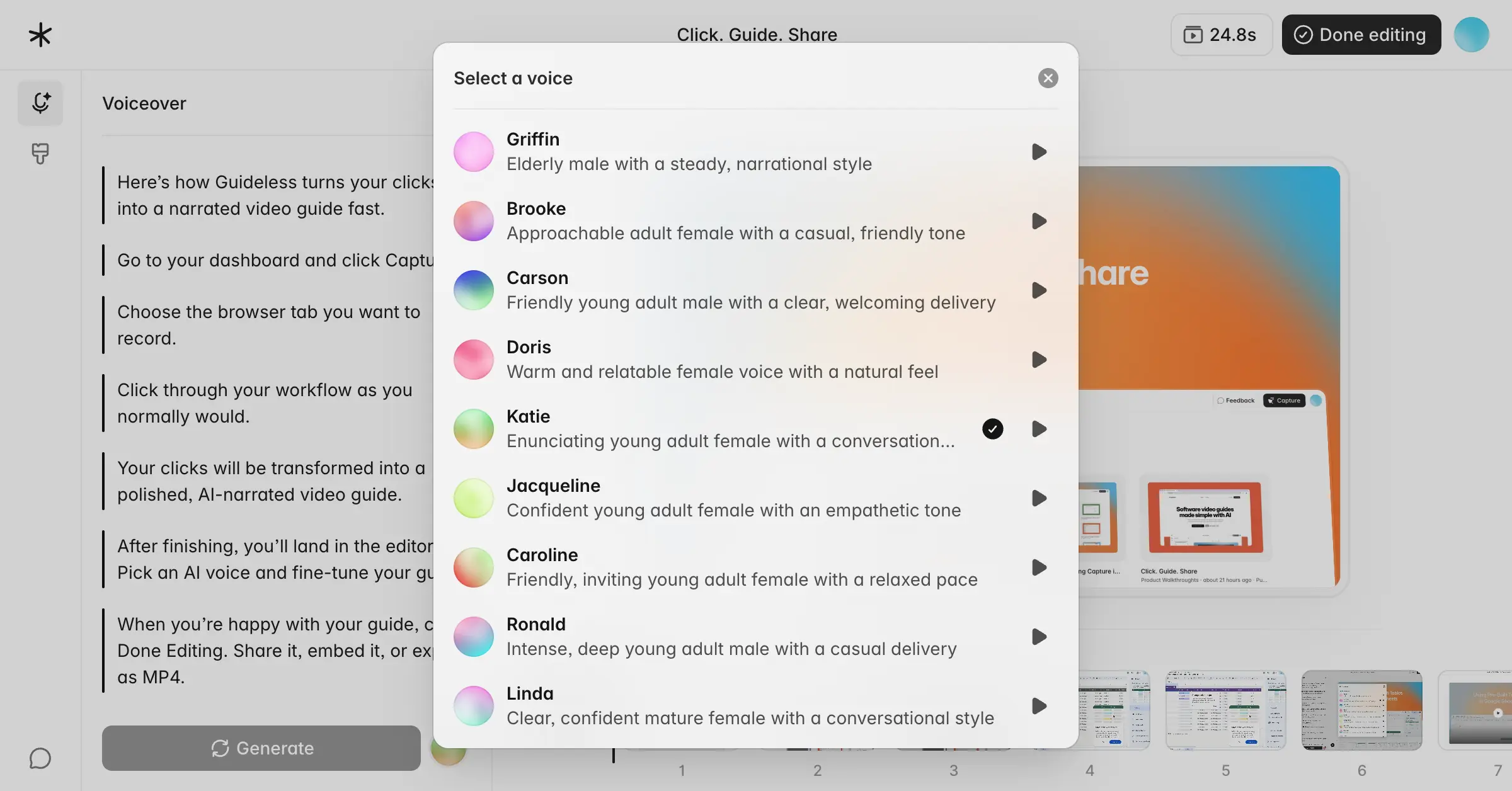
Guideless is designed to make guides easy to create and easy to follow. Every guide is a narrated video, which often makes complex workflows easier to understand than static screenshots. There’s no need to write instructions or record your own voice. The narration is generated automatically and sounds clear and professional.
The tool also handles the cleanup. Silent gaps are trimmed, clicks are highlighted, and sensitive information can be blurred automatically. Because everything follows the same format, guides stay consistent no matter who creates them. That consistency makes documentation easier to trust and reuse across teams.
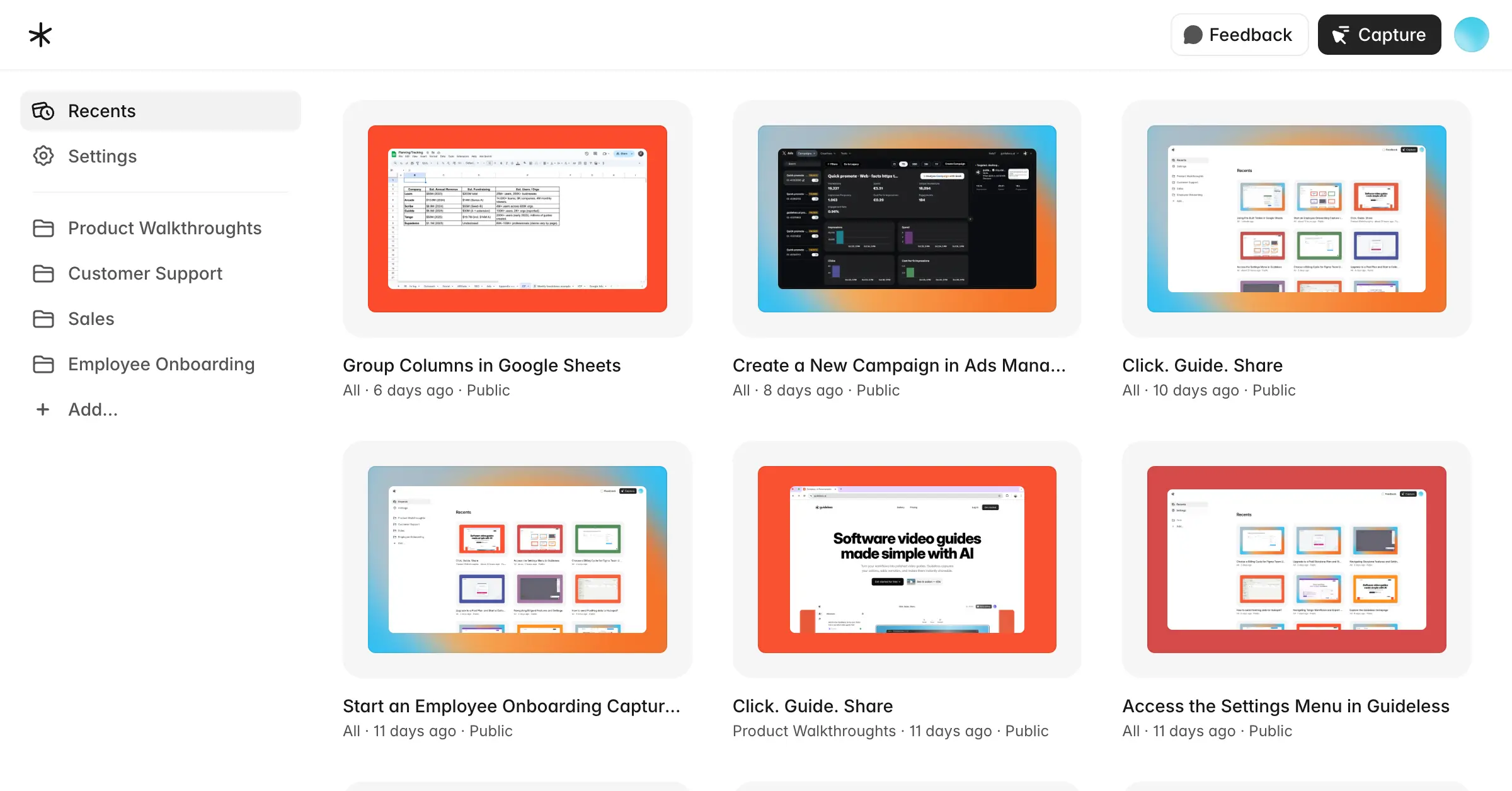
This approach works especially well for product walkthroughs, customer onboarding, employee training, and support documentation where workflows change often and guides need to stay current.
If you want to see real examples, the Guideless gallery includes product walkthroughs and training guides created by SaaS teams across onboarding, training, and support.
Where Tango Still Fits
Tango still makes sense in a few scenarios. If audio isn’t an option, or if your audience prefers reading instructions, screenshot-based guides can be more appropriate. Text-first documentation also works well when users need to move slowly through steps, pause often, or print instructions. It also offers interactive and in-app guidance features, which can be useful for teams looking to embed help directly inside their product or knowledge base. And for individuals or small teams with very simple needs, a free, static documentation tool can be a reasonable starting point.
Final Word
Both tools aim to simplify how teams explain workflows, but they take different paths. Tango is a solid choice for traditional, text-based documentation where screenshots and written steps are enough. Guideless takes a more visual, action-driven approach by turning real workflows into narrated video guides that people can follow without extra explanation.
If your goal is to create engaging video tutorials and scale onboarding or training without turning documentation into a project, Guideless is built for that use case.
We also share more real-world examples in our customer case studies, where teams explain how they scale onboarding and product education with Guideless.
If you want to try this approach yourself, you can start free and capture your first guide in under a minute.