When we looked at tools like Scribe, we saw how good they are at documenting processes. Turning actions into screenshots and text works well for static step-by-step documentation. We built Guideless for a different reason. Instead of documenting workflows, we wanted to turn real product usage into short, narrated product walkthroughs that people can follow as they work.
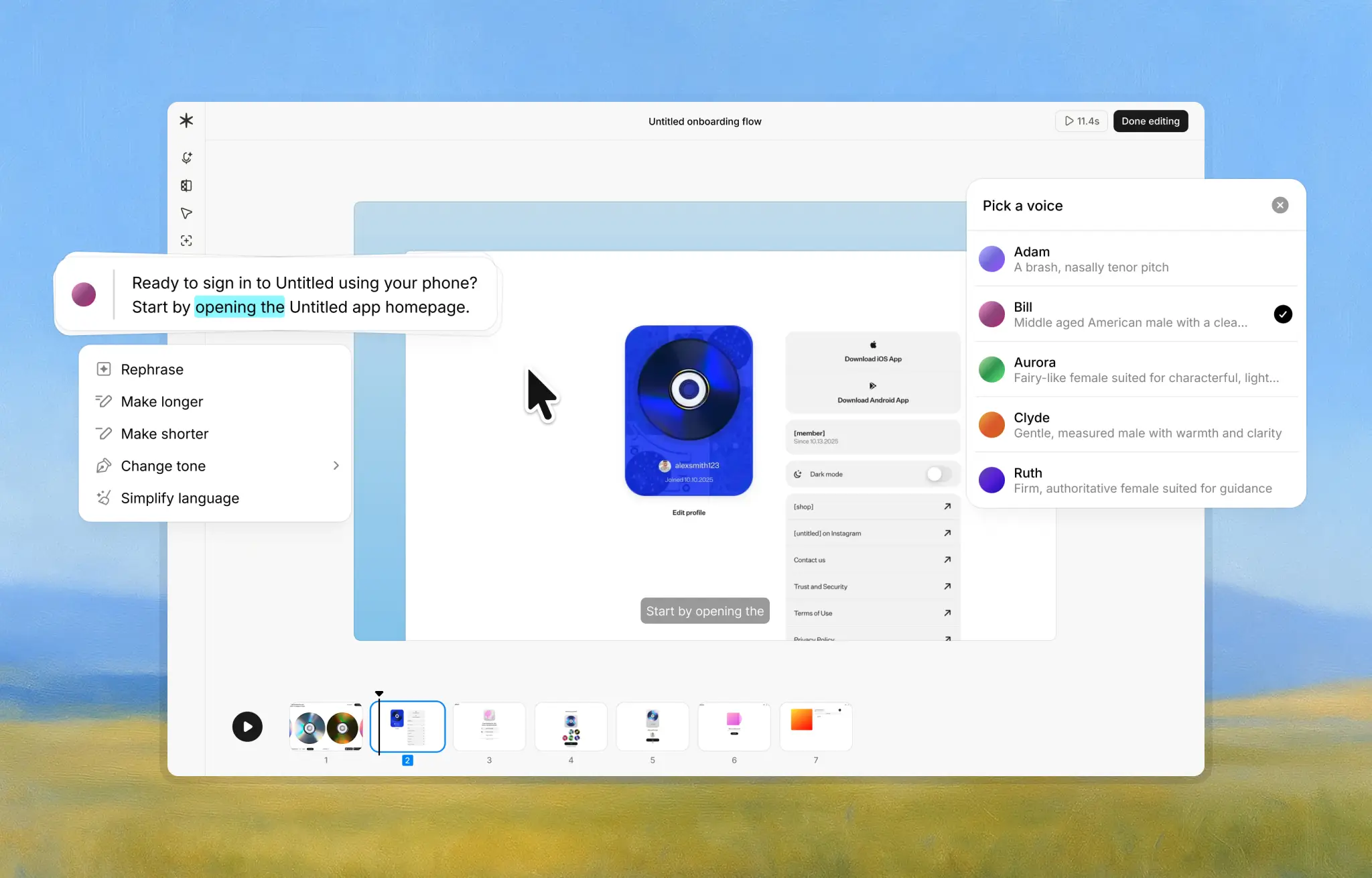
Guideless records real clicks and turns them into a short, AI-narrated video automatically. The idea is simple: people should be able to follow a workflow without extra explanation, editing, or back-and-forth.
“Seeing our workflows captured and narrated automatically was a turning point. Instead of recording and editing videos, we click through once and immediately have a polished guide ready to share. Guideless helps us scale education and move faster as we ship new capabilities.” - Adomas Ronkaitis, Partner Manager · adment.ai
You can see this in practice in our case study on how adment.ai scales customer education with Guideless.
Feature Comparison
| Feature | Guideless (Video & Voice) | Scribe (Screenshots & Text) |
|---|---|---|
| Output Format | Video guide with audio narration | Static guide with screenshots and text |
| Narration | Automatic AI voiceover included | No built-in narration (text only) |
| Creation Process | Single workflow capture, no manual editing needed | Auto-captures steps, then requires editing for clarity |
| Editing Required | Minimal – auto-trims pauses, highlights clicks | Often needed – users refine text and images afterward |
| Consistency | Consistent format across teams | Varies by who creates it; no voice for consistency |
| Sharing & Export | Instant video link sharing. Embed code. Export to MP4 | Shareable link or PDF; branding removal in paid plans |
What Guideless Does Better
Guideless is built around making guides easy to create and easy to follow. Every guide is a narrated video, which helps people stay engaged and understand a workflow faster than static screenshots.
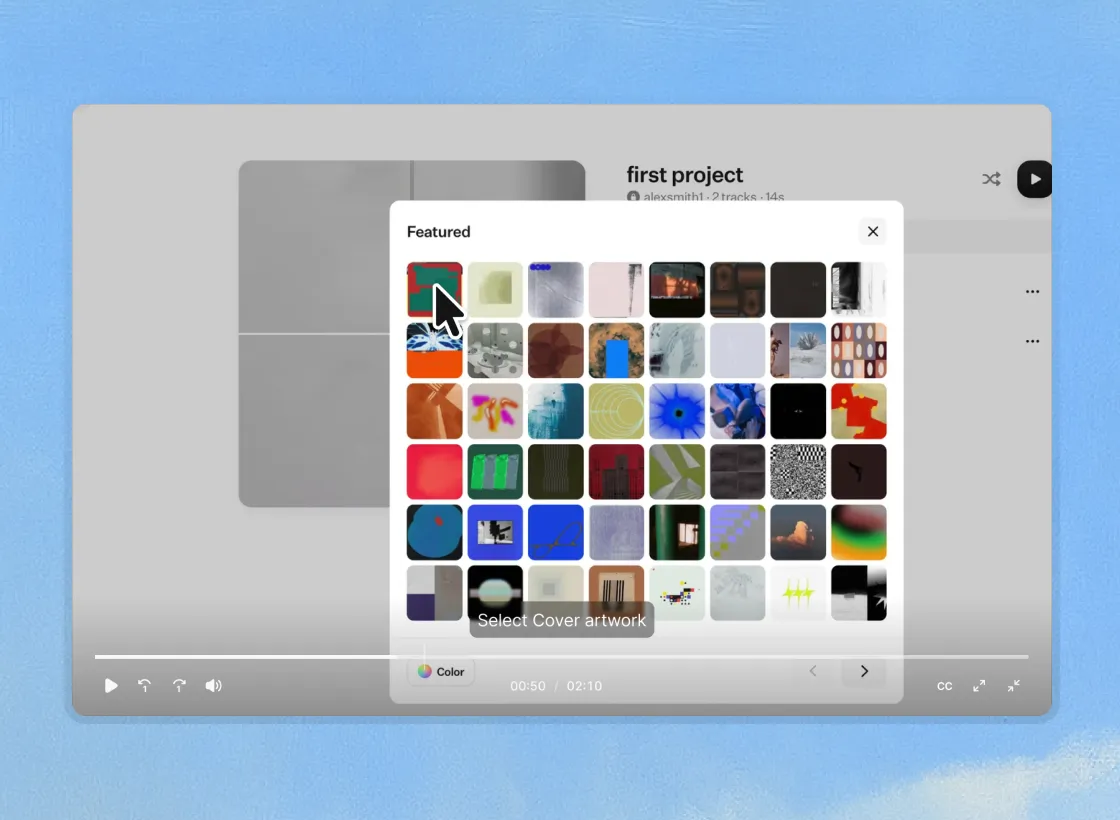
There’s no need to record your own voice. Narration is generated automatically and sounds clear and professional, so anyone on the team can create guides without worrying about presentation.
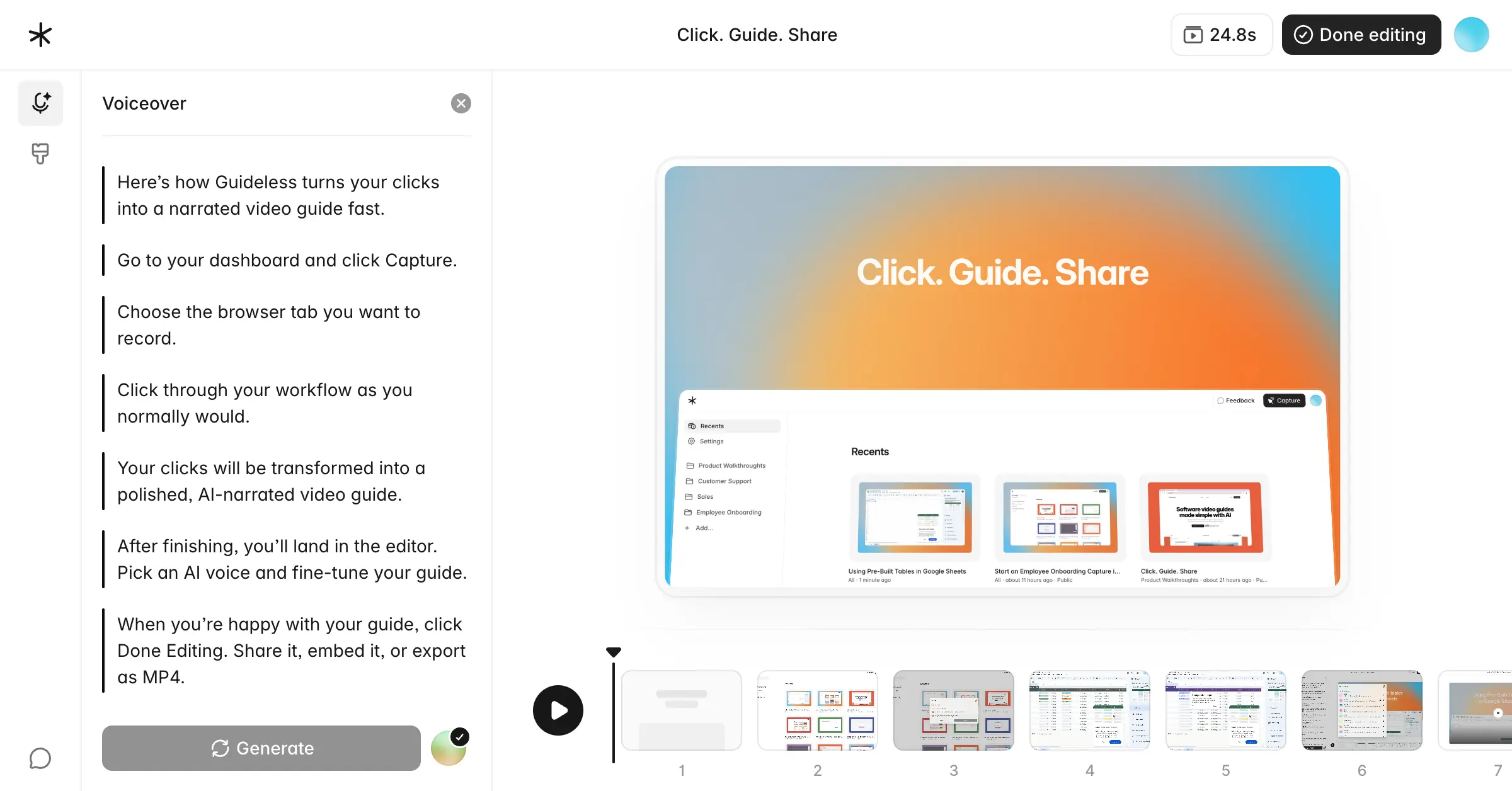
Guideless also handles the cleanup for you. It trims silent gaps and blurs sensitive information, which means guides are ready to share without spending time editing.
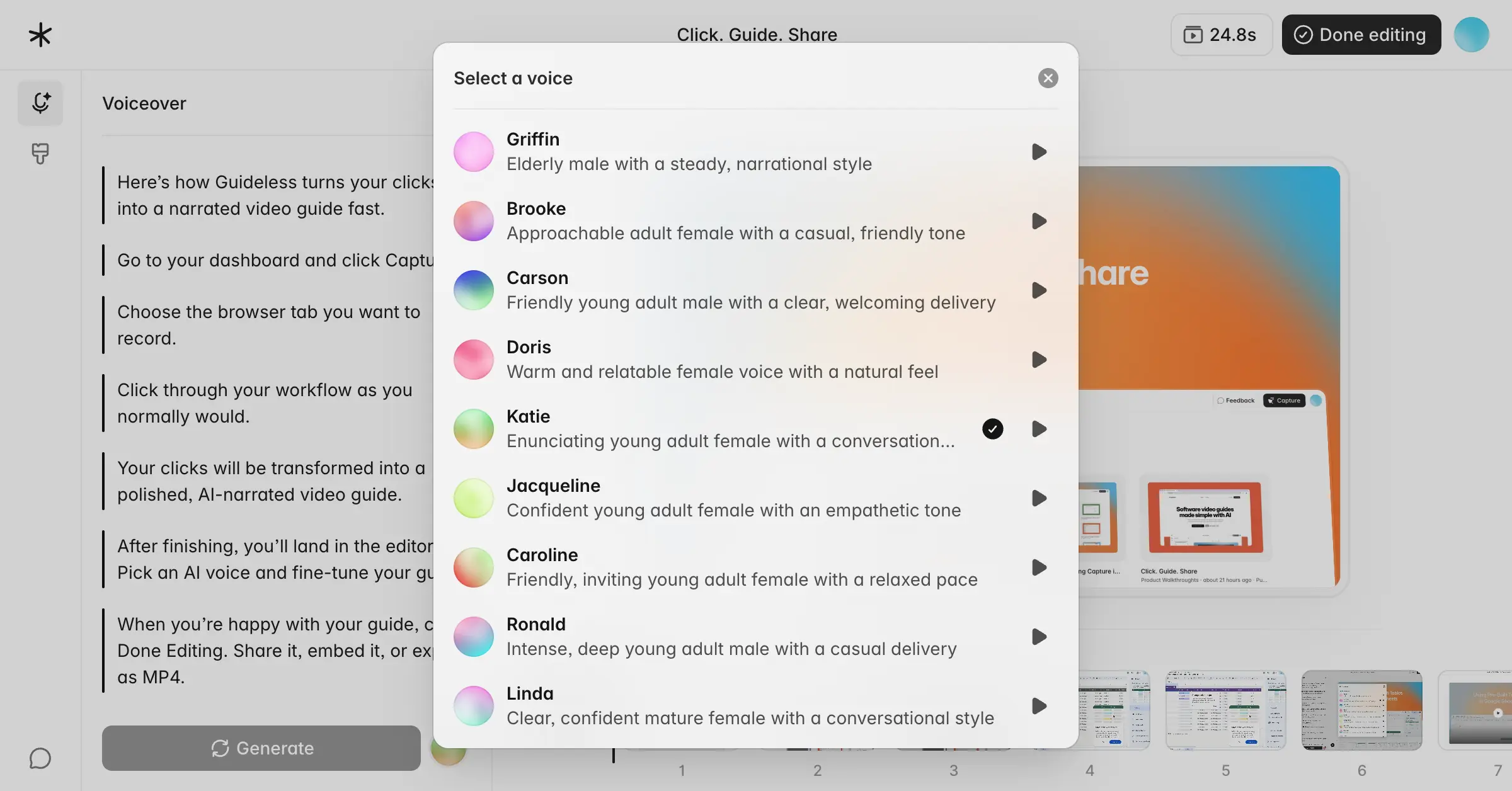
Because everything follows the same format, guides stay consistent. No matter who creates them, they look and sound polished, making documentation easier to trust and reuse across the team.
This approach is especially useful for SaaS teams creating customer onboarding, employee training, and support documentation that needs to stay current as products change.
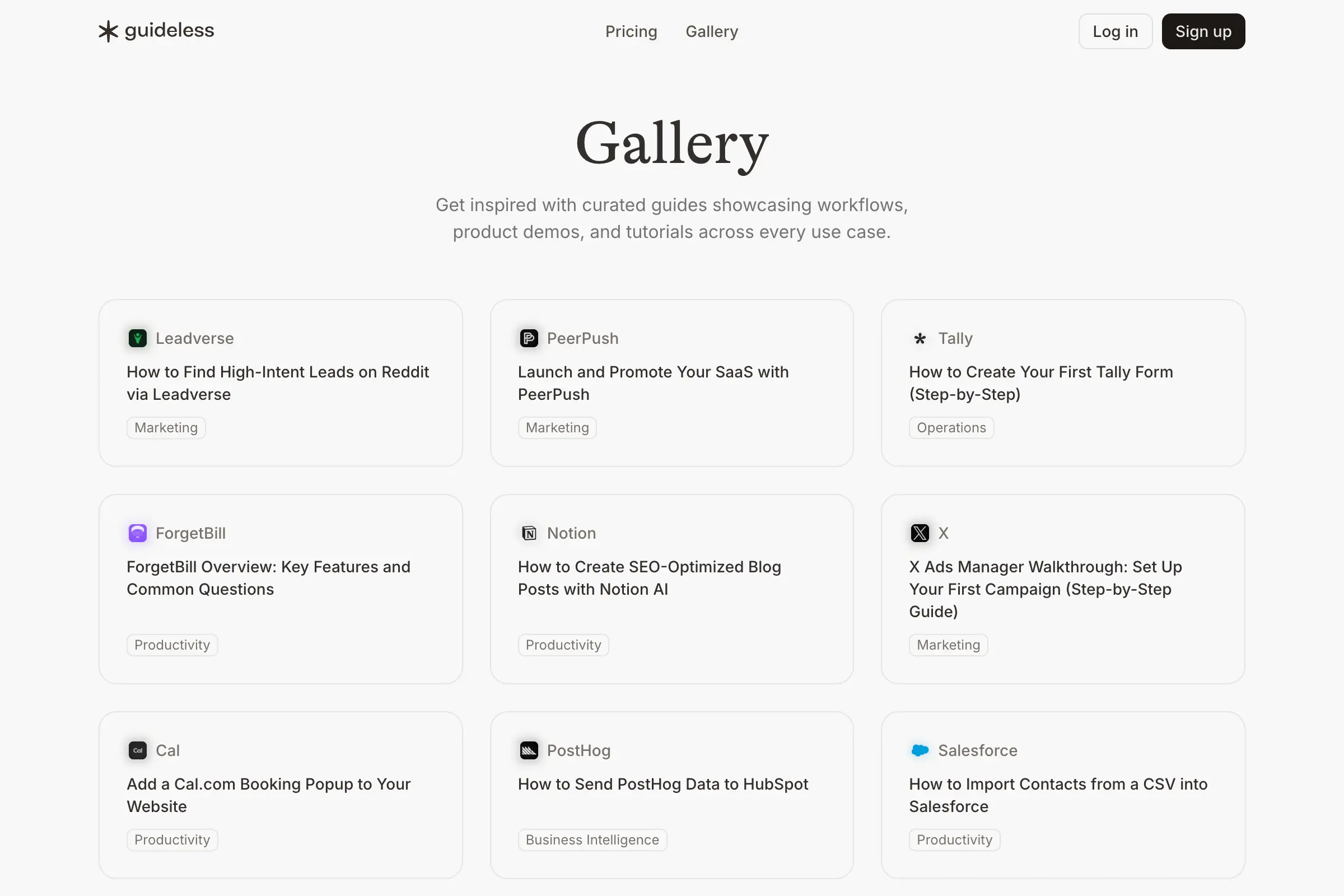
If you’re curious what these guides look like in practice, the Guideless gallery includes real examples created by SaaS teams.
Where Scribe Still Fits
Scribe works well when written documentation is the main goal. If your audience prefers reading instructions or needs printable guides and PDFs, a screenshot-based format can be easier to work with. Some teams also use Scribe to bundle multiple procedures into a single document. For structured handbooks or reference pages, a text-first approach can feel more natural. And for small teams getting started, Scribe’s free plan can be enough to create simple, static how-tos without any upfront cost.
If you want to go a step further and create polished, AI-narrated video guides for employee training, customer onboarding, and support, Guideless is built to make that easier, without adding extra work.
We also share more real-world examples in our customer case studies, where SaaS teams explain how they scale onboarding and product education with Guideless.
Final Word
Scribe is a solid option for straightforward, text-based documentation where screenshots and written steps are enough. Guideless takes a different approach by turning workflows into narrated videos, which many teams find easier to follow. If you want guides that feel more engaging without spending extra time producing them, Guideless is designed for that use case.
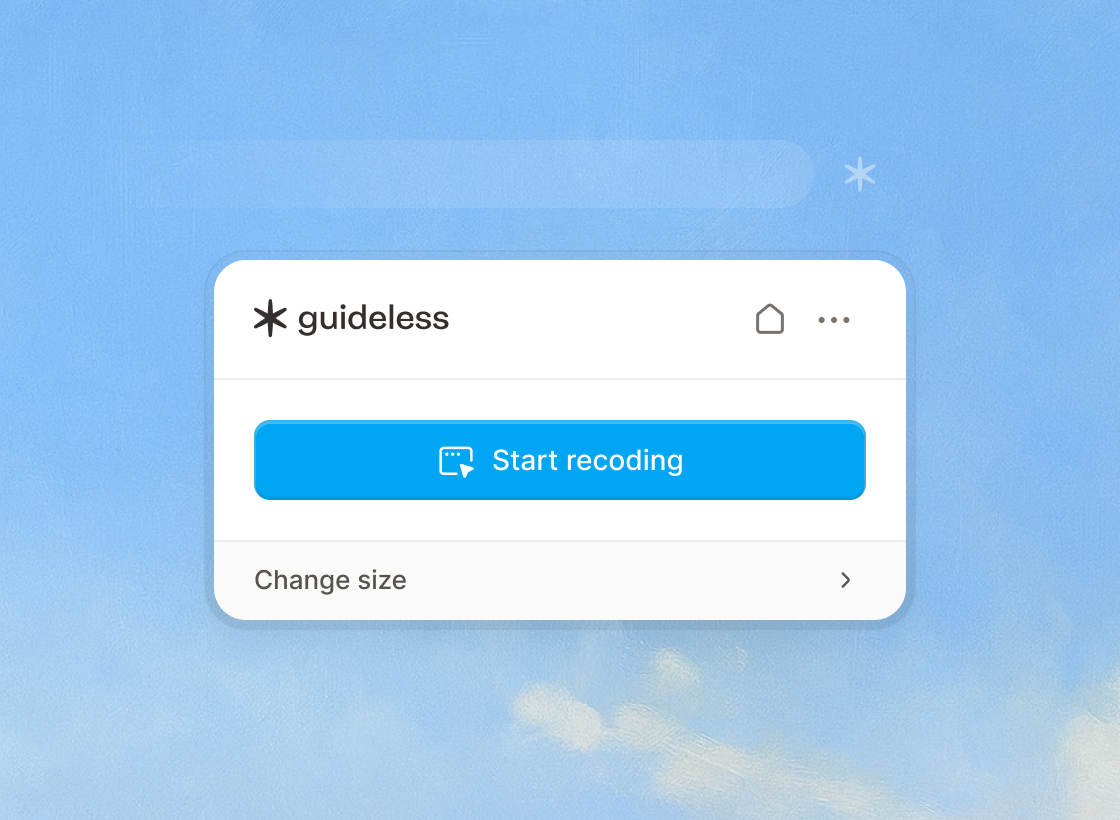
If you want to try this approach yourself, you can start free and capture your first guide in under a minute.