Rated 5.0 on G2
Create software video guides with AI
Capture it. Customize it. Share it anywhere. No video editing required.
Trusted by 3,000+ users, including teams at:
















Capture, generate, and publish from one AI-powered platform.
Capture
Just perform the task naturally. Guideless captures every step automatically, so there's nothing to narrate or explain as you go.
Generate
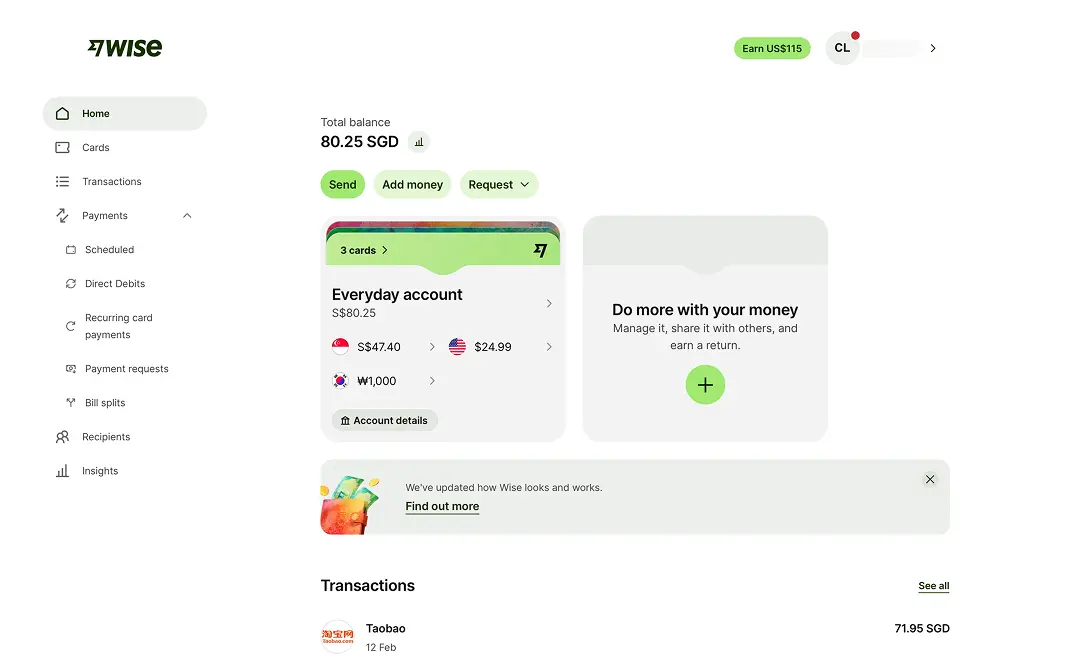
AI writes every step, generates voiceovers and captions, applies your branding, and prepares the guide for publishing.
Steps written
Voice-over generated
Branding applied
Publish
Share guides wherever they're needed with links, embeds, and MP4 exports, then track performance with built-in analytics.
Faster documentation
Fewer mistakes
Saved per person / month
Based on customer interviews and early adopter feedback
Everything you need to create, share, and scale software guides.
AI-powered editor
Keep guides up to date without recreating them. Update only what changed, regenerate AI content and voiceovers, annotate screenshots, blur sensitive information, and translate guides - all from a single editor.
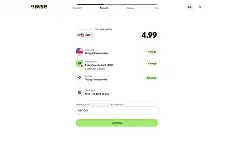
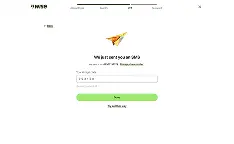
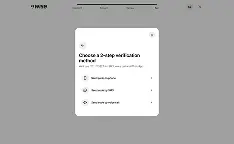
Share beyond your workspace
Share guides with a link, embed them in your help center or website, export them as MP4 or PDF, and organize your team's knowledge in shared workspaces.
Always on brand
Every guide follows the same polished style with consistent layouts, captions, animations, and branding.
42+ languages
Create guides in your team's or customers' language with AI-generated narration and voiceovers.
Measure engagement
See which guides people watch, where they drop off, and how engagement changes over time.
Collaborate
Invite teammates, assign roles, and manage shared workspaces together.
Stay organised
Keep documentation structured with folders, collections, and search.
Integrations
Share guides where work happens with Slack, Notion, Confluence, and more.
Guideless helps teams produce better documentation by making good documentation habits effortless.
Our pace is intense, and Guideless helps us turn knowledge into action.
Frequently asked questions
What can Guideless be used for?
Guideless is designed for creating software guides, employee training, customer onboarding, SOPs, product walkthroughs, internal documentation, and help center content. AI automatically generates step-by-step instructions, voiceovers, captions, and presentation effects from your workflow.
How is Guideless different from Loom?
Loom records videos that require you to explain your workflow as you go. Guideless captures your workflow automatically and uses AI to generate written instructions, voiceovers, captions, and presentation effects, making software documentation easier to create, update, and share.
How is Guideless different from Scribe?
Scribe creates written documentation with screenshots. Guideless generates narrated software guides with AI-written instructions, voiceovers, captions, smart zoom, and presentation effects for a more engaging learning experience.
Can I edit AI-generated guides?
Yes. You can rewrite instructions, regenerate narration, replace screenshots, customize themes, choose AI voices, and edit any part of the guide before publishing.
Can I export guides as MP4 videos?
Yes. Export guides as MP4 videos or publish them online with shareable links and embeddable players.
Can I embed guides into my website or knowledge base?
Yes. Embed guides into websites, help centers, documentation portals, knowledge bases, or share them with a simple link.
Which languages does Guideless support?
Guideless supports more than 40 languages with AI-generated narration and voiceovers, making it easy to create guides for global teams and customers.
Can I customize guides with my own branding?
Yes. Customize themes, colors, layouts, and AI voices to ensure every guide matches your company's brand and stays consistent across your organization.
Do viewers need a Guideless account?
No. Anyone with access to your published guide can view it without creating a Guideless account.
Is Guideless suitable for teams?
Yes. Teams can organize guides in shared workspaces, collaborate on documentation, maintain consistent branding, and publish guides from a central platform.