How to Build Effective Onboarding Content in 2026 (That Scales)

Most onboarding doesn’t fail all at once - it breaks slowly.
A guide that worked perfectly a few months ago is suddenly outdated. The product has changed, the UI looks different, and users are left trying to follow steps that no longer match reality.
Instead of reaching value, they open support tickets or drop off entirely.
That’s one of the biggest hidden reasons users churn early.
An onboarding content builder solves this by making onboarding guides fast to create, easy to update, and scalable as your product evolves.
In this guide, you’ll learn what makes onboarding content effective, which formats work best, and how to build, distribute, and maintain guides that actually scale.
What is onboarding content
Onboarding content is any material that helps users learn how to use a product, process, or workflow.
An onboarding content builder makes this faster by turning real workflows into structured onboarding guides. Instead of writing documentation or manually recording videos, teams can capture a process once and generate step-by-step guides automatically.
Onboarding usually serves two main use cases. Customer onboarding content helps users adopt a product and reach value faster. See how teams use Guideless for customer onboarding and engagement.
Formats vary, from written documentation and interactive walkthroughs to video-based onboarding guides. The best onboarding content is clear, easy to follow, and simple to update as the product evolves.
Why traditional onboarding content fails
Most onboarding fails for the same reason: it is difficult to create, hard to maintain, or too slow to update.
Static documentation does not scale
Help articles and wikis force users to translate written instructions into action. In complex, multi-step workflows, this creates friction - users lose context, misinterpret steps, or skip ahead entirely. That’s where most onboarding quietly breaks.
At the same time, written documentation becomes outdated quickly. Products change, features evolve, and UI elements shift, but documentation rarely keeps up.
When onboarding guides fall out of sync with the product, users get confused, abandon tasks, or turn to support instead of completing workflows independently - especially when teams rely on outdated approaches instead of modern tools for customer onboarding and engagement.
Manual video production takes too long
Traditional screen recordings follow a familiar workflow: script the content, record the screen, edit the footage, add narration, and export. Each step adds time and complexity, which is why teams often avoid creating video onboarding content altogether.
Even when videos are created, they quickly become a maintenance problem. A small UI change can require re-recording an entire guide, turning simple updates into time-consuming work.
As a result, video guides quickly become outdated or inconsistent, especially when different team members create guides with different styles, pacing, and levels of clarity.
Knowledge decays without update systems
Knowledge decay happens whenguides becomes inaccurate as products evolve. In fast-moving SaaS environments, this happens faster than most teams expect - and most teams don’t notice it until support tickets start piling up.
When onboarding guides fall out of sync with the actual product, users get confused. They submit support tickets, ask for help in Slack, or abandon the workflow entirely.
In fact, 74% of users will switch to another solution if the onboarding process is complicated. The operational cost compounds quickly - more tickets, more calls, and more repeated explanations.
Most teams try to solve this with the same approaches:
| Traditional Approach | Problem |
| Written documentation | Low engagement, hard to follow for complex workflows |
| Manual screen recordings | Time-intensive to create and update |
| Live walkthroughs | Does not scale and requires ongoing time from your team |
These limitations are exactly why more teams are moving toward automated onboarding content builders that turn workflows into structured, easy-to-update guides.
Not all onboarding content works the same way — each format has trade-offs
Written documentation and help articles
Text-based onboarding content in help centers, Confluence, or Notion is still the most common starting point for many teams. It’s searchable and relatively quick to create, which makes it useful for simple reference material.
However, written documentation breaks down when it comes to complex workflows. Users have to translate instructions into action, which often leads to confusion, missed steps, or drop-off.
As a result, engagement is typically low, especially for onboarding guides that require users to follow multiple steps in sequence.
Interactive walkthroughs and tooltips
Interactive walkthroughs guide users inside the product by highlighting UI elements and prompting actions step by step. This works well for simple, linear tasks where users can follow along directly in the interface.
However, this approach comes with limitations. Interactive walkthroughs often require engineering effort to set up and maintain, which slows down iteration.
They are also fragile. When the UI changes, walkthroughs can break or become misaligned, requiring ongoing fixes to stay usable.
Screen recordings and video tutorials
Traditional Loom-style recordings show real workflows with voice narration. They are visual and demonstrate exactly what to do, making it easier for users to follow along in their own product environment. For a comparison of approaches, see Guideless vs Loom.
The challenge is production overhead. Recording, editing, and maintaining video onboarding content takes significant time, which means most teams create a few videos and rarely update them.
As a result, these guides quickly become outdated or inconsistent, especially as the product evolves and workflows change.
AI-generated video guides with narration
A newer category of onboarding software captures workflows automatically and generates narrated onboarding guides without manual recording or editing. Users go through a process once, and the tool produces a structured video with captions, highlights, and voiceover.
This approach removes the biggest bottlenecks in onboarding content creation — speed and maintenance. Instead of spending hours recording and updating videos, teams can create onboarding guides in minutes and keep them up to date as the product evolves. This is exactly the approach behind tools like Guideless - capturing workflows once and turning them into structured, reusable guides.
It also aligns with how users prefer to learn. 74% of people have watched a video to learn how to use a new app or website.
Compared to other formats:
- Written documentation: Best for reference material, but difficult to follow for workflows
- Interactive walkthroughs: Best for simple in-app tasks, but requires technical setup and ongoing maintenance
- Screen recordings: Best for quick explanations, but time-consuming to update
- AI-generated onboarding guides: Best for scalable product onboarding that is easy to create, update, and distribute
Before diving into how to create onboarding materials, it’s important to understand what actually makes it effective.
What makes onboarding content effective
Clear step-by-step structure
Effective onboarding content breaks workflows into clear, sequential steps. Each step should focus on a single action, with just enough context to explain why it matters.
When multiple actions are combined or steps jump between topics, users lose clarity and struggle to follow along.
The most effective onboarding guides keep things simple - one step, one action - making it easier for users to understand and complete workflows with confidence.
Visual context and highlights
Showing exactly where to click or what to focus on removes ambiguity. Visual cues like cursor highlights, annotations, and zoom effects guide attention to the right place on screen.
This is especially important in onboarding guides, where users are following along step by step in their own product environment.
When the guide visually matches the real workflow, users gain confidence, make fewer mistakes, and complete tasks faster.
Concise narration and captions
Audio narration and captions improve comprehension, especially in complex onboarding workflows. The narration explains the “why,” while the visuals show the “how.”
Keeping narration concise is critical. Long explanations quickly lose attention, while short, direct sentences make onboarding documentation easier to follow and retain.
Well-structured onboarding guides combine clear visuals with concise narration, helping users understand faster and complete tasks with less effort.
Brand consistency across guides
Consistent formatting, colors, and tone create a more professional onboarding experience. When every guide follows the same structure and style, users know what to expect and can focus on the content instead of adapting to different formats.
Consistency across onboarding guides also builds trust, making the experience feel more reliable and easier to follow at scale.
Easy maintenance and updates
Onboarding content that cannot be updated easily quickly becomes a liability. As products evolve, outdated guides create confusion instead of helping users move forward.
The best onboarding systems make updates simple. Instead of recreating entire guides, teams can edit individual steps, screens, or narration without starting from scratch.
This makes it possible to keep onboarding content accurate, relevant, and scalable over time - which is exactly where automated onboarding builders like Guideless provide the most value.
How to build onboarding content
1. Define the workflow you want to document
Start by identifying the specific task or process to capture. Prioritize workflows that generate the most questions or support tickets, since documenting high-impact topics delivers the most value.
A focused scope produces better onboarding guides. Trying to cover too much in a single guide reduces clarity and increases the chance users will drop off before completing the workflow.
Example:
Teams using tools like Guideless often start with their most repeated support questions and turn those workflows into structured onboarding guides.
2. Capture each step in the process
Walk through the workflow while recording or capturing screenshots. The goal is to document the process exactly as users experience it, without shortcuts or workarounds.
Browser extensions and onboarding tools can automatically capture clicks and screens, reducing manual effort significantly.
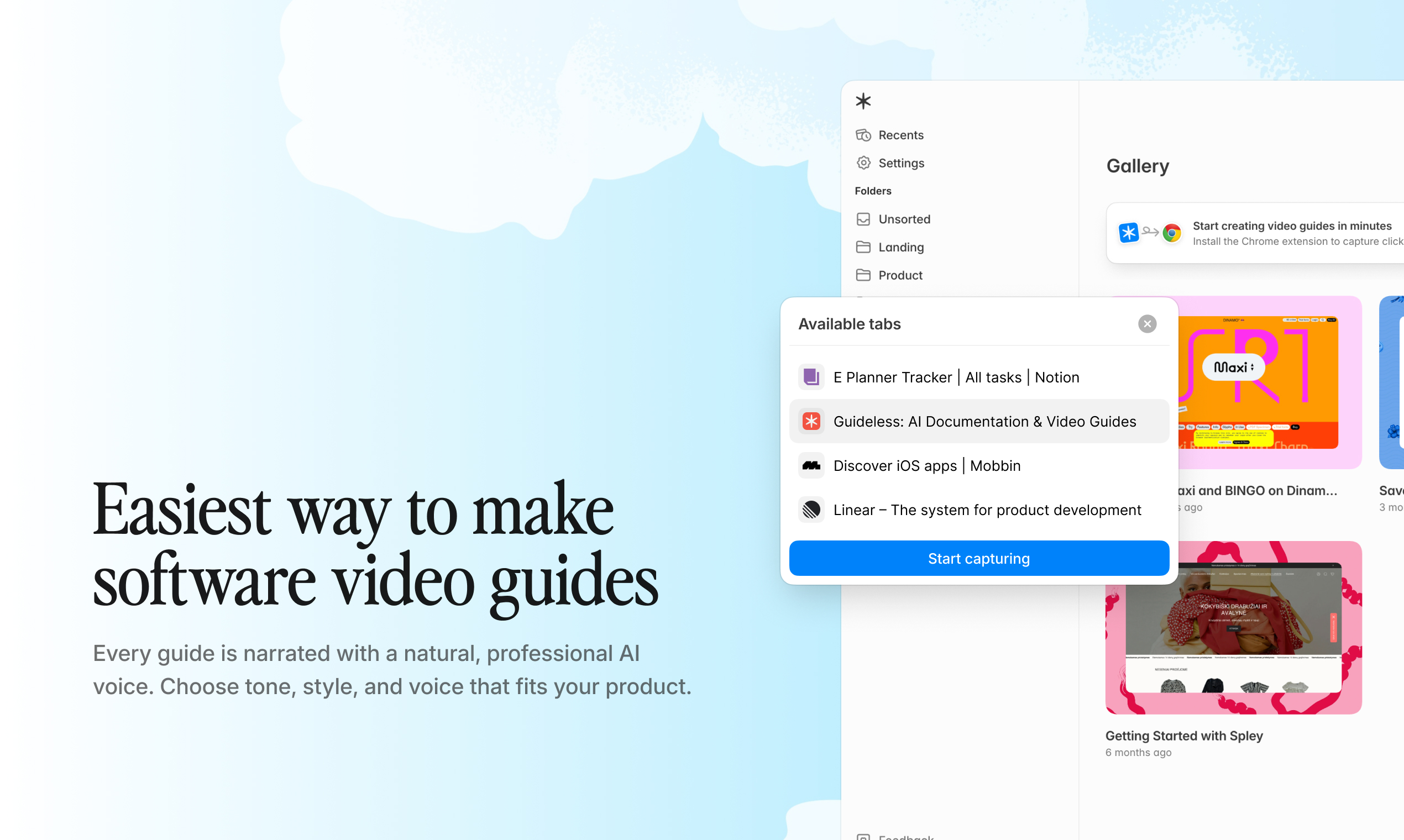
Example:
For example, Guideless can capture a workflow once and automatically turn it into structured steps with visuals.
3. Generate or write the script
Create narration text that explains each step in the workflow. AI tools can automatically generate scripts from captured actions, saving time and ensuring consistency across onboarding guides.
Review the script for accuracy and tone. Since the narration reflects your brand voice, it’s important to adjust phrasing so it sounds natural and clear.
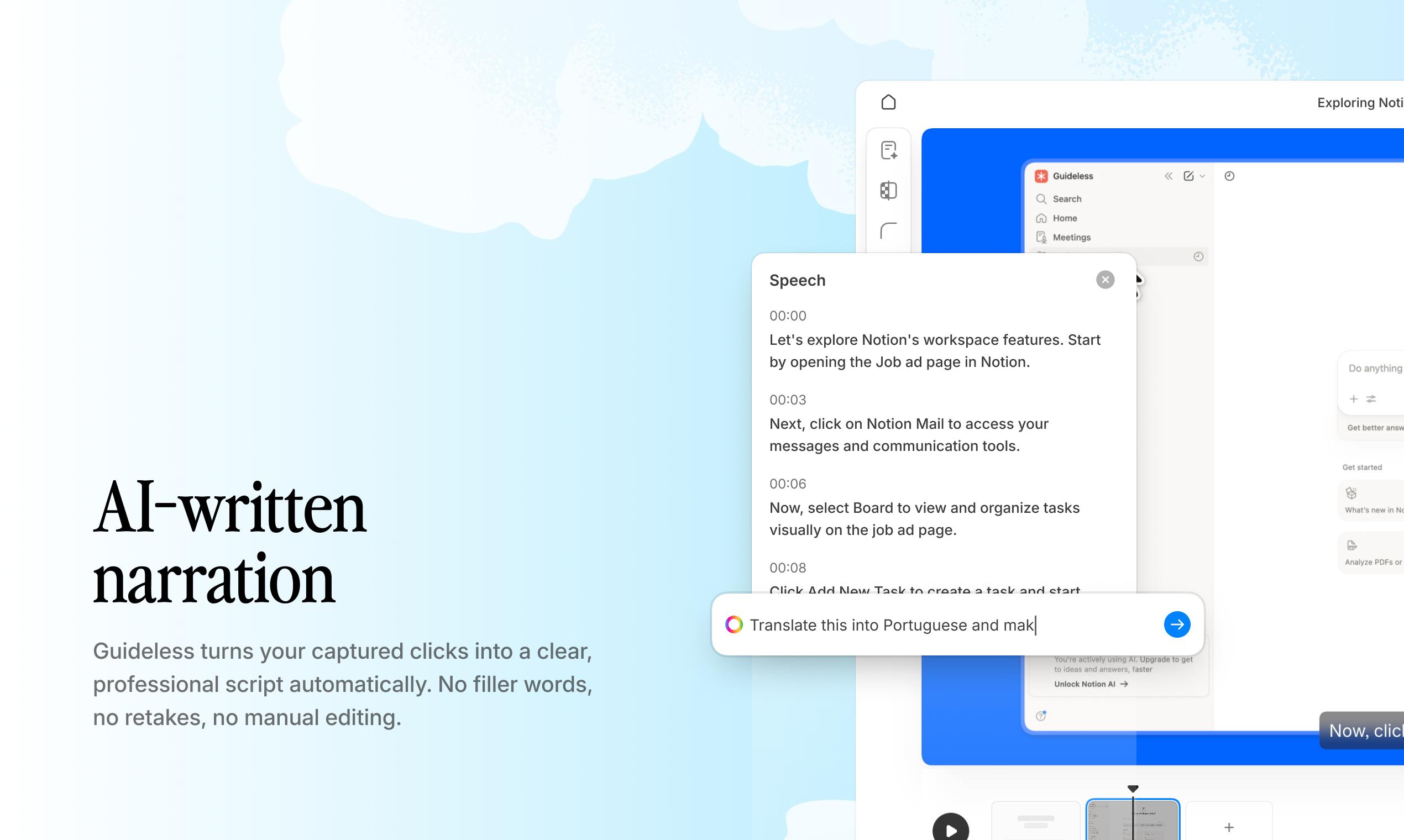
Example:
Guideless can generate narration for each step automatically, which makes it easier to refine the script without starting from scratch.
4. Add narration and visual cues
Apply voiceover to each step, either recorded manually or generated with AI voices. Then add highlights, annotations, and captions to guide attention and improve clarity.
Visual cues show users exactly where to focus, while narration provides context for each action. Together, they create onboarding guides that are easier to follow and faster to understand.
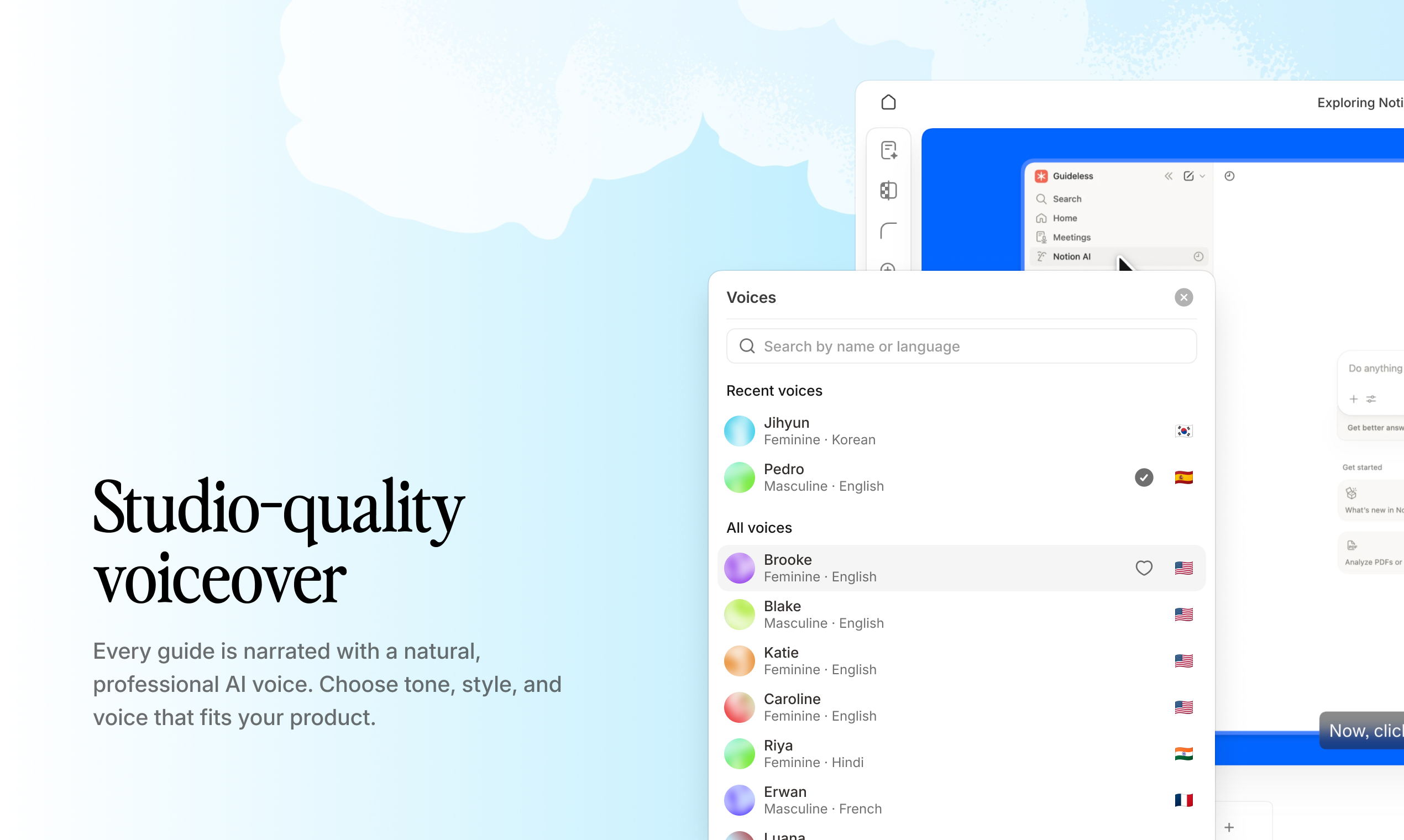
Example:
In Guideless, voiceover, captions, and highlights can be added automatically to speed up production.
5. Review and publish the guide
Before publishing, review the guide for accuracy, timing, and overall flow. Watch it from the user’s perspective and identify any steps that feel unclear or too fast.
Once finalized, choose how to distribute the guide. Common options include shareable links, embed codes for help centers, or video exports for external use.
Example:
Guides can then be shared via link or embedded into a help center, making distribution much easier across touchpoints.
How to customize onboarding content for your brand
Brand colors and logos
Applying brand colors and logos makes onboarding documentation instantly recognizable. Use consistent colors across backgrounds, accents, and text, and add your logo to guide headers or outros to reinforce brand identity.
Tone and voice settings
Choose a voice style that matches your brand personality. Whether using AI-generated narration or recorded voiceovers, tone, pace, and clarity should align with how your product communicates. Inconsistent voice can break the experience and reduce trust.
Custom backgrounds and formatting
Custom backgrounds and formatting add a polished, professional feel to onboarding guides. Adjust captions, text styles, and transitions to create a consistent structure that improves readability and perceived quality.
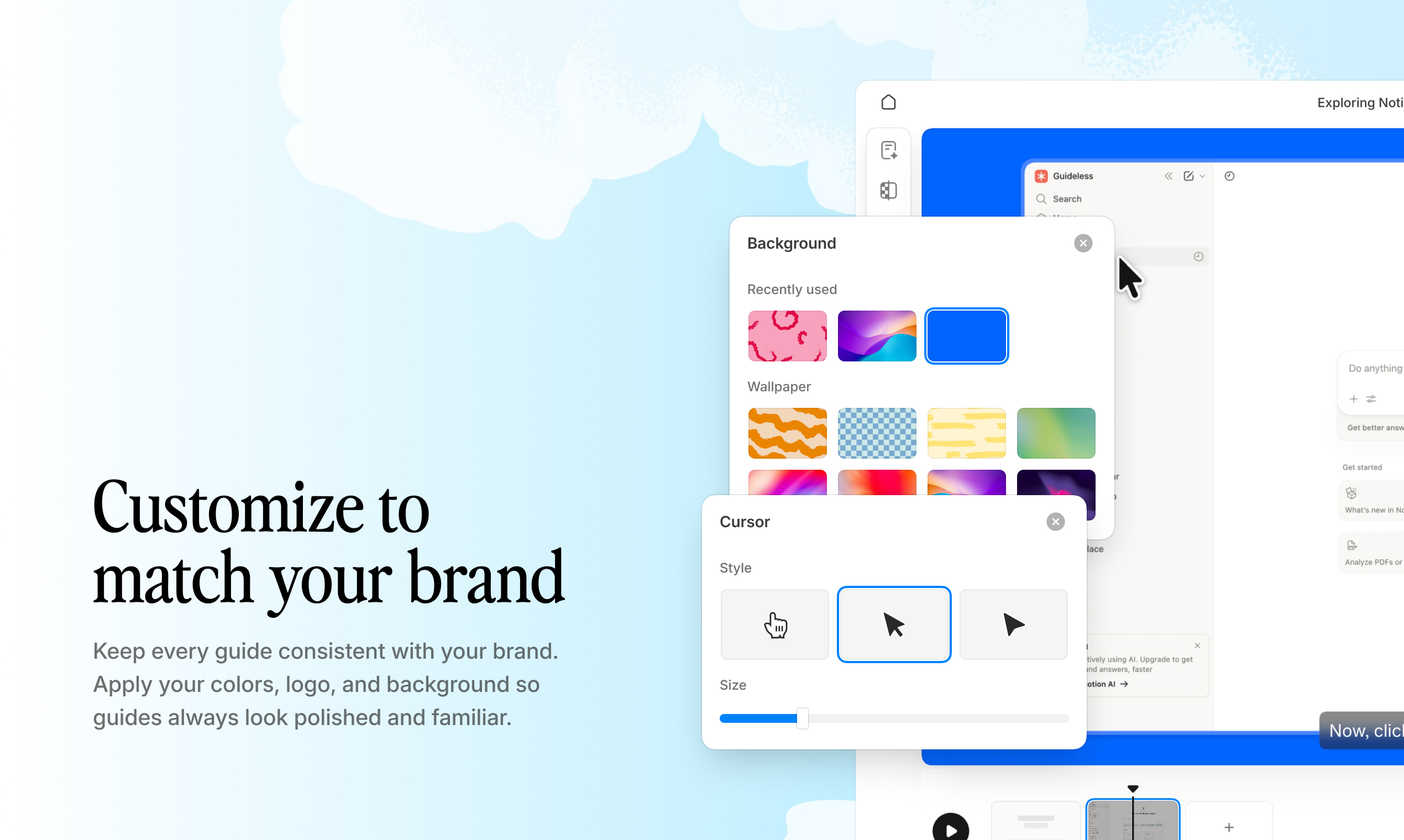
Example:
With tools like Guideless, you can apply brand colors, voice settings, and formatting across all onboarding guides to keep the experience consistent at scale.
How to distribute onboarding materials
Share via link
Generate a shareable URL for any onboarding guide. Use links in onboarding emails, Slack messages, or CRM workflows. Links are simple, trackable, and work across any channel.
Embed in help centers and documentation
Embed onboarding guides directly into help articles or internal documentation. Users can watch without leaving the page, reducing context-switching and helping them stay focused on the workflow.
Integrate into product surfaces
Add onboarding content to in-app help menus, tooltips, or empty states. Contextual placement improves discoverability by showing guides exactly when users need them.
Export for external use
Export onboarding guides as MP4 or GIF files for presentations, partner training, or offline access. This makes it easy to reuse content across different environments.
Example:
With tools like Guideless, onboarding guides can be shared via link, embedded into help centers, or integrated into product experiences, making distribution seamless across all touchpoints.
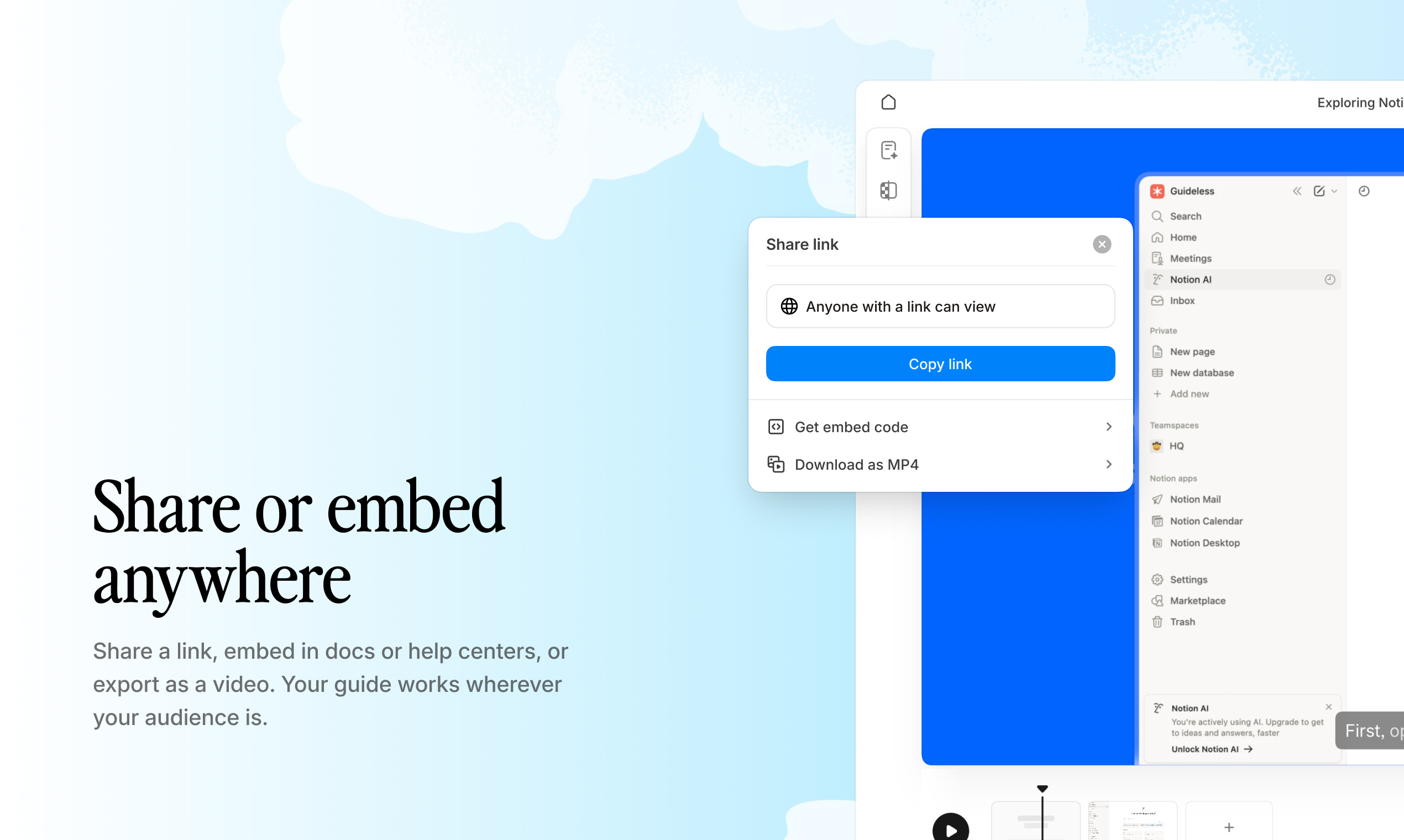
Common distribution channels include:
- Help center: Embed guides alongside written documentation
- Onboarding emails: Link to guides in welcome and activation sequences
- In-app help: Surface guides directly inside the product UI
- Internal wikis: Embed in Notion, Confluence, or company intranets
The more accessible your onboarding content is, the more likely users are to engage with it when they actually need help.
How to measure onboarding content performance
Creating onboarding content is only half the job - the real value comes from measuring whether it actually helps users succeed.
Track view and completion rates
View counts show how many users are reaching your onboarding content, while completion rates indicate how engaging and useful it is. Low completion rates often signal that a guide is too long, unclear, or not aligned with user expectations.
Identify drop-off points
Analytics that show where users stop watching onboarding guides help identify friction points. A drop-off at a specific step usually means that step is confusing, unnecessary, or poorly explained.
Tracking this data allows teams to improve onboarding documentation based on real user behavior instead of assumptions.
Monitor support ticket reduction
One of the strongest indicators of effective onboarding is a decrease in support tickets. By linking onboarding guides to specific workflows, teams can measure how content reduces repetitive questions and support load.
In many cases, effective onboarding content can reduce support tickets by up to 83%, directly impacting operational efficiency.
Example:
With tools like Guideless, teams can track engagement and optimize onboarding guides over time, improving completion rates and reducing support dependency.
How to maintain and update onboarding content
Identify outdated guides
Onboarding content becomes outdated quickly as products evolve. Common triggers for review include product updates, UI changes, and feature deprecation.
Tracking guide age and last-updated timestamps helps prioritize which onboarding guides need attention first. Outdated guides often cause more harm than no guides at all, as users lose trust when content does not match the actual product.
Reviewing strong onboarding guide examples can also help teams benchmark quality and spot gaps in their own content.
Update steps without re-recording
Modern onboarding tools allow teams to update individual steps without recreating entire guides. Screens, scripts, and narration can be edited independently, making it significantly easier to keep content accurate over time.
Example:
With tools like Guideless, teams can update specific steps without re-recording the entire guide, reducing maintenance effort and keeping onboarding content aligned with the product.
Establish a regular review cycle
Tie onboarding content reviews to product release cycles. Assign clear ownership and review guides regularly to prevent content decay.
A consistent review process turns onboarding from a reactive task into a scalable, ongoing system.
Who benefits from an onboarding content builder
Customer success and onboarding teams
Scale customer onboarding without live calls. Replace repetitive walkthroughs with onboarding guides that users can access anytime, reducing time-to-value while freeing up team bandwidth.
Product and enablement teams
Document features, launch updates, and train users on new functionality. Onboarding content becomes a scalable channel for product education, allowing teams to ship both features and explanations at the same time.
HR and internal training teams
Onboard employees to internal tools and processes with clear, visual onboarding guides. Clear, visual onboarding guides reduce ramp time and remove the need for repeated live training sessions, especially for new hires learning internal tools.
Support and documentation teams
Turn repetitive questions into reusable onboarding content. Instead of answering the same questions repeatedly, support teams can direct users to guides that solve problems independently and reduce support load at scale.
Build onboarding guides that scale with your team
Effective onboarding isn't creating more - it’s about creating content that stays accurate, easy to follow, and simple to maintain.
With the right onboarding builder, teams can capture workflows once and turn them into structured guides that scale across users, teams, and use cases.
Whether you're onboarding customers, employees, or users to new features, the same principle applies: the easier a guide is to create and maintain, the more likely it is to stay useful.
Common questions about onboarding
What is the difference between customer and employee onboarding?
Customer onboarding helps external users learn a product, driving adoption and reducing support dependency. Employee onboarding focuses on training internal teams on tools and processes to reduce ramp time. While the formats are similar, the goals and audiences differ.
How long should an onboarding guide be?
Onboarding guides work best when they focus on a single task and can be completed in a few minutes. Shorter guides tend to have higher completion rates. For complex workflows, it’s more effective to break them into multiple focused onboarding guides.
Can onboarding content be created in multiple languages?
Yes, most onboarding content builders support AI-generated voiceover and captions in multiple languages. This allows teams to localize onboarding content without re-recording, making it easier to support global users at scale.
What is the best format for software workflow onboarding?
Video-based guides with step-by-step narration and visual highlights are typically the most effective. They show exactly what to do in context, reducing confusion and improving retention compared to written documentation.
How often should onboarding content be reviewed and updated?
Guides should be reviewed whenever the product UI or workflow changes. Establishing a regular review cycle tied to product releases helps prevent outdated guides and maintain user trust.