How to Set Up a Paperless Onboarding Process That Actually Works

Paper-based onboarding is outdated. It is slow, prone to mistakes, and hard to manage as your team grows. Each new hire brings more printing, signature chasing, lost paperwork, and repeated questions that HR has already answered.
Paperless onboarding solves these problems. Digital workflows handle documentation, training, and administrative tasks automatically, allowing HR to focus on people rather than paperwork. This guide will show you how to build an effective paperless onboarding process, from choosing the right software to creating useful video guides for new hires.
What is paperless onboarding
Paperless onboarding is a digital onboarding process where employee documents, training, and workflows are managed online instead of using physical paperwork.
With paperless onboarding, all tasks like documents, training, and admin are managed digitally. There is no need to print forms, collect physical signatures, or search for paper files. New hires can complete tax forms, sign policies, and begin training on their laptops or phones before their first day. This approach matches the pace of modern workplaces.
Paper-based onboarding creates unnecessary problems. Lost documents, delayed signatures, and wasted HR time all point to an inefficient process. Paperless onboarding solves these issues by centralizing everything in one digital system, making the process smoother and more effective.
Why paperless onboarding matters for growing teams
If you only hire a few people each year, paper processes might work. However, when hiring increases to 50 or 100 people, problems quickly multiply. Nearly one in five new hires leave within 45 days. Here are the main issues with traditional onboarding:
Slow hire to productivity time
Paper-based processes make onboarding slow. Printing, signing, scanning, and mailing forms can turn a quick task into a long wait. New hires often spend unnecessary time waiting for paperwork before they can start training.
According to SHRM's employee onboarding research, organizations with a standard onboarding process see new hires become 50% more productive.
Compliance and document risk
Paper documents can easily be misplaced. When auditors request forms from previous years, finding them can be difficult. Incomplete paperwork and missing signatures increase compliance risks with each new hire.
Inconsistent new hire experience
Manual onboarding is unpredictable. One new hire may receive a thorough introduction, while another only gets paperwork. This inconsistency slows down progress and can create a poor first impression. According to HBR, only half of new hires are satisfied with their onboarding.
HR time lost to manual admin
Collecting signatures, answering the same questions, and filing paperwork take up hours each week. Surprisingly, more than a third of businesses still lack automation tools for these tasks. As a result, HR spends valuable time on administrative tasks rather than supporting new hires.
What you need before you set up paperless onboarding
Before you set up a paperless onboarding process, gather a few things upfront:
- HR process audit: Document every current onboarding step and every form involved
- Stakeholder alignment: Identify who owns each part of onboarding, including HR, IT, hiring managers, and legal
- Software access: Confirm admin credentials for HR, payroll, and IT systems
- Content inventory: List all documents, policies, and training materials that will move to digital formats
Doing this preparation helps prevent problems later. If you skip the audit, you may only notice missing steps when a new hire encounters issues on their first day. It is much easier to find and fix gaps now than to solve them under pressure later.
How to set up paperless onboarding: a step-by-step guide
The following steps walk through the sequence most teams follow when transitioning to paperless onboarding. Each step builds on the previous one.
Step 1. Choose paperless onboarding software
Select your main onboarding platform carefully, as it is central to your process. Choosing the wrong one can cause problems and extra work in the future.
Choose software that integrates well with your HR and payroll systems, meets compliance needs, and is easy for both HR and new hires to use. Focus on reliability and integration rather than unnecessary features. Often, a straightforward tool that connects easily is better than a complex system that does not integrate well.
Step 2. Digitize onboarding documents and forms
Next up: digitize your forms. Tax forms (W-4, state withholding), direct deposit, emergency contacts, NDAs, policy acknowledgments, all of it becomes fillable, digital, and easy to track.
Use e-signature tools that actually meet legal requirements for each document. For example, I-9 verification has strict DHS rules. Most generic e-signature tools will not cut it.
Always verify compliance before collecting digital signatures. This helps you avoid problems later.
Step 3. Integrate with your HR and payroll systems
Connect your onboarding platform to your HRIS, payroll, and benefits administration systems. Integration matters because data flows automatically, reducing duplicate entry and keeping records synchronized.
With proper integration, new-hire data is automatically sent to payroll and benefits providers, eliminating manual entry and reducing errors. If you skip this step, your team will spend unnecessary time copying and pasting information.
Step 4. Build a centralized new hire welcome portal
Create a single destination where new hires access all onboarding materials. The portal becomes the new hire's home base during their first weeks.
A good welcome portal includes company information, team introductions, first-week schedules, and links to important tools, all in one place. New hires can find answers there instead of searching through emails or messaging HR repeatedly.
Step 5. Create video guides for internal tools and training
Most people do not want to read a long PDF about submitting expenses. New hires prefer to see clear instructions on what to do.
Static PDFs and long written guides just do not cut it for onboarding. New hires want to see what to do, not read about it. That is where Guideless stands apart. Guideless lets you record a real workflow as you do it, and instantly turns it into a step-by-step video guide you can share with every new hire. No editing required, no technical skills needed. The result? People actually complete their onboarding and use your tools correctly from day one.
This approach is especially powerful for internal tools such as Slack, HRIS, expense platforms, and any software your team relies on. Instead of rewriting instructions or recording endless videos, capture a workflow once in Guideless, and you have an evergreen, easy-to-follow guide for every future hire. Ready to see it in action? Try creating your first Guideless video guide now and watch onboarding engagement jump.
Example of a video onboarding guide created with Guideless
Step 6. Automate reminders and approval workflows
Set up automated reminders for incomplete tasks, manager approvals, and important check-ins. This reduces the need for HR to follow up manually and helps ensure nothing is overlooked.
If a new hire misses their tax forms, the system automatically sends them a reminder. If a manager forgets to approve equipment, they receive a notification. This removes the need for manual deadline tracking and repeated reminder emails.
Step 7. Track onboarding progress and engagement
Dashboards show who is having trouble, who is progressing, and how quickly new hires become productive. Use these tools to monitor progress, identify issues, and improve the onboarding process. This way, you rely on data instead of assumptions.
Analytics help demonstrate your return on investment to leadership. They show how onboarding time decreases and where any bottlenecks remain. Without tracking, you lack important insights.
Guideless insights show how many new hires viewed each onboarding video guide
Common pitfalls in paperless employee onboarding
Even with careful planning, problems can occur. Here are some common mistakes to watch for.
Treating digitization as a replacement for training
A common mistake is uploading PDFs and considering that sufficient for onboarding. New hires need clear instructions, not just forms. Digital forms can be just as confusing as paper ones without proper guidance.
Digitization handles paperwork. Training handles learning. Do not confuse the two.
Ignoring I-9 and e-signature compliance
Legal requirements must be followed, especially for I-9 verification. Generic e-signature tools may not meet these standards, and non-compliance can create serious risks. Make sure to address this from the beginning.
Letting onboarding content go stale
Processes often change, but documentation is not always updated. Outdated instructions can lead to mistakes, reduce trust, and make new hires doubt the onboarding process.
Plan to review your onboarding content regularly, at least every quarter. Without regular updates, your onboarding process can become outdated and less effective.
Underinvesting in async workflows for remote hires
Remote hires do not have colleagues nearby to ask for help. If your onboarding process assumes everyone is in the same time zone, remote employees may struggle. Providing self-serve resources is essential.
When your team is distributed, video guides and clear documentation are essential. These resources help remote employees succeed.
Paperless onboarding software categories to consider
A complete paperless onboarding system typically involves multiple tool categories working together. Here's how the categories break down:
| Category | Purpose | Key Features |
| HRIS and core onboarding platforms | Manage employee records and onboarding workflows | Task checklists, document storage, and tracking |
| E-signature and digital forms tools | Collect legally binding signatures remotely | Fillable forms, audit trails, template libraries |
| Training and product education tools | Teach new hires how to use internal software | Video guides, step-by-step walkthroughs, progress tracking |
| Workflow automation and integration layers | Connect systems and trigger actions automatically | Conditional logic, notifications, data sync |
HRIS and core onboarding platforms
HRIS platforms manage employee data and onboarding tasks. They track completed and pending items, as well as employee progress. While most cover basic needs, many teams add dedicated onboarding tools.
E-signature and digital forms tools
E-signature tools help complete paperwork and ensure compliance. Choose tools that provide audit trails to verify when and how documents were signed. Template libraries can also speed up the process.
Training and product education tools
Step-by-step demonstrations are very effective for onboarding. Guideless is designed for this purpose, making it easy to create and share video guides for your internal tools. You can quickly produce onboarding content without editing or recording from scratch, and new hires are more likely to use it. Consider using Guideless to improve your onboarding process.
Workflow automation and integration layers
Automation tools link your systems so data moves automatically, without manual transfers. When a new hire completes onboarding, the system can immediately start IT account setup. This approach helps you grow your team efficiently.
Example of paperless employee onboarding in practice
Here's how paperless onboarding typically works at a SaaS company:
Pre-boarding (before day one): The new hire receives a welcome email with a link to the onboarding portal. They complete tax forms, direct deposit, and policy acknowledgments using e-signatures. All documents sync automatically to the HRIS.
Day one: The new hire logs into the portal and finds their first-week schedule, team introductions, and links to tools. They watch video guides on setting up Slack, navigating the HRIS, and submitting expenses.
First week: The system sends automatic reminders for incomplete tasks. The manager receives a notification to schedule a check-in. HR monitors the dashboard to ensure everything is on track.
There is no need for paper, chasing signatures, or repeating explanations.
The system handles the admin. HR finally gets to focus on what matters: helping new hires succeed and stick around.
Build a paperless onboarding system that scales
Setting up paperless onboarding is straightforward: choose your software, digitize your documents, connect your systems, build a portal, add video guides, automate tasks, and track important metrics. The goal is a system that works for every new hire, every time, with minimal manual effort.
The key difference between a successful and unsuccessful paperless onboarding system is ongoing maintenance. If your content becomes outdated or workflows stop working, new hires will notice right away. Set up regular review cycles and choose tools that make updates easy. Otherwise, problems will develop over time.
To improve onboarding, move beyond static documents and basic video platforms. Guideless lets you record your internal workflows and share step-by-step video guides with new hires. This saves time, reduces confusion, and helps new employees get started quickly.
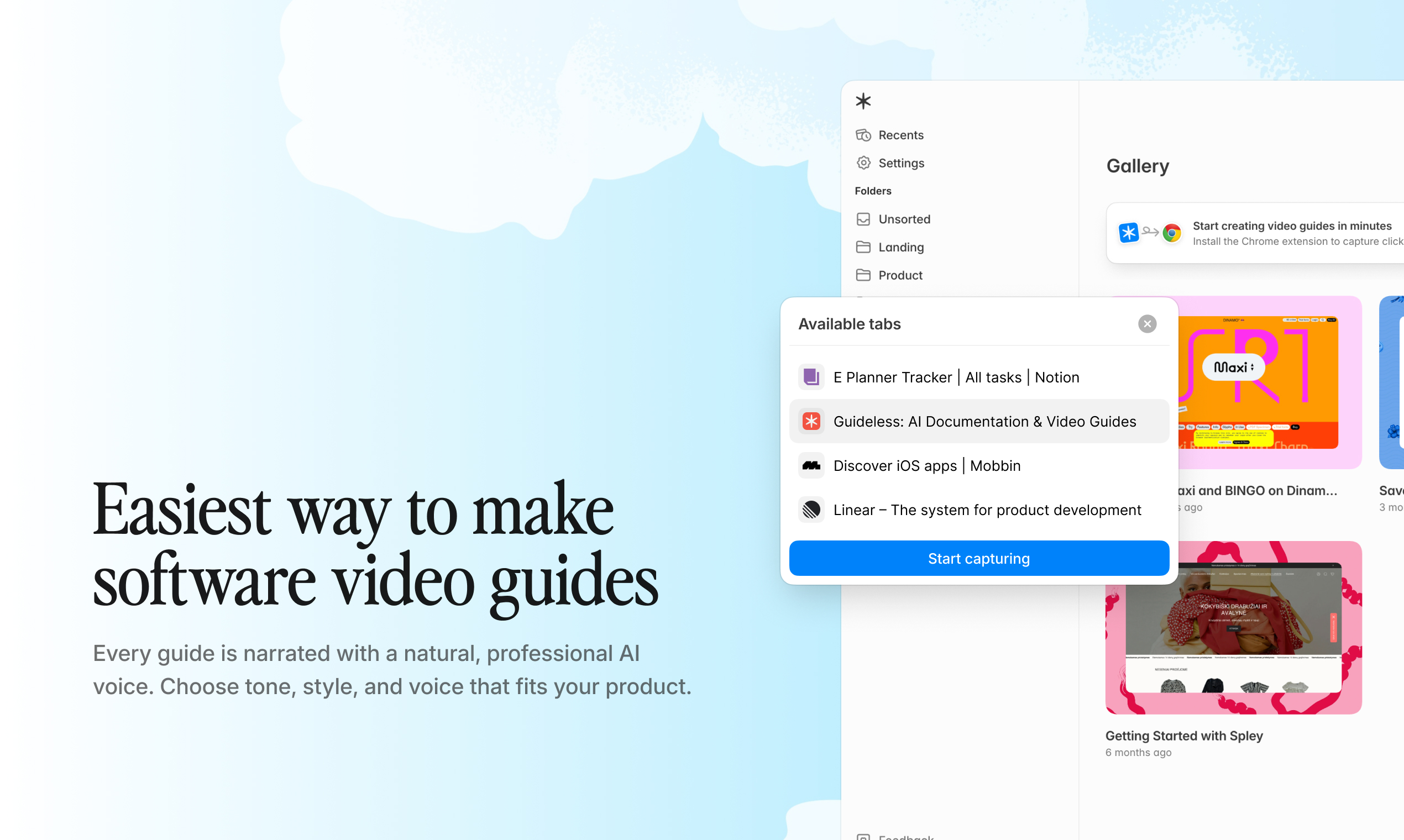
Try best paperless onboarding software for free
Frequently asked questions about paperless onboarding
What are the 5 C's of onboarding?
The 5 C's are Compliance, Clarification, Culture, Connection, and Check-back. Compliance covers legal and policy requirements. Clarification addresses role expectations.
Culture introduces company values and norms. Connection builds relationships with colleagues. Check-back ensures ongoing feedback and support.
How do you stay I-9 compliant with paperless onboarding?
Use an e-signature tool that meets DHS requirements for completing electronic I-9s. Identity documents can be verified in person or through an authorized remote verification process, such as E-Verify's remote examination option. Check the current DHS guidance, as requirements have evolved in recent years.
How long does it take to set up a paperless onboarding system?
Implementation time depends on the complexity of existing processes and the number of integrations required. Most teams can launch a basic paperless onboarding workflow within two to four weeks. More complex implementations with multiple integrations may take longer.
What is the difference between paperless onboarding and digital onboarding?
The terms are often used interchangeably. Both refer to managing new-hire processes using digital tools rather than physical paperwork. Some organizations use "digital onboarding" to emphasize the broader experience, while "paperless onboarding" focuses specifically on eliminating paper documents.