Most workplace training breaks for the same reason. It depends on people explaining things over and over again. Manual training drains productivity. Documentation goes out of date. Senior team members become bottlenecks. And new hires are left piecing things together from videos, screenshots, and half-written docs.
A workplace automation trainer solves this by capturing real work and turning it into self-service training that scales. Instead of explaining how something works, teams show the workflow once and let everyone learn by doing. That’s the idea behind Guideless.
What is a workplace automation trainer?
A workplace automation trainer is a system that teaches employees how to complete workflows step by step, without relying on live training sessions or static documentation.
Instead of someone explaining how to run a report, update a CRM, or configure a tool, the trainer generates a visual workflow that employees can follow on their own. The training comes directly from the real product or system, not from screenshots or written instructions. You train once. The workflow becomes reusable. Everyone else learns when they need it.
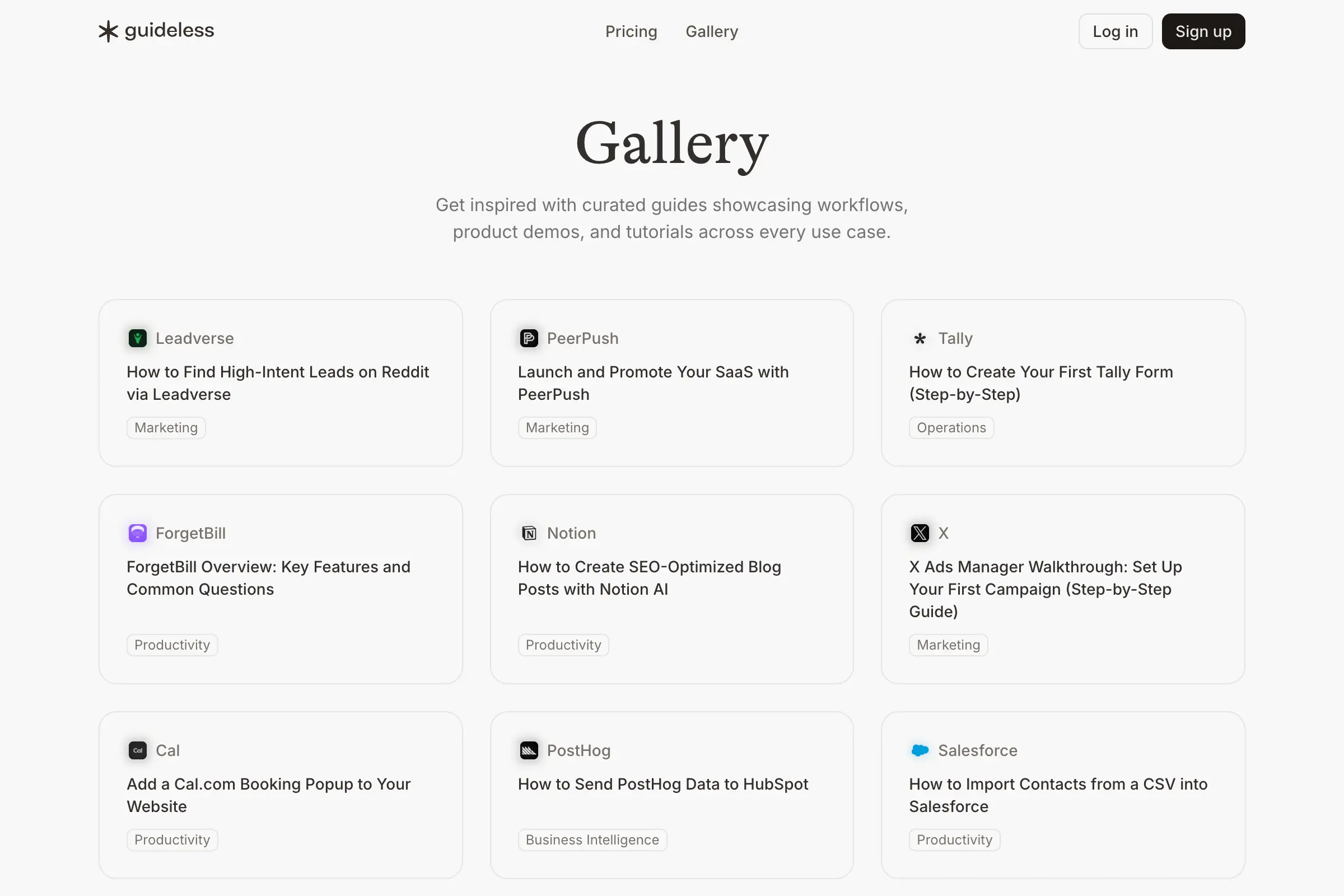
If you want to see what this looks like in practice, the Guideless gallery shows real examples of workflows turned into self-serve guides across onboarding, training, and support.
Why teams move toward automated training
As teams grow, traditional training starts to slow everything down. The same workflows get explained repeatedly. Documentation becomes outdated the moment the UI changes. Subject-matter experts spend more time answering questions than doing their actual work. Videos show what happens on screen, but don’t guide people through decisions or steps.
Employees rarely ask for theory. They ask one simple question: “What do I click to get this result?”
A workplace automation trainer answers that question directly. This is especially true for onboarding. Many teams adopt workflow-based training to reduce ramp time and help new hires become productive faster. Our overview of the employee onboarding workflow creator explains how this shift works in practice.
How Guideless works as a workplace automation trainer
Guideless turns real workflows into guided training automatically. You don’t script lessons or write documentation. You simply perform the workflow as you normally would. Guideless captures the actions, not screenshots, and generates a visual guide with clear steps, highlights, and context.
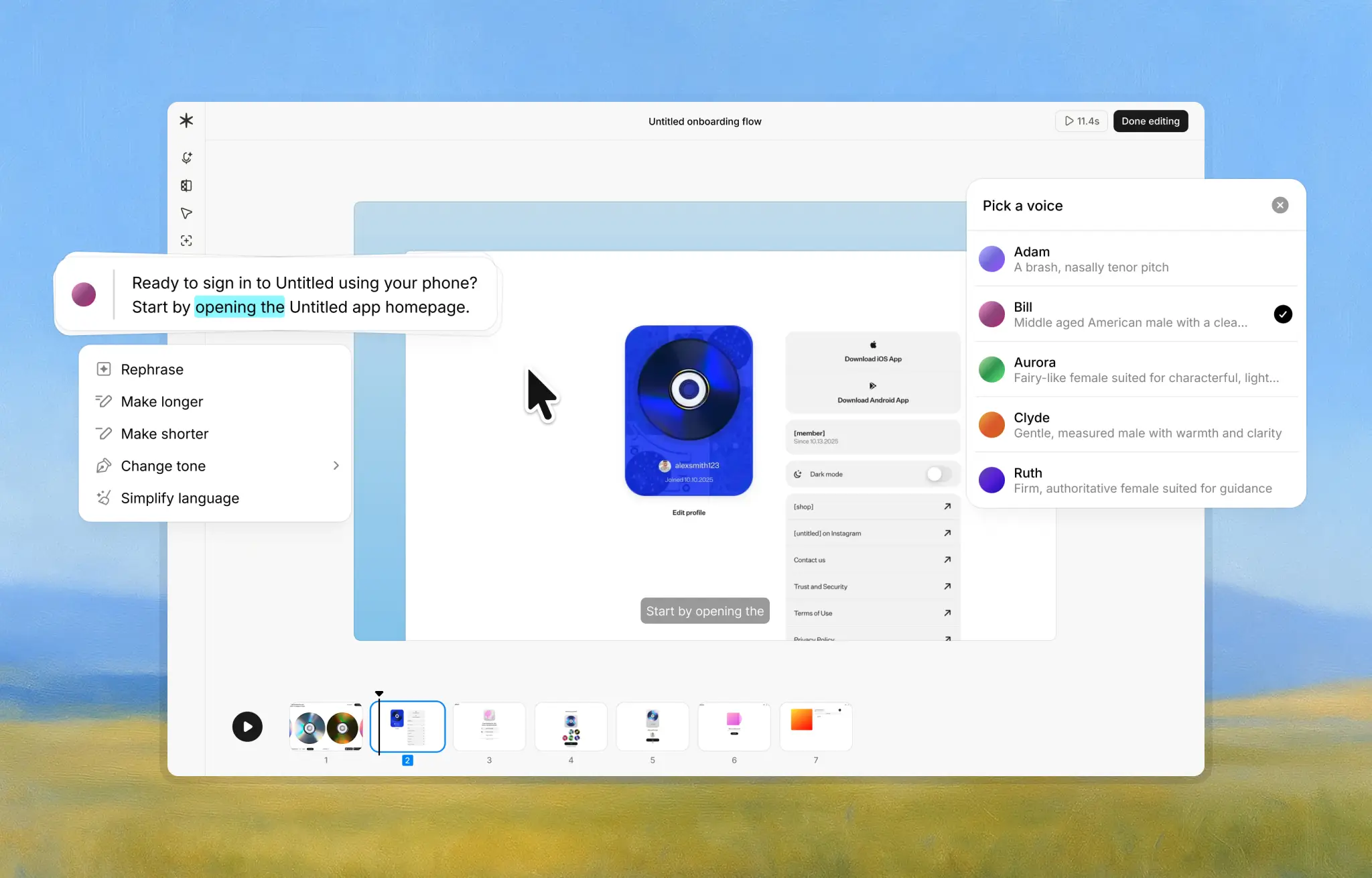
Employees then follow that guide like a GPS. It’s available on demand, self-serve, and can be updated effortlessly when the UI or process changes. This makes training easier to create, easier to maintain, and easier to trust. If you’re curious how this applies to customer-facing workflows as well, our guide on AI product walkthroughs for onboarding, training, and support covers those use cases in more detail.
Common use cases
Teams use workplace automation training across many functions. Support teams document ticket routing, escalation flows, and standard responses. HR and operations teams onboard employees into benefits, payroll, and access systems. Product teams explain new features, admin processes, and internal tools.
Customer success teams also often adopt this approach, especially when they need to reduce repetitive questions without adding more headcount. Our customer success overview describes how teams use Guideless to scale education while keeping themselves lean.
The common thread is the same. Real workflows become reusable training. You can see how different teams apply this approach in our case studies.
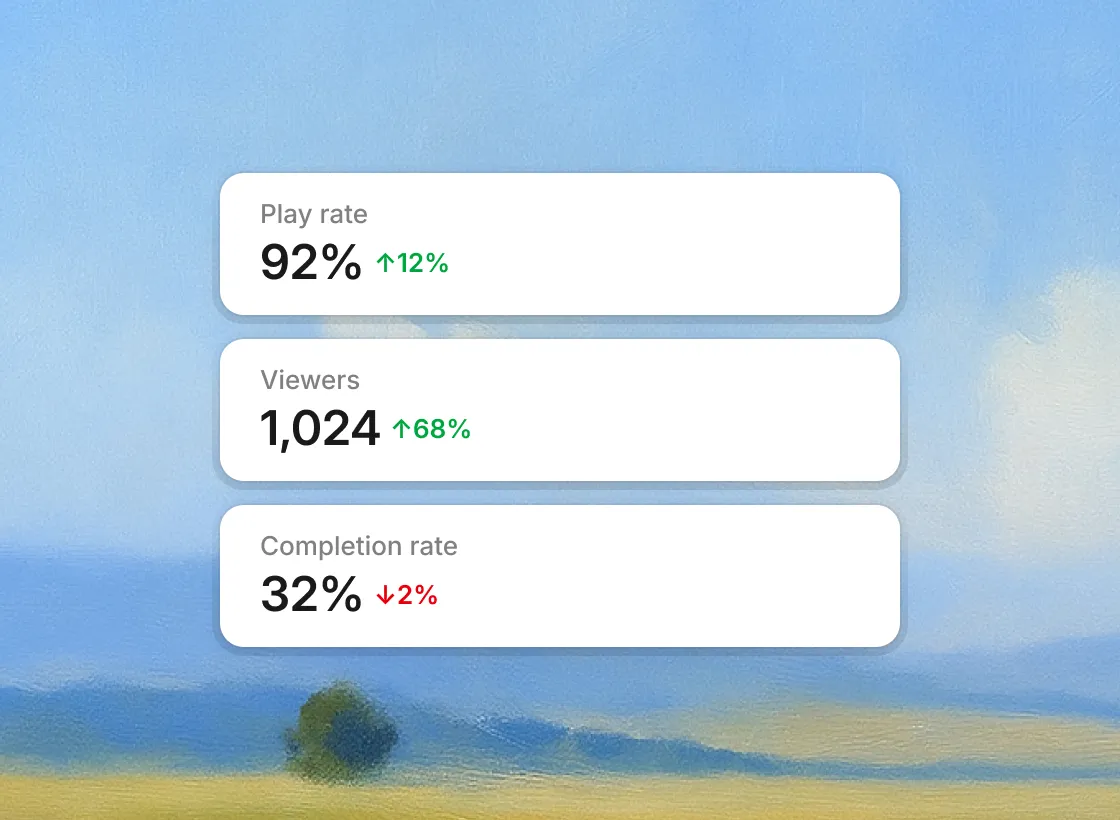
Teams using workflow-based training often see faster ramp times, fewer live training sessions, and a noticeable drop in recurring questions. Support tickets related to “how do I do this” decrease, and experts get their time back. More importantly, employees feel confident. They’re not guessing or waiting for answers. They can follow the workflow and get the job done.
How Guideless compares to other tools
Some tools focus on static screenshots. Others are powerful but heavy, built for large enterprise rollouts. Guideless is intentionally lightweight. It’s automatic, action-driven, and designed to keep training aligned with real work as it changes. If you’re comparing different tools, our onboarding software overview could help you.
Final thoughts
A workplace automation trainer isn’t about replacing people. It’s about removing repetition and letting workflows teach themselves.
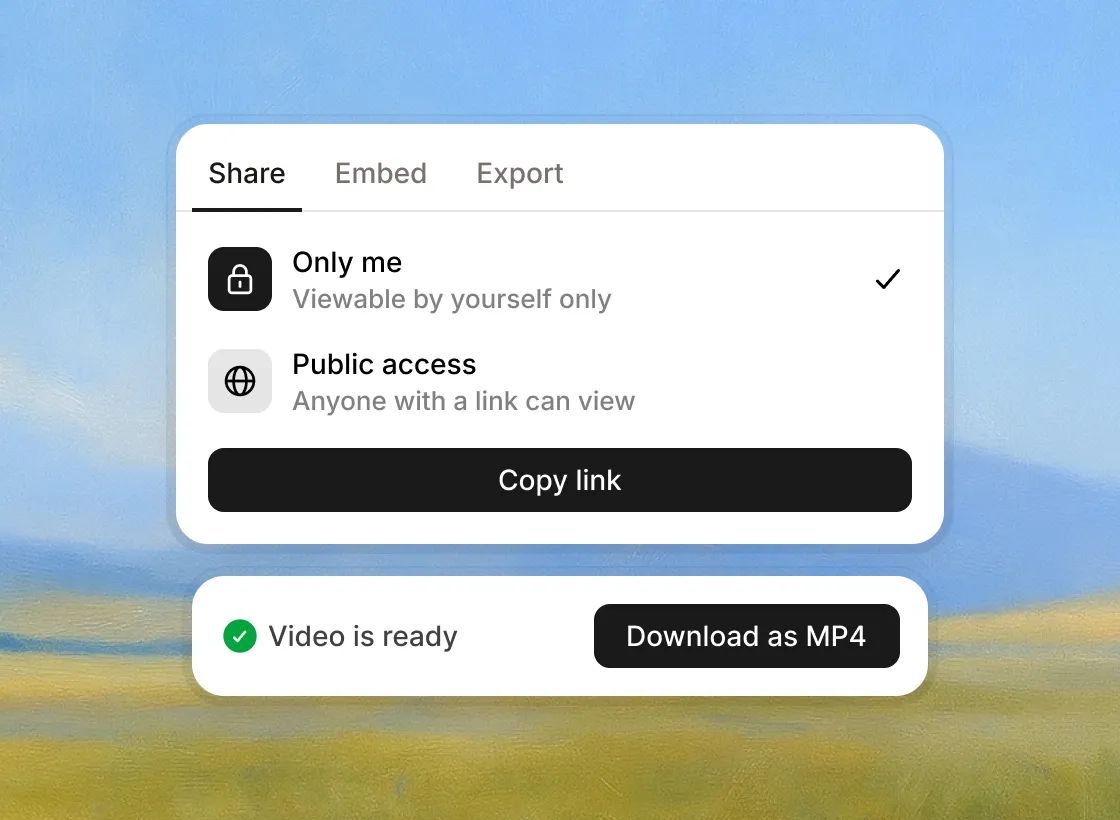
Guideless helps teams turn everyday work into self-serve training that stays current, reduces friction, and scales as the organization grows. If training keeps slowing your team down, this approach is worth exploring.
👉 Try creating your first guide today. It takes less than a minute.