
Key takeaways:
- A how-to guide solves one specific task step by step, unlike tutorials or reference docs.
- Focus on one specific outcome instead of documenting an entire system at once.
- Walk through the task yourself as you document it to catch small steps you might otherwise forget.
- Use the how-to guide template below to give every guide a goal, prerequisites, ordered steps, and visuals in a logical order.
- Test your guide with a beginner to reveal missing details and confusing steps.
Product managers and support teams often need to explain complex workflows clearly, which makes how-to guides an essential part of user education and support. We’ll share a reliable system for turning complex workflows into clear step-by-step instructions.
You’ll find the elements every good how-to guide needs: a seven-step framework for creating how-to guides, real how-to guide examples, and a simple how-to guide template you can reuse.
What is a how-to guide?
A how-to guide helps a user solve one specific problem step by step. It serves a different purpose than other types of documentation.
For example, tutorials teach broad skills through practice, reference docs list facts, parameters, and syntax for quick lookup, and blog posts explain how something works on a broader level without asking the reader to complete a task.
What makes a good how-to guide?
A great guide speaks the user's language and matches their knowledge level. To help users get from a problem to a solution, most effective how-to guides include these core elements:
- Goal statement. Provides a quick summary that explains what the reader will accomplish.
- Target audience definition. Tells the reader if the guide is actually for them.
- Prerequisites. Lists the tools, accounts, or permissions needed to start.
- Ordered steps. Breaks the task into clear, sequential actions using numbered lists or bullet points.
- Visuals. Shows the user exactly where to look or click.
- Tips and warnings. Highlights potential mistakes before they happen.
- Troubleshooting. Explains how to fix common errors.
- Outcome verification. Helps the reader confirm they did the task right.
When writing, focus on one action at a time and start with a strong active verb. This helps readers know exactly what to do next.
How to create a how-to guide: the framework
This framework works for customer-facing help content and internal documentation, and it helps you create effective how-to guides that improve the customer experience.
1. Define the goal and narrow the topic
If your topic is too broad, you’ll likely cover more ground than necessary without explaining any single task in enough detail.
For example, “Manage user permissions” is too vague. A specific goal like “Grant an employee read-only database access” makes the steps obvious.
2. Understand who you're writing for
Understand your target audience before you start writing so you use the right vocabulary and avoid bad assumptions about their skills. For example, a junior analyst needs different background information than a senior developer.
3. Map the process before writing
Always do the task yourself instead of trying to remember the steps, as experts often forget, or even skip, some steps that would be needed for a beginner. It will help you catch the small details that might confuse a new user.
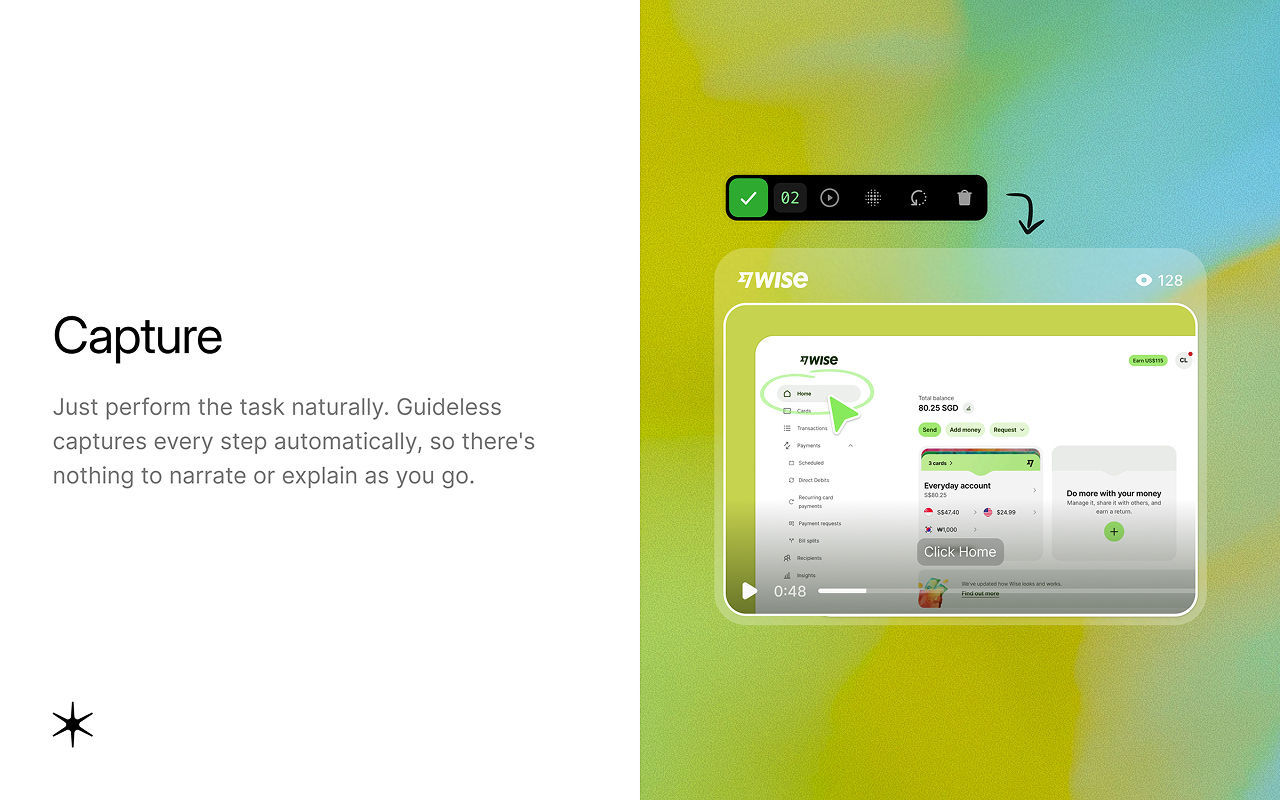
For software tasks, capturing the workflow as you perform it helps document each step in sequence, including the actions an experienced user might otherwise forget to mention.
4. Write the steps
Stick to one action per step and start with an active verb. Vague instructions like “Configure the server settings” can leave readers unsure what to do.
Specific steps like “Click the Advanced tab and enter the port number in the Network field” tell them exactly what to do.
5. Add visuals at each step
Good visual content shows the button or menu the user needs to click, and short captions provide context. For software workflows, tools like Guideless can capture each step as you complete the task in your browser and turn the workflow into a visual, narrated guide.
6. Test with someone who hasn't done the task
A good how-to guide survives a first-time reader, so watch a colleague follow yours and note where they hesitate, backtrack, or ask questions.
As with any of your own projects, you already know how the process works, which means you will likely miss key information or leave gaps in your own step-by-step instructions.
7. Publish, distribute, and maintain
Keep your finished guides in an accessible knowledge base so people can find them easily. Schedule regular reviews to make sure they stay accurate as workflows and interfaces change.
How-to guide examples
Looking at step-by-step instructions from successful companies shows how different industries use them to fit their users.
For hardware and physical products, IKEA assembly manuals beat language barriers entirely by using sequential diagrams to show customers how to build furniture. Apple support articles take a similar user-friendly approach, relying on a clear structure and plenty of white space to walk consumers through device troubleshooting without overwhelming them.
For technical or internal audiences, the process differs. Stripe API documentation pairs conceptual overviews directly with copyable code snippets. GitLab publishes its entire employee handbook publicly so remote workers always have access to internal company procedures.
Software and marketing guides often require a mix of media. HubSpot marketing articles embed video walkthroughs and detailed text to teach people how to run campaigns. Zapier tutorials, by contrast, rely heavily on short steps and annotated screenshots to help non-technical users connect different software tools.
Creating step-by-step guides for software workflows
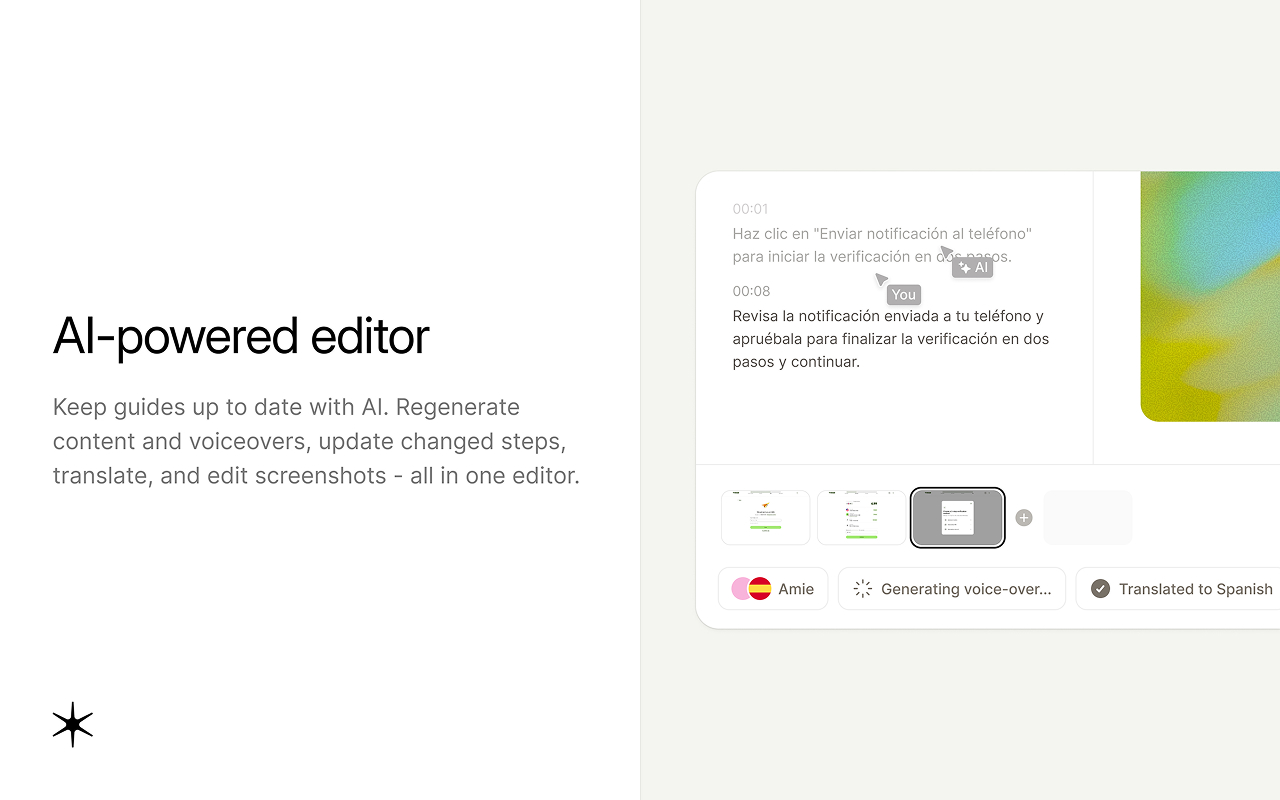
Software interfaces change frequently, making how-to guides time-consuming for product teams to create and maintain. One way to reduce that work is to use specialized tools that capture the workflow as you complete it and turn it into a step-by-step guide.
One of those tools is Guideless, which captures a software workflow directly in your browser and turns it into an editable, step-by-step guide with AI narration. If the workflow changes, you can update the affected step without recreating the entire guide.
Common mistakes when creating guides
Treat this as a pre-publish checklist for creating guides your readers can actually follow:
- Writing the guide for yourself, not for people who may lack context.
- Skipping obvious steps and using vague language.
- Not checking that the instructions are accurate before publishing.
- Using outdated visuals for updated software interfaces.
- Never testing the guide with a real user before publishing.
- Publishing once and never updating it. Add every guide to your editorial calendar for regular reviews.
Guideless captures a browser workflow and turns it into an editable, narrated step-by-step guide, so your next how-to guide gets created while you do the task. The free plan covers your first three guides.