
Most teams don't actually want another video editor. They just need a guide that's ready to share before the meeting starts.
Trupeer combines video, written documentation, translation, and a knowledge base into a single platform. Guideless focuses on one thing: it turns a browser workflow into an AI-narrated guide in just minutes, without any scripting, recording, or editing. If you prefer speed and simplicity instead of an all-in-one suite, Guideless is the first Trupeer alternative you should try.
Try Guideless free · See example guides
The short verdict: choose Guideless for fast, simple workflow guides. Choose Trupeer for broader video, documentation, translation, and knowledge base needs.
Why teams look for a Trupeer alternative
Trupeer covers a lot of ground: screen recording, AI video editing, avatars, translation, and an optional knowledge base. That range works for some teams, but it also means more setup, more menus, and more decisions before your first guide is ready to share.
On paper, Trupeer looks like the bigger tool, and it's easy to assume bigger means better. In practice, most teams never touch half of that feature list. They open the app expecting to quickly create a guide, but the broader feature set introduces more decisions along the way. More features only pay off if you actually use them.
Most people comparing Trupeer alternatives are looking for one or more of these:
- Something simpler than a full video and documentation platform
- A faster path from a recorded workflow to step-by-step guides they can share right away
- A clear picture of pricing, usage limits, exports, seats, and custom branding before they commit
If any of that sounds familiar, it's worth putting Guideless and Trupeer side by side.
Guideless vs Trupeer: feature comparison
Both tools promise the same outcome: turn a workflow into something you can share instead of explaining it live, over and over. How they get there and what you have to do along the way is where the real differences show up.
| Feature | Guideless | Trupeer |
|---|---|---|
| Primary use case | Fast, AI-narrated guides for browser workflows | Video, written documentation, and knowledge base platform |
| Capture method | Chrome extension, click through your workflow | Chrome extension screen recording, or upload an existing video |
| AI voiceover | Included by default on every guide | Included, plus AI avatars for presenter-style videos |
| Written documentation | Not the main focus | Auto-generated step-by-step docs from every recording |
| Translation | AI-powered multilingual script rewriting | One-click translation into 65+ languages |
| Editing | Edit the script, reorder steps, and adjust narration without re-recording | Word-processor style editor with automated zoom effects and filler-word cleanup |
| Sharing | Share link, embed code, MP4 export | Share link, embed, MP4 export, plus a dedicated knowledge base site |
| Custom branding | Available on paid plans | Available on Scale and Enterprise plans |
| Best-fit users | Teams that want a quick, no-frills way to turn workflows into guides | Teams that want video, documentation, translation, and a knowledge base in one subscription |
Guideless vs Trupeer: pricing
Guideless offers just two plans. Trupeer adds more options, such as tiers, minutes, seats, and add-ons. It is important to check what each price includes before choosing a plan.
Guideless
| Plan | Price | What you get |
|---|---|---|
| Free | $0 | Up to three guides, sharing, AI narration, AI voices |
| Pro | $29/month per user (billed annually) | Unlimited guides, unlimited AI voiceover, no watermark, MP4 exports |
Trupeer
| Plan | Price | What you get |
|---|---|---|
| Free trial | $0 for 10 days | 10 AI video minutes, five AI guides, three video exports |
| Pro | $40/month (billed annually) | 20 AI video minutes, unlimited guides |
| Scale | $199/month (billed annually) | 100 AI video minutes, three editor seats, custom voices, branded share pages |
| Knowledge base | From $120/month | Add-on, on top of whatever plan you're already paying for |
Pricing reflects Trupeer's published plans at the time of writing.
Unlike Trupeer, Guideless doesn't add AI minute limits, additional pricing tiers, or separate paid add-ons. What you see is what you pay.
What Guideless does better as a Trupeer alternative
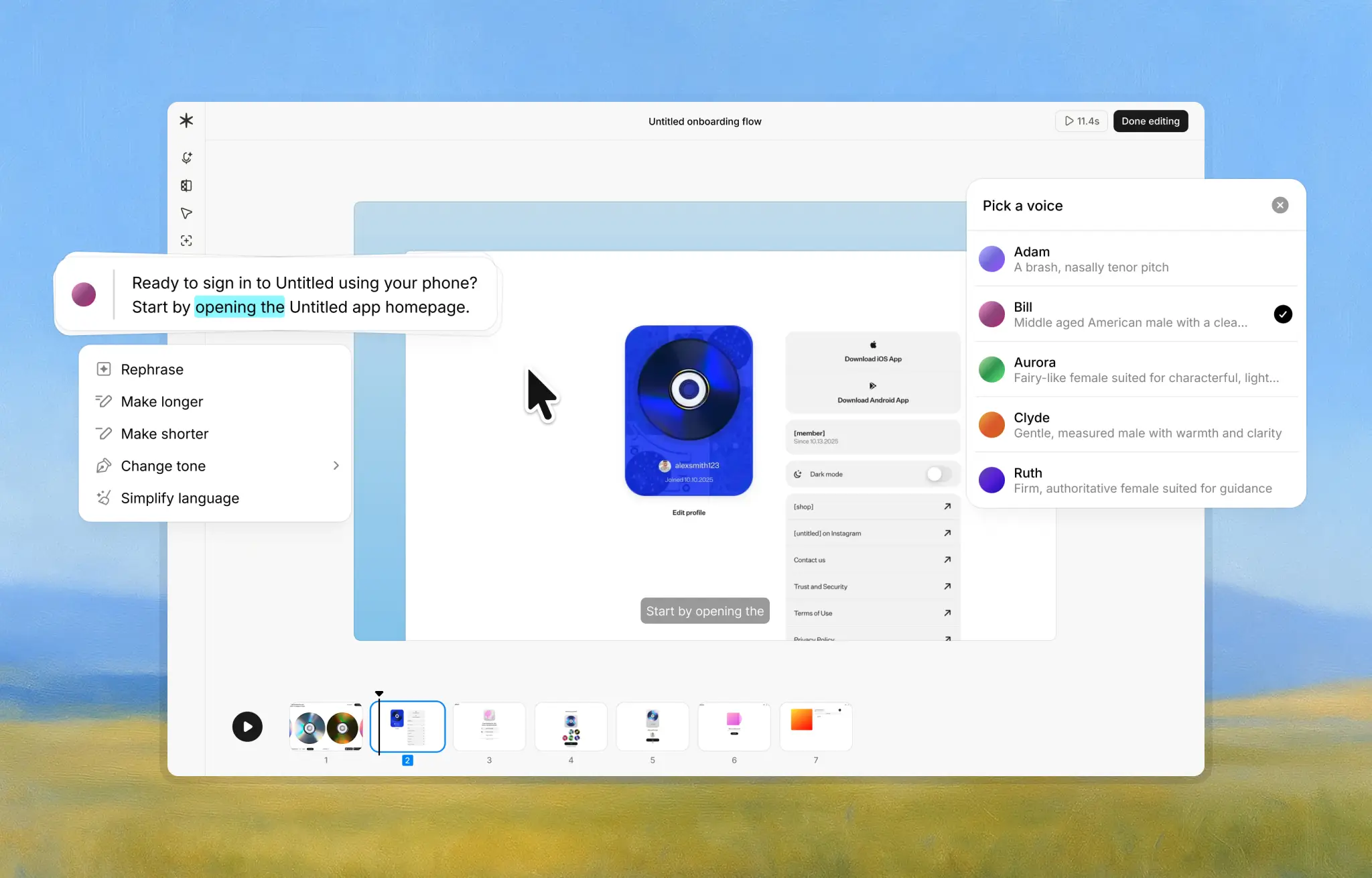
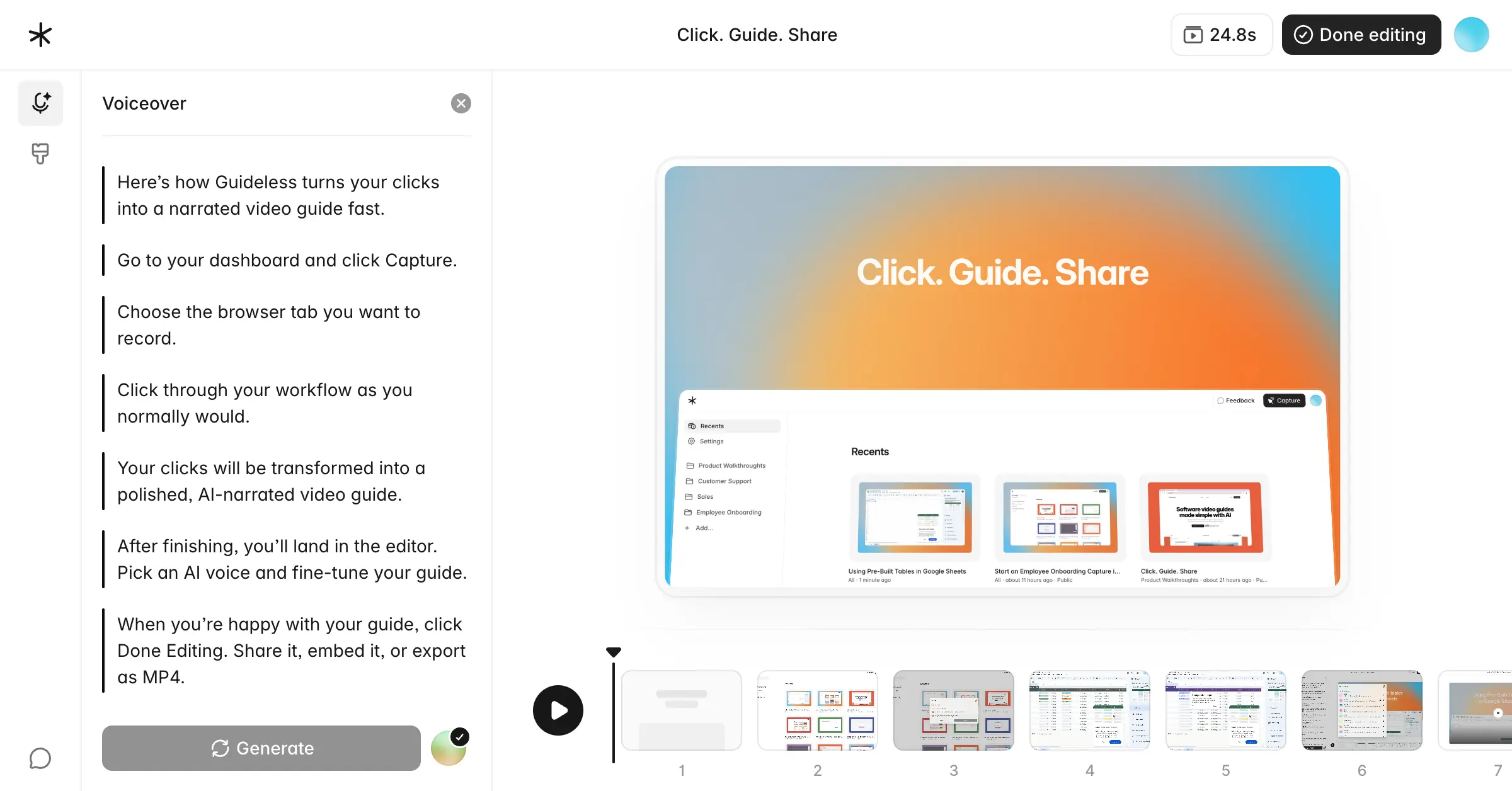
A workflow-first approach. With Guideless, you install the Chrome extension and click through your process once. The AI writes the script, adds narration, and assembles the guide automatically, based on what you actually clicked, not on a screen recording you have to talk over.
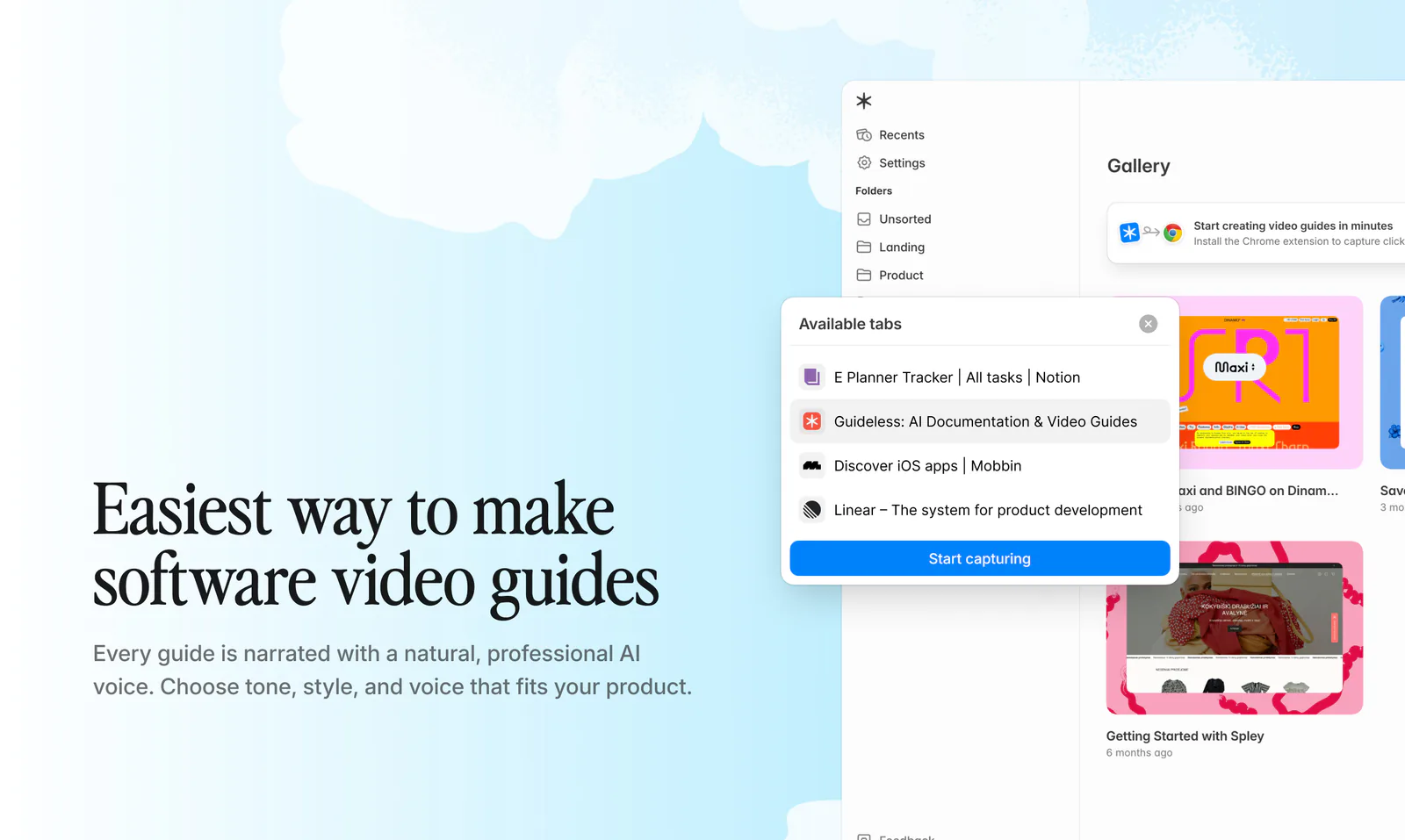
Browser-first documentation. Guideless was built to capture clicks within web apps, not to record a presenter on camera. That makes it a natural match for documenting dashboards, admin panels, CRMs, and other web-based tools your team already uses every day.
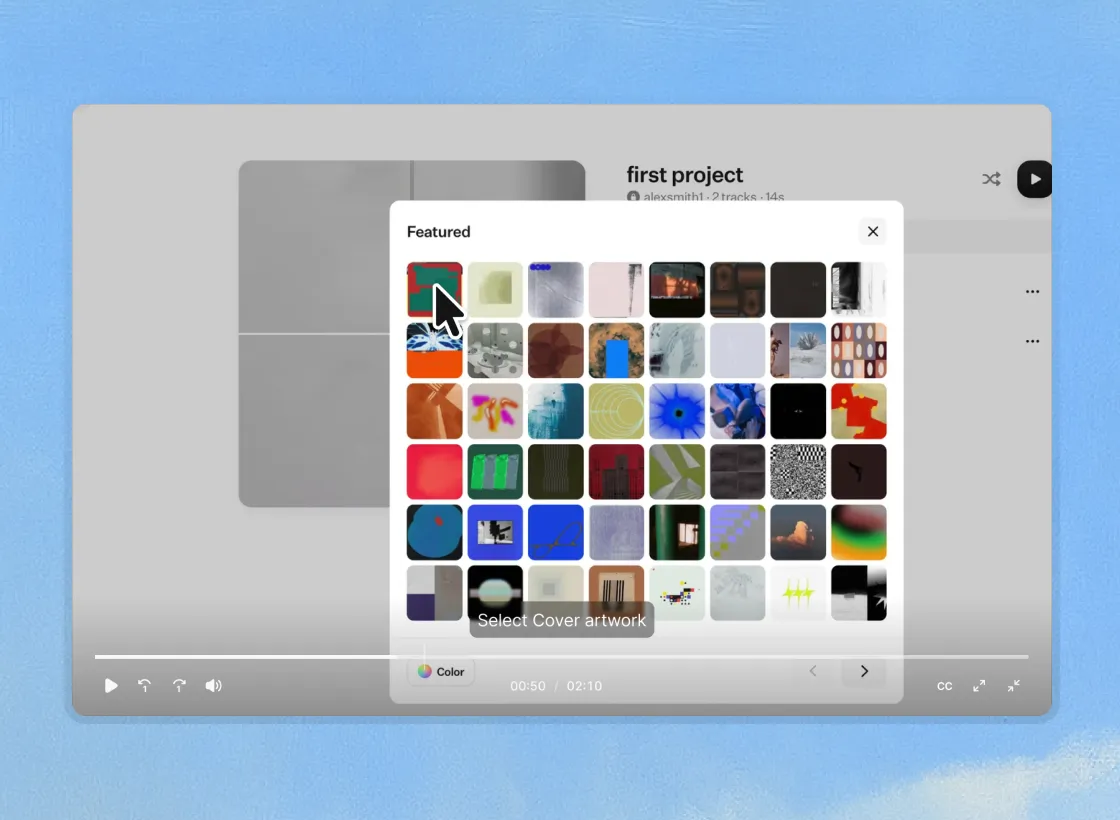
Interactive, step-based guides. Instead of a single continuous video that someone has to scrub through, Guideless breaks a workflow into individual steps with highlights and captions. Viewers can jump straight to the step they need instead of rewatching the whole thing.
Easier onboarding, support, and internal training content. Because guides are ready to share, embed, or export right after capture, teams can produce onboarding sequences, help center articles, standard operating procedures, and internal training material without waiting on a video editor.
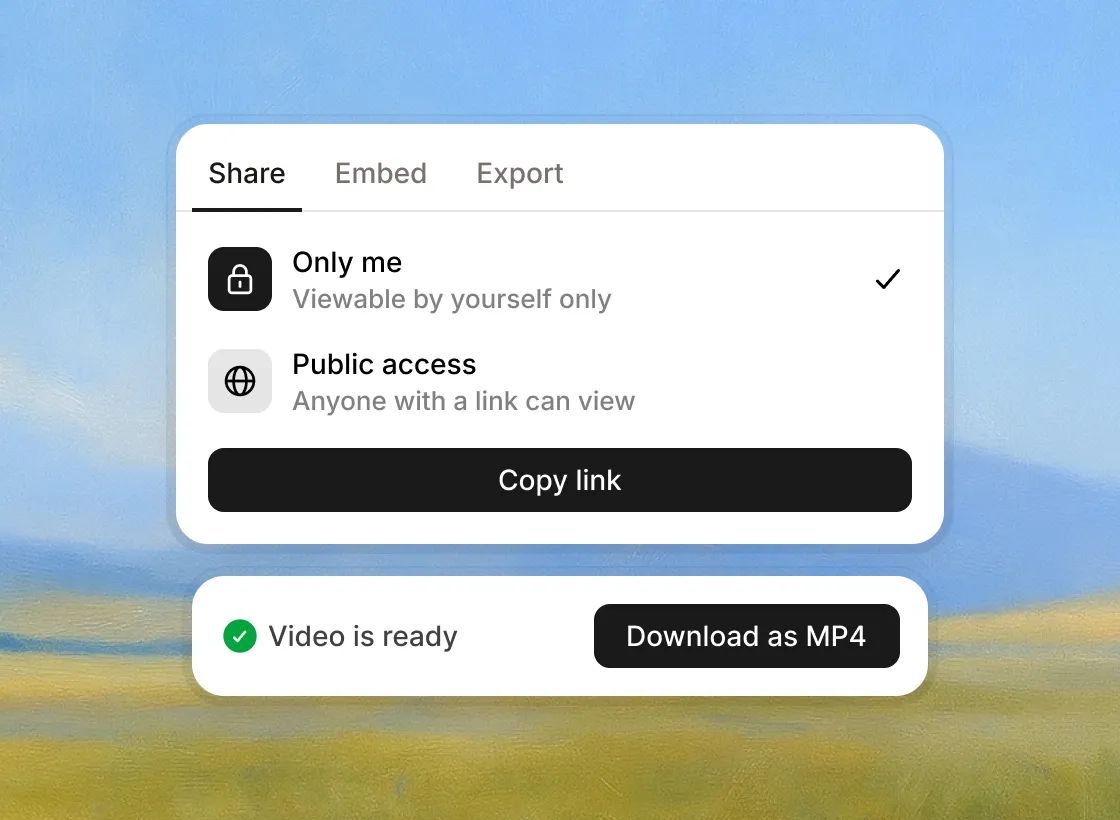
A quick way to create product demos. Sales and customer success teams can click through a feature once and get a share-ready product demo in minutes, instead of scheduling a call or recording and re-recording a video.
Where Trupeer may still be the better choice
Sometimes, having more features is the right choice. Some teams truly need everything Trupeer offers, so its broader set of features can be a better fit even if it is more complex.
Trupeer makes more sense if your team needs:
- Both video and written documentation generated from the same recording
- Heavy multilingual localization, since Trupeer translates into 65+ languages in one click
- AI avatars, a full knowledge base with AI search, or broader video production tools beyond guide creation
If your workflow relies on presenter-style videos or you are building a searchable knowledge base for customers and support agents, Trupeer’s wider range of features may be worth the extra setup.
Final verdict
Guideless and Trupeer solve a similar problem in different ways. Guideless takes a workflow-first approach: capture the clicks, get an AI-narrated, step-based guide, and share it. Trupeer takes a broader approach, adding video editing, avatars, translation, written documentation, and a knowledge base.
For teams that primarily need quick, repeatable product walkthroughs, tutorials, and support guides, Guideless is the faster alternative to Trupeer. For teams that need a single platform to handle video, documentation, and multilingual knowledge management, Trupeer's extra features can be worth the tradeoff.
But if you're the person who just needs a guide ready before the next meeting, more features won't get you there faster. If your team values speed over feature overload, Guideless is the simpler choice.
Create your first AI-narrated guide with Guideless
Frequently asked questions
Is Trupeer free?
Trupeer offers a 10-day free trial rather than an ongoing free plan. It includes 10 AI video minutes, five AI guides, and three video exports before you need to subscribe.
What is Trupeer used for?
Teams use Trupeer to turn screen recordings into polished product videos and step-by-step written documentation. Common use cases include product marketing, sales enablement, customer success, training, and change management.
Does Trupeer create written documentation?
Yes. Trupeer automatically generates written, step-by-step documentation from the same recording used to create your video, including headings, steps, and screenshots.
Does Trupeer support translations?
Yes. Trupeer offers one-click translation into 65+ languages, with each translated video using credits the same way a new AI video would.
What should I look for in a Trupeer alternative?
Look at the capture method, the quality of the AI voiceover, whether written documentation is included, custom branding options, pricing, usage limits, and how easily guides can be shared or embedded in your help center. If your team mainly creates browser-based workflow guides and values speed over advanced video editing, Guideless is likely to be the better fit.