
Tango is a solid way to turn browser clicks into screenshot-based step-by-step guides. But teams often outgrow it. Per-user pricing adds up as more people create guides, desktop capture sits on paid plans, and every guide is text and screenshots with no narration. Tango has also been adding AI agents for CRM and sales workflows, so documentation is no longer its only focus.
Below you'll find 8 Tango alternatives, a comparison table, pricing for each tool, and a short framework to help you pick the right one for your team.
Tango alternatives at a glance
The right Tango alternative depends on what you want to create. Some tools stay close to Tango's screenshot-based format, while others add narrated video, interactive demos, or desktop capture.
Here's how the eight alternatives compare on format, AI voiceover, free plans, and starting price.
| Tool | Best for | Output | AI voiceover | Free plan | Paid plans from |
|---|---|---|---|---|---|
| Guideless | Training and onboarding beyond screenshot guides | Narrated video, step-by-step guide, PDF | Yes, 42+ languages | Yes | $29/user/mo (annual) |
| Scribe | Quick screenshot SOPs, closest to Tango | Step-by-step guide | No | Yes, browser only | $13/seat/mo (annual, 5-seat min) |
| Guidde | Video and text from one recording | Video, text guide | Business plan only | Yes, 25 videos | $19/creator/mo (annual) |
| Glitter AI | Text guides written from your own narration | Step-by-step guide | No (voice to text) | Yes, 10 guides | $20/seat/mo |
| iorad | Interactive "try it" tutorials | Interactive tutorial | Basic | Yes, public only | $200/mo |
| Supademo | Interactive product demos for sales and marketing | Interactive demo | From Scale plan | Yes, 5 demos | $50/creator/mo |
| Folge | Desktop app documentation, one-time payment | Step-by-step guide | No | Yes | $89 one-time |
| Loom | Quick async video messages | Video | No | Yes, 25 videos | $15/user/mo (annual) |
| Tango (for reference) | Browser SOPs | Step-by-step guide | No | Yes, 5 workflows | $15/user/mo (annual, 3+ users) |
Prices are starting prices as of October 2026. Check each vendor's pricing page before you buy.
Why teams look for a Tango alternative
Tango works well for lightweight process documentation, but its pricing, format, and product direction can become limiting as documentation needs grow.
Per-user pricing grows with the team
Every member of a Tango Pro workspace needs a paid seat. Workspaces of 1 to 2 people pay $22 per user per month on an annual plan, and teams of 3 or more pay $15 per user per month. A 10-person team on annual billing pays $1,800 a year, even if only a few people create guides.
The free plan fills up fast
Tango's free workspace stores up to 5 workflows in the team library. That is enough to test the tool, but not enough to run a real Tango SOP library for a team. If SOPs are your main use case, our roundup of SOP tools for small teams compares more options.
Screenshots and text only
Tango guides are screenshots with written steps. There is no AI voiceover and no video output. For internal reference docs that works fine. For employee onboarding, customer education, or training, teams may also need narration or video to explain the context around each step.
A wider product focus
Tango now also sells AI agents that automate CRM workflows like data entry and approvals. If you bought Tango purely for process documentation, it's worth checking whether the roadmap still matches what your team needs.
If you're specifically looking for a Tango AI alternative, compare what the AI actually does: narration and translation, guide generation, or workflow automation.
8 best Tango alternatives
The tools below solve different parts of the problem Tango handles today. We compared them based on the type of content they create, how they capture workflows, AI features, sharing and export options, and pricing.
1. Guideless
Guideless captures a software workflow directly in the browser and turns it into an AI-narrated video guide, a step-by-step guide, and a PDF. The main difference from Tango is the output: Guideless creates a narrated video alongside a step-by-step guide and PDF, rather than screenshot-based documentation alone.
Best for: teams that create training and onboarding content and want more than screenshots
Key features:
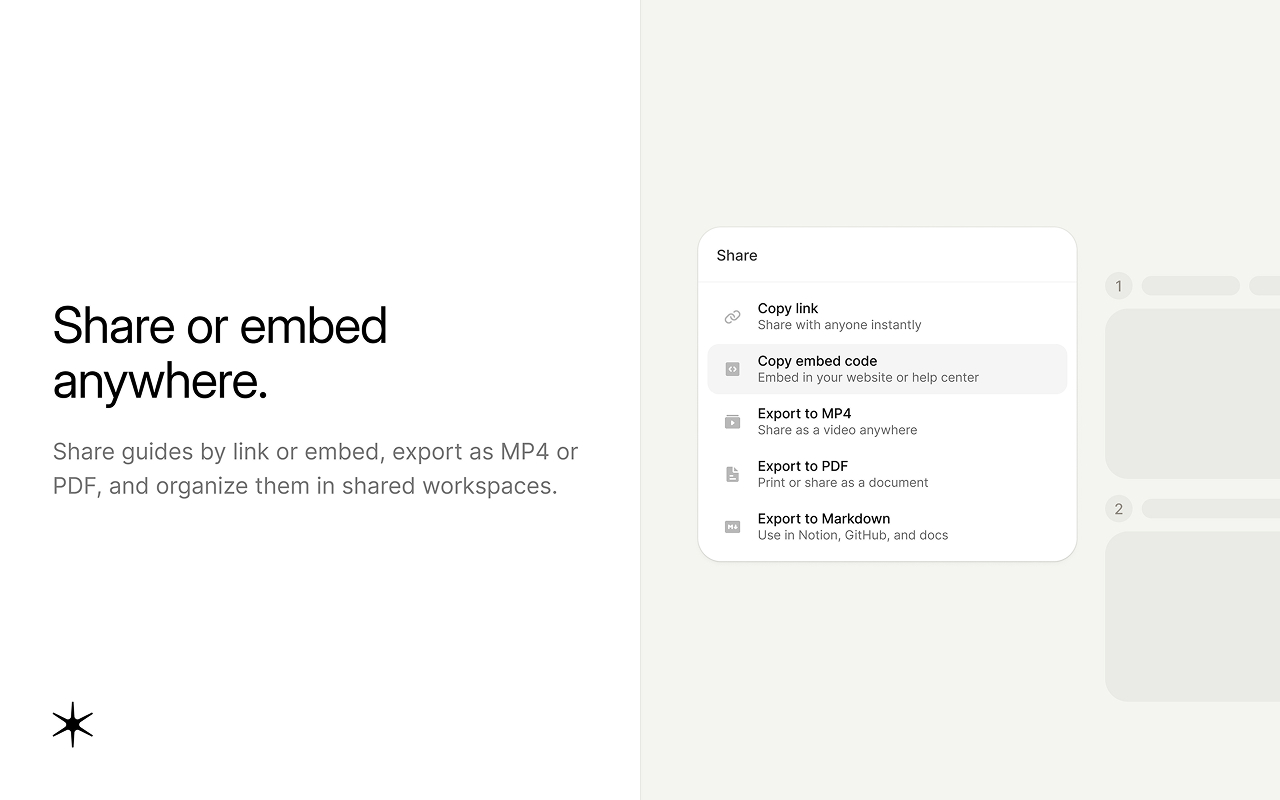
- One capture, three formats: a narrated video guide, a step-by-step guide, and a PDF export
- Share step-by-step guides with a link or embed them in a help center, LMS, or knowledge base
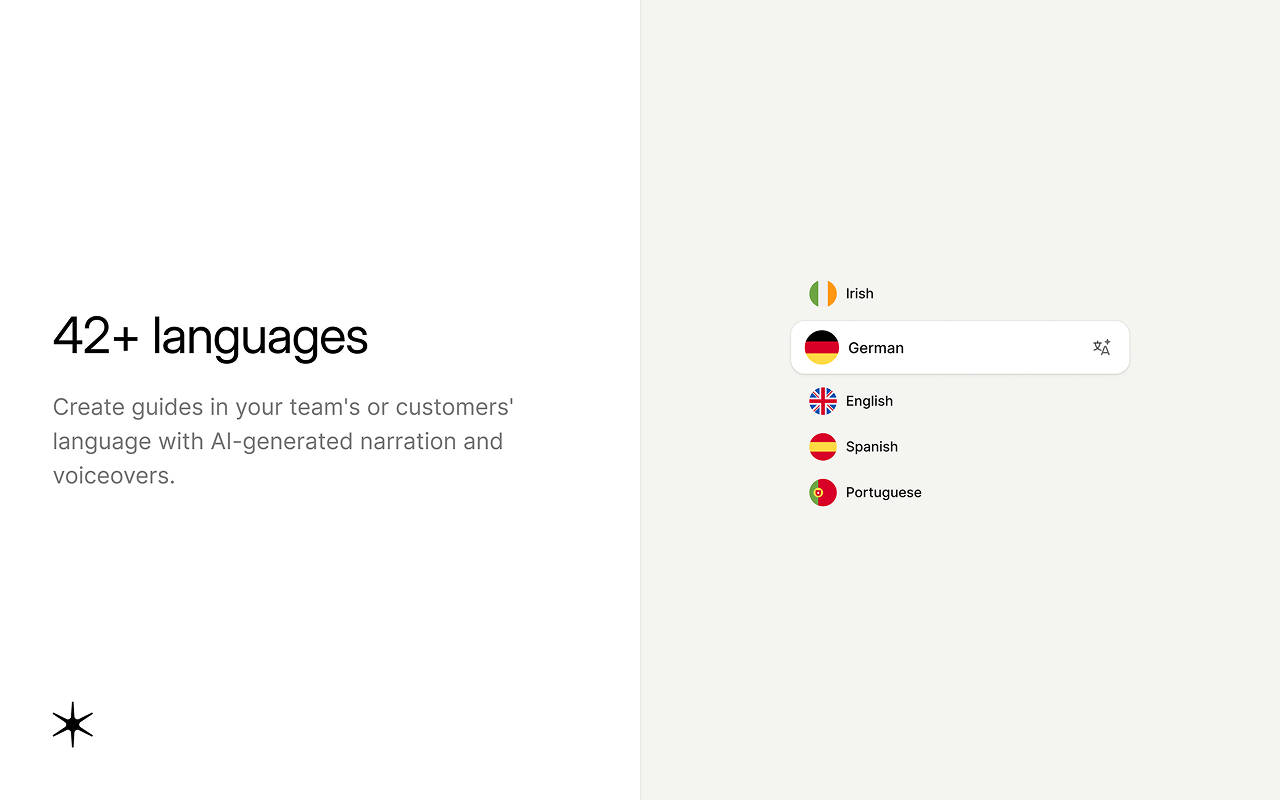
- AI voiceover and captions in 42+ languages, with 50+ voices
- Automatic highlights and zooms, plus editing and reusable blur for sensitive information
- Custom branding, viewer analytics, and MP4 export
Pricing: free plan available, Pro from $29 per user per month billed annually ($39 billed monthly)
Pros:
- Covers both Tango's format (step-by-step guides) and video in one tool
- Narration adds context beyond showing where to click
- PDF export works for teams that still need printable SOPs
As ForgetBill founder Matas Malinauskas put it: "Guideless helped us turn complex feature workflows into simple, self-guided product tutorials. Customers activate faster, explore more features, and need fewer support calls." Read the full ForgetBill case study, see our Guideless vs Tango comparison, or browse real examples in the Guideless gallery.
2. Scribe
Scribe is the tool most similar to Tango. A browser extension captures your clicks and generates a screenshot guide with written steps.
Best for: teams that want a Tango-like experience with a larger integration ecosystem
Key features:
- Auto-captured screenshot guides from a browser extension
- Export to PDF, HTML, and Markdown
- Guide Me interactive walkthroughs
- Integrations with Slack, Microsoft Teams, and Google Workspace
Pricing: free Basic plan (browser only), Pro Personal from $25 per seat per month annual ($35 monthly), Pro Team from $13 per seat per month annual ($17 monthly) with a 5-seat minimum
Pros: familiar workflow for Tango users, clean output, large user base
Cons: desktop capture requires Pro, no narration, enterprise pricing is quote-only
Tango vs Scribe: the two are close on format. Scribe has more integrations and editing options, and its Pro Team plan is slightly cheaper per seat ($13 vs $15 on annual billing), but it requires at least 5 seats. If you're comparing them because you want something beyond screenshots, neither will get you there. See our list of free Scribe alternatives for more options.
3. Guidde
Guidde records a workflow and produces both a video with AI voiceover and a written guide.
Best for: teams that want video and text from one recording
Key features: AI voiceovers on the Business plan, branded video player, desktop and browser capture, embeds for Notion and Confluence
Pricing: free plan with 25 videos total (web only), Pro from $19 per creator per month annual, Business from $39 per creator per month annual
Pros: strong AI voice options, desktop capture on the Business plan
Cons: the free plan cap is a lifetime limit, desktop capture and some voice features sit on higher tiers, Business caps at 5 creators
See how Guidde compares to other tools for a deeper look.
4. Glitter AI
Glitter AI records your screen while you talk through the process, then turns your voice into written steps with screenshots.
Best for: teams that prefer text guides but want the steps to sound human
Key features: voice-to-text guide creation in 99 languages, desktop and browser capture, export to PDF, HTML, Markdown, and PowerPoint
Pricing: free plan with 10 guides, Pro from $20 per seat per month
Pros: desktop capture on the free plan, natural-sounding steps
Cons: you need to narrate out loud while recording, output is text rather than video
5. iorad
iorad captures a workflow and turns it into an interactive tutorial that learners click through themselves. For more tools in this category, see our list of product walkthrough software.
Best for: hands-on software training where people practice each step
Key features: interactive "try steps" mode, multiple formats (interactive, PDF, video), integrations with Zendesk and Freshdesk
Pricing: free plan (tutorials are public), Individual at $200 per month
Pros: practice mode helps learning stick
Cons: a big price jump from free to paid, free tutorials are public and indexed by search engines
6. Supademo
Supademo builds interactive product demos from screen captures, aimed mainly at sales and marketing teams.
Best for: product-led sales and marketing demos
Key features: interactive demos, AI voiceover and translation (from the Scale plan), conditional branching, unlimited free viewer seats
Pricing: free plan with 5 interactive demos, Scale from $50 per creator per month
Pros: pricing per creator, not per viewer
Cons: built for showing off a product rather than documenting internal processes
7. Folge
Folge is a desktop app for Windows and Mac that captures screenshot guides from any application, not just the browser.
Best for: documenting desktop software on a fixed budget
Key features: desktop capture, export to PDF, Word, HTML, Markdown, and JSON, CSS and HTML styling, templates
Pricing: free to use, $89 one-time for all features, with all future updates included
Pros: one-time payment, works with desktop apps
Cons: no video or audio, no cloud sharing workflow like Tango's links
8. Loom
Loom records your screen and camera and shares the video as a link.
Best for: quick async explanations and feedback
Key features: screen and camera recording, transcripts in 50+ languages, comments and reactions
Pricing: free Starter plan (25 videos, 5 minutes each), Business from $15 per user per month annual
Pros: very easy to use, widely adopted
Cons: videos aren't structured into steps, so people can't scan for one part, and updates mean re-recording
Tango vs Loom: Tango gives you structured steps, Loom gives you a recording of you explaining. If you need both structure and narration, a tool like Guideless covers that gap. Read more about our Loom alternative for structured guides.
Tango pricing compared to alternatives
Tango charges per workspace member, and every member of a Pro workspace must be on a paid seat. Since March 24, 2026, the plans look like this:
| Tango plan | Annual billing | Monthly billing | Limits |
|---|---|---|---|
| Free | $0 | $0 | Up to 5 workflows in the team library, up to 10 admins |
| Pro, 1 to 2 members | $22/user/mo | $26/user/mo | Unlimited workflows |
| Pro, 3+ members | $15/user/mo | $20/user/mo | Unlimited workflows |
| Enterprise | Custom | Custom | Quote only |
For a 10-person team on annual billing, Tango Pro comes to $1,800 a year. That is in the same range as most alternatives, so price alone is rarely the reason to switch. The bigger question is what you get for each seat: screenshots and text, or formats your team can use for training and onboarding.
When you compare costs, look at how each tool counts seats:
- Per user, everyone pays: Tango, Scribe, Loom, Guideless
- Per creator, viewers are free: Supademo, Guidde (Business caps at 5 creators)
- One-time license: Folge
- Per seat: Glitter AI ($20 per seat per month)
If only a few people create guides and many people watch them, per-creator pricing usually costs less. If most of the team creates content, per-user pricing is easier to predict.
How to choose the right Tango alternative
Start with who will use the guides and what they need from them: quick reference, structured training, hands-on practice, or a product demo. If you're comparing more screenshot-based tools, our MagicHow alternatives, Dubble alternatives and automated guide creation tools roundups include more options to explore.
- You need step-by-step guides and narrated video for training or onboarding: Guideless covers both formats from the same capture, with PDF export when needed.
- You only need quick internal SOPs with screenshots: choose Scribe. It's the closest match to Tango.
- You document desktop apps on a tight budget: choose Folge for its one-time license.
- You want people to practice inside the tutorial: choose iorad.
- You're building product demos for sales or marketing: choose Supademo.
- You want text guides that sound like a person wrote them: choose Glitter AI.
- You need quick video messages, not structured guides: choose Loom.
Stay with Tango if browser capture is enough, your guides are internal reference docs, and you rely on its in-app Guidance overlays. Don't switch just to switch. Switch when your current tool can't produce the kind of guide your team actually needs.
Comparing more tools? See our side-by-side comparisons of Guideless with other guide creation tools.