
Key takeaways:
- Demo automation is the process of delivering product demos that buyers or users can watch or click through on their own.
- The main formats of demo automation include interactive product demos, narrated walkthroughs of a real product, and step-by-step guides.
- Automated demos are best for high-volume stages like website visitors, early inbound leads, feature launches, and post-sale onboarding.
- Different stages typically require separate demos, as a homepage tour isn't the same as a technical evaluation.
- Automated demos don't replace live sales calls for complex, high-value deals, but they free up sales teams to focus on them.
As your client base grows, demo requests increase, and sales teams (along with operations teams) have to spend more and more time running virtually the same demo walkthrough. Every live demo slows the sales process, and teams repeat the same walkthrough for each new prospect instead of updating it only when the product changes.
This article will cover everything you need to know about demo automation, how it works, and what the main benefits are. We'll also explore how it can suit SaaS marketing, sales, and product marketing leads who are looking to scale without the additional headcount or spending valuable time on unqualified demos.
What is demo automation?
Demo automation is all about creating product demonstrations and walkthroughs in a way that allows prospects and clients to go through products and services without the need for someone to manually lead the entire process.
In other words, your team creates a product demo once and shares it via website, email, sales sequence, help center, external docs, or even via an in-app message.
In the end, demo automation helps teams save time and resources by not having to repeat product demonstrations that follow the same steps and gives your prospects the opportunity to view your product earlier in the buying journey.
With automated demos, your sales teams can focus on more qualified leads and create new demos only after there are important product updates or additional features.
Now, when it comes to the actual demo automation types, there are currently three:
| Interactive product replicas | Recorded walkthroughs | Step-by-step guides |
| A captured copy of the product's interface that lets prospects explore by clicking through | A narrated screen capture of the real product, often with highlights, zooms, and step annotations. | Screenshots or clips with written instructions for each step |
| Best for: Customizable demos with branching paths, where different buyers need different routes | Best for: Feature explanations, launches, and onboarding at volume | Best for: Help center content and users who prefer to read and scan |
Demo automation vs screen recording
Some people think that demo automations and screen recordings from Zoom, Google Meet, Teams, or even marketing videos are the same thing, but they're not. For starters, automated demos are specifically built to be reused. They usually include structured sequences focusing on a specific aspect of a product or service.
Secondly, automated demos show the actual product in action, usually step-by-step, focusing on the product functionalities rather than balancing between a brand story and product showcasing.
What demo automation is not
Now, despite the reusability and cost-effectiveness of demo automation, it's not a one-size-fits-all solution, and it’s not an in-app product tour or a set of interactive guides. For example, a procurement team comparing different vendors for a six-figure contract will likely have questions and will want a higher degree of personalization during a demo.
If we were to compare marketing videos, they're different in both style and purpose. While an automated demo is mostly focused on demonstrating products, a marketing video's purpose is to introduce a brand, essentially selling the idea behind the product.
And then there are live demos. These are the gold standard for complex cases, especially when demonstrating a new, niche product that requires custom configuration. In the end, all of these serve different purposes, with automated demos handling repeat use cases.
Types of demos and how they differ
We've already mentioned earlier in the article that there are different types of automated demos, all of which can be classified into three separate types. However, there are also other extended categories, each one suited to a different purchasing stage:
| Format | What it is | What it's for | Where it sits |
| Live demo | A presenter shows the product in real time, often in live environments | Answering specific questions, tailoring to complex needs | Late evaluation, high-value deals |
| Recorded walkthrough | A narrated capture of the real product | Explaining a workflow or feature at scale | Awareness to onboarding |
| Interactive replica | A clickable copy of the interface | Letting buyers explore at their own pace | Website, early to mid evaluation |
| Free trial | Full or limited access to the live product | Testing with real data over days or weeks | Mid to late evaluation |
| Sandbox | A pre-loaded environment for hands-on testing | Technical validation without setup work | Late evaluation, proof of concept |
Why demo automation matters for SaaS
The B2B sector is different from the B2C because B2B SaaS buyers do their own research well in advance, and much of the buying process happens before they ever approach a product or service provider. Dedicated teams research reviews, compare vendors, analyze publicly accessible product documentation, and request product demos on their own terms.
For service providers, this means being able and available to answer crucial questions that may very well either land a new client or lose a valuable prospect. On top of that, every new demo request, including unqualified demos, adds more stress on sales and presales teams who are already handling high-stakes clients.
Hiring more people into sales teams is often the natural course of action, but it's usually a long process to find the right people and onboard them. That's where automated demos can come in to close the main gap and shorten the sales cycle, particularly for SaaS companies in an active growth stage.
Where automated demos fit in the funnel
Automated demos can fit into different buying journey stages, but not everywhere. If you spend an extended amount of time going through every little thing on a homepage, you can end up losing casual visitors.
In contrast, a 90-second scattered overview can be too short to explain a comprehensive product feature. Hence, the best practice is to identify the exact stages of your sales process, match each one to the buyer intent at that point, and create automated demos for individual stages.
| Stage | Viewer's question | Best-fit format | Why |
| Website visitors | "What does this actually do?" | Short interactive replica or 60- to 90-second walkthrough | Low commitment, no form, quick proof |
| Inbound leads | "Does it solve my problem?" | Use-case walkthrough sent in follow-up | Qualifies interest before a live call |
| Mid-sales cycle evaluation | "How would my team use it?" | Personalized interactive demos, sandbox, or trial | Lets stakeholders explore their own paths |
| Post-sale onboarding | "How do I set this up?" | Recorded feature walkthroughs and guides | Repeatable, searchable, easy to update |
What to look for in demo automation software
There are a few high-quality and reputable demo automation software providers, but not every one will provide the features and capabilities for your use case. To choose the right solution for your needs, start by first pinpointing the product category closest to your needs.
Do you need interactive demo platforms, walkthroughs, sandboxes, or newer AI-led agentic demos? Heavyweight platforms built to create interactive demos offer branching paths, custom lead forms, and CRM sync, while lighter demo automation tools focus on fast capture and sharing. Once you know which one you need, go over these criteria to identify the best tool for you:
- Demo creation: Consider how long it will take to create and update a single demo. If every UI change means a rebuild, demos go stale quickly.
- Personalization: Similar to updating UI elements, research the customization options offered by different tools for cases like adding or swapping prospect logos/names.
- Analytics: You can create the best interactive demos, but you need to have a level of visibility into how your demos actually perform aside from the feedback you get from clients.
- Sharing controls: While sharing can be as easy as just giving a link to a demo, you should also check other options like embeds, gated access, expiry dates, and permission settings for sensitive product areas.
- Integrations: Verify compatibility and integration options, especially if you're planning to scale. Research which CRMs your tool can connect to so demo views feed your sales process, and what marketing automations, sales tools, etc., are available.
How to launch your first automated demo
While every automated demo tool comes with its own nuances, regardless of which tool you use to implement demo automation, the process of creating your first automated demo will likely be similar, if not the same. Here's a brief rundown of the steps you should take:
- Pick one high-frequency scenario: Identify which stage of your sales process has the most potential for creating an automated demo.
- Script or capture it: Sit down with your sales team to understand what to focus on when creating the demo automation. Usually, the best rule of thumb is to focus on a single problem, solution, and result that shows clear product value.
- Publish to a single channel: When getting started, focus on a single channel for your demo automation, like placing it in follow-up emails to inbound leads or on pricing pages.
- Measure: Once your demo is up and running, make a habit of keeping tabs on the views, heat maps, completion rate, and follow-up actions like booking a call, requesting an additional demo, or interacting with your support team.
- Expand: Once your first demo shows a healthy completion rate and leads to more booked calls, move on to your next demo according to priorities. Avoid building a full demo library before you've confirmed that anyone watches the first one.
Creating demo content
Different use cases require different demos, and not every demo needs an interactive replica. Interactive platforms are best for personalized enterprise demos with branching paths. Recorded walkthroughs suit volume requests, like feature launches, help center content, or sales enablement. Guided walkthroughs of the real product cover most feature-level and post-sale needs at a fraction of the build effort.
Guideless is an AI-powered platform that removes screen recording and tedious editing from demo creation. With our solution, you go through the workflow in your product as usual while Guideless captures every step, adds highlights, annotations, and AI voiceovers, and produces a clear walkthrough video or a step-by-step guide, depending on what you need.
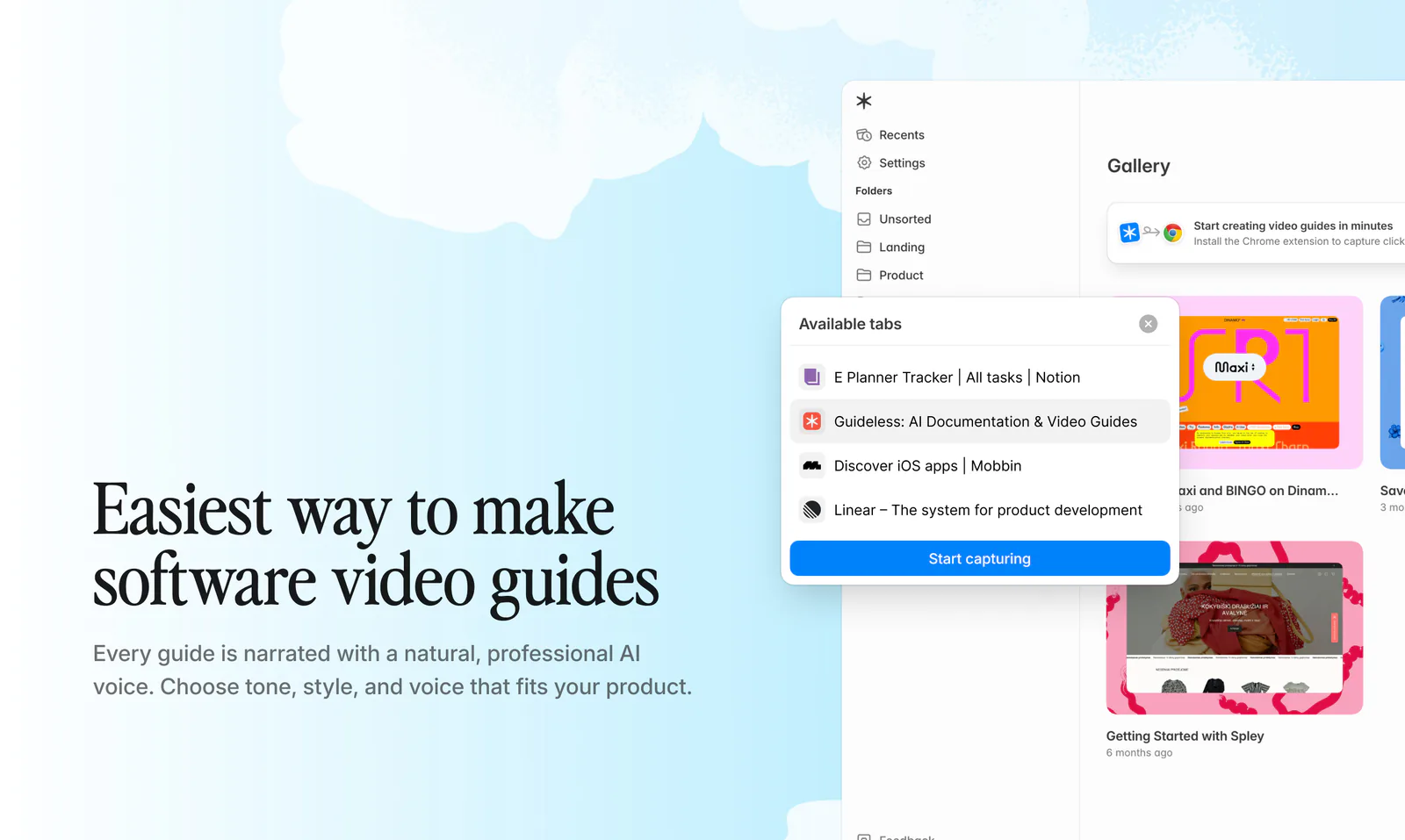
Moreover, Guideless works with almost any software tool (see our gallery examples) and shares guides through links and embeds you can add to Slack, Notion, Confluence, or your help center, making it easier for different businesses to start capturing walkthroughs and creating guides more quickly.
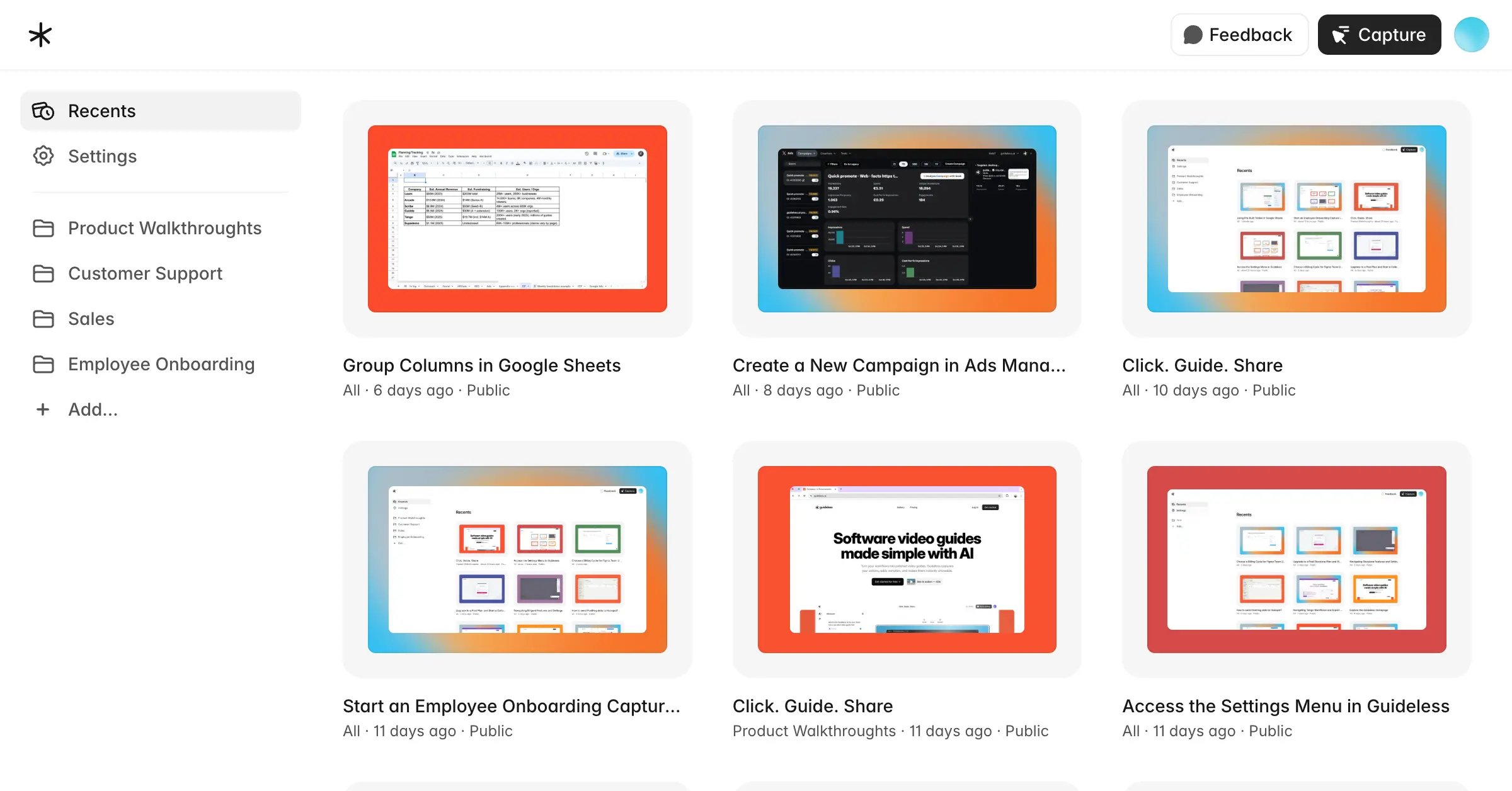
Based on customer interviews and early adopter feedback, Guideless users see 12x faster documentation, 98% fewer mistakes, and 36 hours saved per person each month. When your product changes, you can use the Guideless editor to update only the steps that changed instead of recording a new demo. Plus, you can export guides as MP4 videos (with the Pro plan) or publish them online with shareable links and embeddable players.