
Key Insights
- Teams have a range of options for providing product demos. These include interactive demos, which take buyers along a fixed path, live demos, recorded walkthroughs, and sandbox demos.
- Sandbox demos enable a potential buyer to dynamically explore a product, and are particularly relevant and useful to IT and security professionals.
- There are two main ways to create a sandbox demo: by creating a copy of the software, or by generating a simulation using software that captures the product’s front end.
Sandbox demos are often lumped together with interactive and live demos, but each format serves a distinct purpose. In this article, we’ll discuss what a sandbox demo is, how it compares to other demo formats, the tools you can use to create one, and how narrated video walkthroughs fit into the mix.
Sandbox demo definition
A sandbox demo gives a buyer their own working version of your product to use before they buy. It has the same menus and workflows as the real application, and the buyer can click through them in any order. Since anything they create, delete or break stays inside the sandbox, the customer's data and production systems are never at risk.
Some teams create a demo sandbox by copying the software itself and loading the copy with sample data. This could be fictional customers, invoices, support tickets or projects that seem realistic for the buyer’s industry.
Others take a different route, using software that captures the product’s front end to create a realistic simulation. While simulations are quicker to set up and easier to manage, real copies are better at providing the buyer with the product’s complete functionality.
Sandbox demo vs. other demo formats
Demo formats overlap to a significant degree, so let’s try to pin down what each of them actually involves.
Sandbox demo vs. interactive demo
An interactive demo is basically a guided click-through. The buyer follows a set path, usually with tooltips or hotspots showing where to click next, and the demo moves forward one screen at a time. Marketing teams like to embed them on product pages because they take just a couple of minutes to finish and show a single workflow in a way that’s easy to follow and understand.
A sandbox demo, on the other hand, has no script. Users are free to open any menu, change the settings, and explore features that a more restrictive demo doesn't include. Some platforms combine the two in an interactive demo sandbox that opens with a guided tour but lets users go off-script at any time.
Sandbox demo vs. live demo
In a live demo, someone from the sales team shares their screen and takes the buyer through the product in real time. The presenter can adjust the demo during the call based on the buyer's needs and answer their questions. The downside is that every live demo has to be booked at a time that suits both sides. No booking is required for a sandbox demo.
Again, these formats are not mutually exclusive. A sales team may choose to use a sandbox demo to build interest, and then book a live demo if a buyer has specific questions that can be more easily addressed in person.
Sandbox demo vs. narrated video walkthrough
A narrated video walkthrough shows how to complete a specific task in a product, with a voiceover that guides viewers through each step.
These walkthroughs are quick and easy to produce, especially with AI product demo video tools, and are hassle-free to share. Naturally, they offer less interactivity than a sandbox demo, which is more suitable when buyers need to explore unique challenges their team might encounter.
When to use a sandbox demo
A sandbox demo is especially helpful for buyers who want to test out the product themselves before making a decision. By sending them the link after your first conversation or placing it on your website, you give them the opportunity to explore the product on their own time. This way, when you finally meet for a sales demo, you can concentrate on their specific inquiries since they’re already acquainted with the basics.
IT and security personnel on the buyer’s side typically won’t greenlight a purchase based solely on slides. Having a demo environment allows them to see firsthand how the product handles settings, permissions and admin controls, and who has access to what.
Some buyers prefer to have a trial or a proof of concept, a brief testing phase where their team can see if the product meets their needs before committing. Providing a sandbox filled with sample data from their industry gives the team a great starting point, allowing them to continue exploring while waiting for a scheduled product demo.
Sandbox demo software and tools
Sandbox demo software is a type of demo automation platform. Sales teams use it to build and share sandboxes and see what buyers do in them. A typical sandbox demo software tool can:
- Clone an instance of the product, or capture its interface, and move this into an isolated environment
- Fill the new environment with sample data, often from templates defined by industry or role
- Personalize a demo for a specific account, for example by adding the buyer’s logo or company name
- Share access through a link, with or without a login
- Report on what buyers clicked, how long they stayed, and whether they shared the demo with colleagues
- Reset the environment so each new buyer starts from a clean state
Vendors take different approaches, so not every demo platform offers the same kind of sandbox. Reprise’s Application Clones capture the product’s front end together with the requests and responses behind key workflows, creating a standalone copy that doesn’t touch production. Demostack offers a shared demo sandbox that gives buyers a trial-like environment.
Storylane, Walnut and Consensus build sandboxes from HTML captures of the product’s screens. The captured screens are linked so viewers can click between them freely, within the parts of the product that were captured (see Storylane, Walnut and Consensus). Navattic focuses on guided interactive demos, and its sandbox demo is a lighter, presenter-led format suited to a specific workflow rather than the whole product.
When choosing the best sandbox demo tools for sales, most teams look at a few practical points. The first thing they usually check is the setup time: how quickly can they create a functional demo, and can someone from sales or marketing handle it without needing assistance from the engineering team?
With regard to sample data, generic entries like “Acme Corp” make it harder for prospective buyers to envision how the product is going to function in their own business. So pay attention to how realistic a tool's defaults are and, even more importantly, how simple it is to change them. In the case of tools that are an exact clone of the application, you want to know how the sandbox is kept separate from production and if there is any risk of actual customer data making its way in there.
The maintenance problem with sandbox demos
Product releases can leave a sandbox demo out of date, since the sandbox reflects the product at a particular moment. When the interface or a workflow changes, the demo may no longer match the real product. As Navattic puts it, even a reused sandbox “still needs updates every time new features or UI updates ship.” And if a changed workflow breaks a step in a guided tour, the buyer can get stuck on a screen with nothing to click.
Keeping the demo current takes longer when every buyer gets their own sandbox with their logo and data, unless the platform can apply the same fix to every copy at once.
How much effort maintenance takes depends on how the sandbox was built and what the platform automates. A copy of the real software usually needs its own environment, so someone has to keep that running as well as update the demo itself. A simulated sandbox has no server to look after, but screens affected by an interface change may need to be captured again.
Some platforms reduce this work: Storylane lets teams recapture only the screens that changed, and Navattic’s bulk editor can push small UI changes to every demo that uses the same capture.
In larger companies the job usually falls to sales engineers or to someone hired just to run demos. Smaller companies tend to leave these tasks to whoever built the sandbox.
Narrated video walkthroughs alongside a sandbox demo
While sandboxes are valuable for team members like cybersecurity professionals, others in a company, such as managers who need to approve the purchase, have no wish to explore a sandbox. Instead, they simply need an easy way to understand how the product works. Narrated video walkthroughs are ideal for this. With product walkthrough software like Guideless, you complete a task in the product once, and Guideless captures the workflow and turns it into a narrated video with a written step-by-step guide.
Here's how the combination of sandbox demo, live demo, and walkthrough might work in practice. First, the buyer gets access to the sandbox demo so the relevant professionals can explore the product's functionality. After this, a live demo is booked. Then after the demo, the sales rep follows up by sharing some quick walkthrough videos of the most relevant workflows for the buyer. The buyer can rewatch these while they are still fresh in the mind, and, most importantly, these videos will be a lifesaver when getting sign-off from people who missed the sales call, like a finance lead or department head.
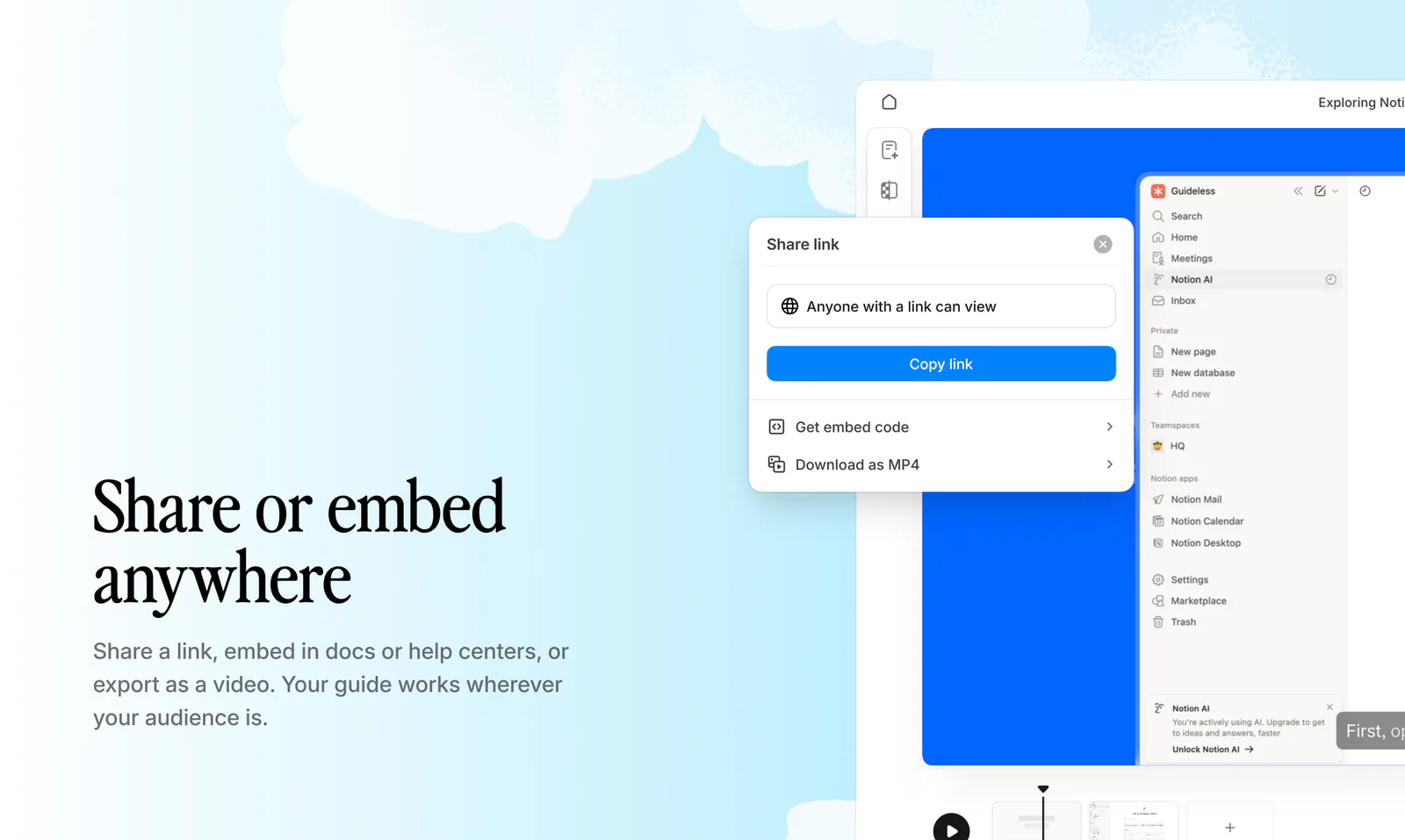
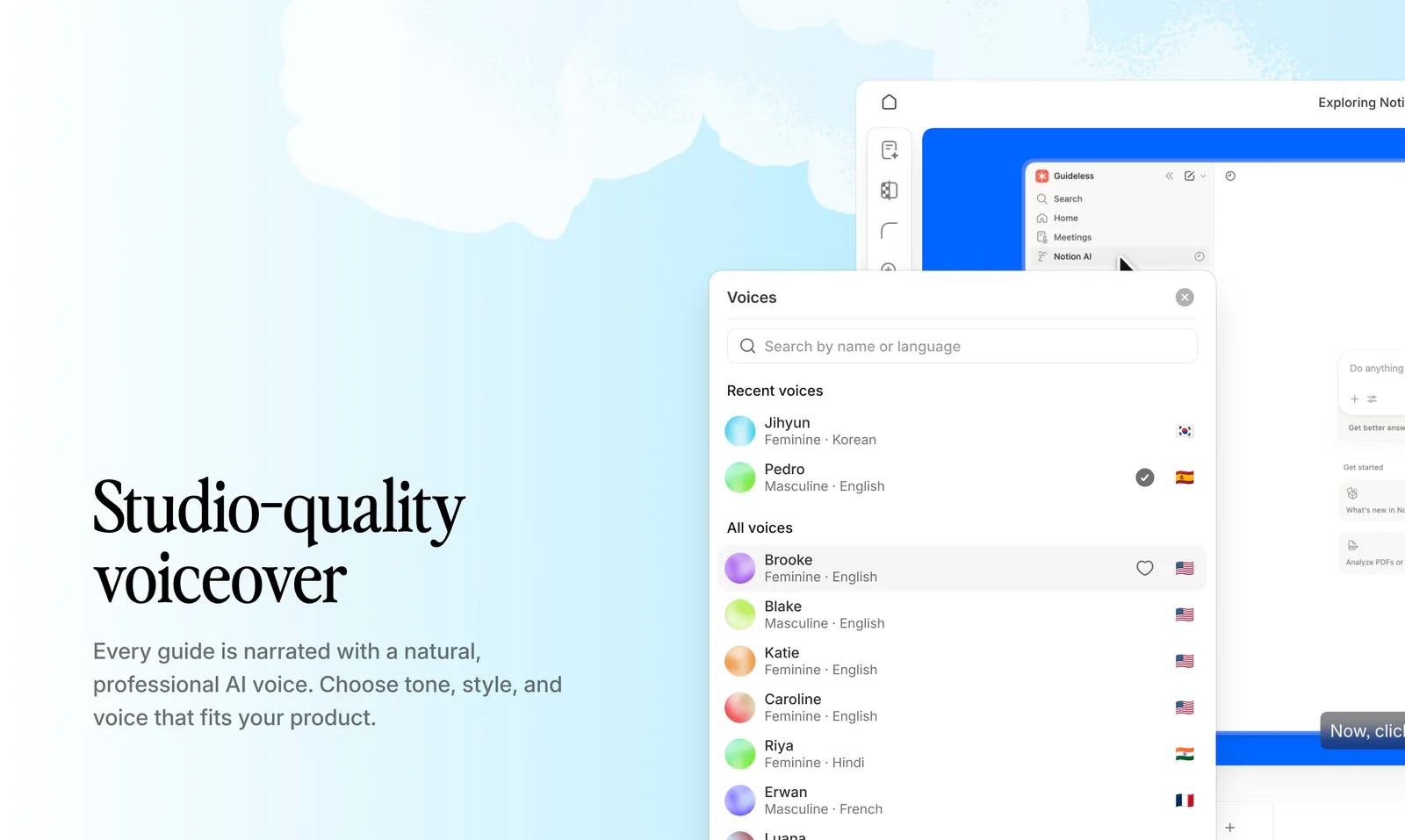
Guideless creates narrated walkthroughs in more than 42 languages, which helps when the buyer’s team is spread across several countries and not everyone is comfortable following a demo in English. After the sale, the customer can use the same videos to train new users.
One final bonus is that when the product changes, you update only the steps that changed. The rest of the video stays as it is.
In summary, buyers who want to click around for themselves will still need the sandbox demo. But narrated walkthroughs sent alongside it are quick and easy to bring up to date whenever the product changes.