
Key insights:
- A typical ERP implementation project takes around nine months (the median in Panorama Consulting Group's 2026 ERP Report) and can be broken into seven phases, from discovery and planning to post go-live support and adoption tracking.
- Organizational issues, such as governance, resistance to change and process redesign, are the most common reason ERP projects run over schedule. Unclear process ownership and poor user adoption are also frequent sources of problems.
- Training is a key stage in any ERP implementation plan, and a one-size-fits-all approach won't work. Each department uses the ERP differently, and the system keeps changing after launch, so plan for role-based training materials that are quick to create and easy to update.
An ERP implementation plan is the roadmap for putting a new ERP system in place. It covers the technical work of configuring, migrating and testing the system, and the people work of preparing staff, training them and making sure they actually use it.
It's a demanding process. The median project in Panorama Consulting Group's 2026 ERP Report took nine months, and most projects move through several distinct phases along the way.
Gartner expects that by 2027 more than 70% of recently implemented ERP initiatives will fail to fully meet their original business goals. To guard against this risk, an effective plan is crucial, as is the discipline to follow it through carefully.
Below, we have set out a free template that you can plug directly into your project, along with a copy-and-paste checklist to help you stay on track. At the end, there's a short section on how the plan changes for a CRM implementation.
The scope of an ERP implementation plan
Because ERP software unifies core internal processes such as accounting, procurement, production and HR, the plan involves almost every department of the company. This means an ERP implementation plan serves as the roadmap for everyone involved in a project. It also provides a benchmark for measuring how many people use the system once it has launched.
Here are the main potential participants that will need to be considered in any ERP implementation plan:
- Executive sponsor: handles budget, priority calls and settling conflicts between departments
- IT and the implementation partner: responsible for configuration, integrations, data migration and environments
- Department leads: take care of process decisions, sign-off on design and test results, and their team's readiness
- End users: provide requirements input, testing with real scenarios and, after launch, the daily work the system supports
In terms of what counts as success, launching on schedule shows the project is on track, but it doesn't prove the system is working as intended. A company invests in an ERP to change how its people do their daily work, so speed is not the only important metric.
For instance, if the finance team hasn't grasped the new month-end process, they'll find themselves taking just as long to close the books as they did before. Meanwhile, if the warehouse staff don't have faith in the system's stock numbers, they'll continue logging inventory in their own spreadsheets, leading to inaccuracies in the ERP's inventory data.
In fact, managing that human side of implementation is key. Panorama Consulting Group's 2026 ERP Report, which surveys ERP buyers each year, found that organizational issues such as governance and resistance to change were the most common reason projects ran over schedule.
Because of this, a good plan must track both technical milestones and specific business results, and set out how the project team will deal with organizational problems.
ERP implementation phases and steps
ERP implementation projects can be broken into seven phases. How long each one takes depends on how many modules, sites and integrations you have in play.
Phase 1: Discovery and planning
- Document current processes and pain points in each department
- List what each department needs the system to do, then decide which of those needs are essential at launch and which can wait
- Appoint the executive sponsor, project manager and department leads
- Set the budget, timeline and success measures, such as days to close the month or order processing time
- Select the vendor and implementation partner if this isn't done yet
Phase 2: System design and configuration
- Work out how each department's day-to-day processes will run in the new system, using its built-in features wherever possible
- Decide where to customize the software and where to change the process instead
- Configure modules, user roles, permissions and approval workflows
- Ask each department lead to approve the planned setup for their area before IT configures the rest of the system
Phase 3: Data migration and integration
- Audit source data and remove duplicates and obsolete records
- Decide which historical data should be moved to the new system and which should be archived
- Match each data field (e.g., customer name, invoice date) in the old systems to its equivalent in the ERP. Then move a sample of the data across to check that it transfers correctly
- Build and test integrations with CRM, payroll, banking, e-commerce and other connected systems
Phase 4: Testing
- Test individual configurations and integrations
- Run end-to-end tests of complete processes, such as order-to-cash and procure-to-pay
- Hold user acceptance testing with people from each department working through real scenarios
- Test performance at expected transaction volumes
- Log, fix and retest defects before taking your go/no-go decision
Phase 5: Training and change management
Change management starts in Phase 1, and training preparation can begin during design and testing, once the main processes are agreed. Most of the work still lands in this phase: final training sessions should run close to go-live, on the finished setup, so what staff learn matches what they'll see on screen.
- Go through each job role and work out how much the new system will change that person's daily work
- Prepare separate training materials for each role, covering only the tasks that person will do in the system
- Select department "change champions" and train these people before everyone else, so they can help colleagues during training sessions and after launch
- Tell staff well in advance when the system will go live and how their work will change, and let them know who to contact with questions
Phase 6: Go-live
- Decide whether to switch the whole company to the new system at once or introduce it in stages, for example one site at a time
- Move the remaining data from the old systems and check that account balances in the ERP match the old records
- Meet with the project leads shortly before launch, confirm that every item on the readiness checklist is complete and decide whether to go ahead
- Arrange extra support staff for the first few weeks after launch, when users are most likely to run into problems
Phase 7: Post go-live support and adoption tracking
- Record the questions and problems users report, noting which department each one comes from, to see where people are struggling
- Check how much work staff actually do in the system and how much they still handle outside it, e.g., in spreadsheets or by email
- Compare the results with the targets set in Phase 1, such as the time it takes to close the month
- Update the training materials each time the system's settings change, so they match what staff see on screen
ERP implementation plan template (copy and use)
Here is a copy-and-paste template you can use to plan out the steps we just covered. Replace each role in the Owner column with the name of the person responsible in your company, add target dates, and update the Status column as the project moves forward.
| Phase | Task | Owner | Target date | Status |
|---|---|---|---|---|
| 1. Discovery and planning | Document current processes | Department leads | ||
| 1. Discovery and planning | Define requirements and success measures | Project manager, department leads | ||
| 1. Discovery and planning | Appoint project team and department champions | Executive sponsor | ||
| 2. Design and configuration | Design future-state processes | Implementation partner, department leads | ||
| 2. Design and configuration | Configure modules, roles and workflows | IT, implementation partner | ||
| 3. Data migration and integration | Clean and map source data | Data owner in each department | ||
| 3. Data migration and integration | Run trial migrations | IT | ||
| 3. Data migration and integration | Build and test integrations | IT | ||
| 4. Testing | End-to-end and user acceptance testing | Department leads, end users | ||
| 5. Training and change management | Change impact assessment | Change lead | ||
| 5. Training and change management | Create role-based training content | Training lead, champions | ||
| 5. Training and change management | Train end users | Champions, training lead | ||
| 6. Go-live | Go/no-go decision | Executive sponsor | ||
| 6. Go-live | Final migration and cutover | IT | ||
| 6. Go-live | Hypercare support | IT, champions | ||
| 7. Post go-live | Track adoption against success measures | Project manager | ||
| 7. Post go-live | Update training content after configuration changes | Training lead |
ERP change management and user adoption
According to Panorama's 2026 ERP Report, unclear process ownership, poor user adoption and a lack of strategic alignment around project goals are the issues most often behind ERP problems.
These challenges can fundamentally undermine the value of your ERP. For example, when employees feel that the new system is slower than their previous methods, they tend to cling to spreadsheets and delay data entry. This ultimately undermines the reliability of the reports the ERP was meant to improve. It's the same pattern seen in how teams adopt new technology: a system going live doesn't mean behavior has changed.
Even so, less than a quarter of organizations in Panorama's survey reported an intense focus on organizational change management. Here are some change management tactics you can use to improve overall ERP adoption.
ERP department champions. Choose one or two individuals from each department who are already the go-to people for assistance. This is not about seniority. Select team members based on how comfortable they are with the software and their credibility within the department. Involve these champions in user acceptance testing, give them training before the rest of the team, and make sure they're the first point of contact once you go live. Free up some of their regular workload to enable this.
Explaining the change early. Each department needs to hear what problem the new system solves for them. For example, if managers approve purchases in the ERP instead of by email, the finance team can see at any moment how much money the company has already agreed to spend. Tell people what will change in their daily work, when it will happen and where to get help, and repeat the message at each milestone.
Measuring adoption after go-live. A smooth launch shows the system works, but says little about whether people use it. Track logins by role, the share of transactions entered in the system, recurring support ticket themes and the time taken to complete key tasks. Review these at 30, 60 and 90 days and retrain the teams where numbers lag.
ERP implementation training
Different departments will use different features of the ERP. That means one-size-fits-all training sessions and resources will end up overwhelming participants with lots of information that isn't relevant to them. This leads to disengagement during training, and the resulting knowledge gaps show up later in how the ERP is used.
It's much more effective when each team only has to focus on the specific tasks they'll actually be performing in the system. This requires tailored training sessions and materials. Start preparing role-based materials once the main processes are agreed in the design phase, and refine them during testing as the configuration settles. Run the final sessions shortly before go-live, on the finished setup, using screenshots or walkthrough videos. Finally, provide staff with a practice version of the system filled with realistic data so they can try it out and get comfortable.
After launch, your ERP system will inevitably change, whether it is your company adjusting settings or your software vendor releasing updates. Panorama's 2026 ERP Report warns that frequent updates to SaaS systems, such as new features and interface changes, add up over time and wear people out. On top of that, training manuals and resources quickly become outdated. Screenshots taken pre-launch stop matching the system once changes are made, which means people onboarding into the company end up following instructions for screens that no longer look the same.
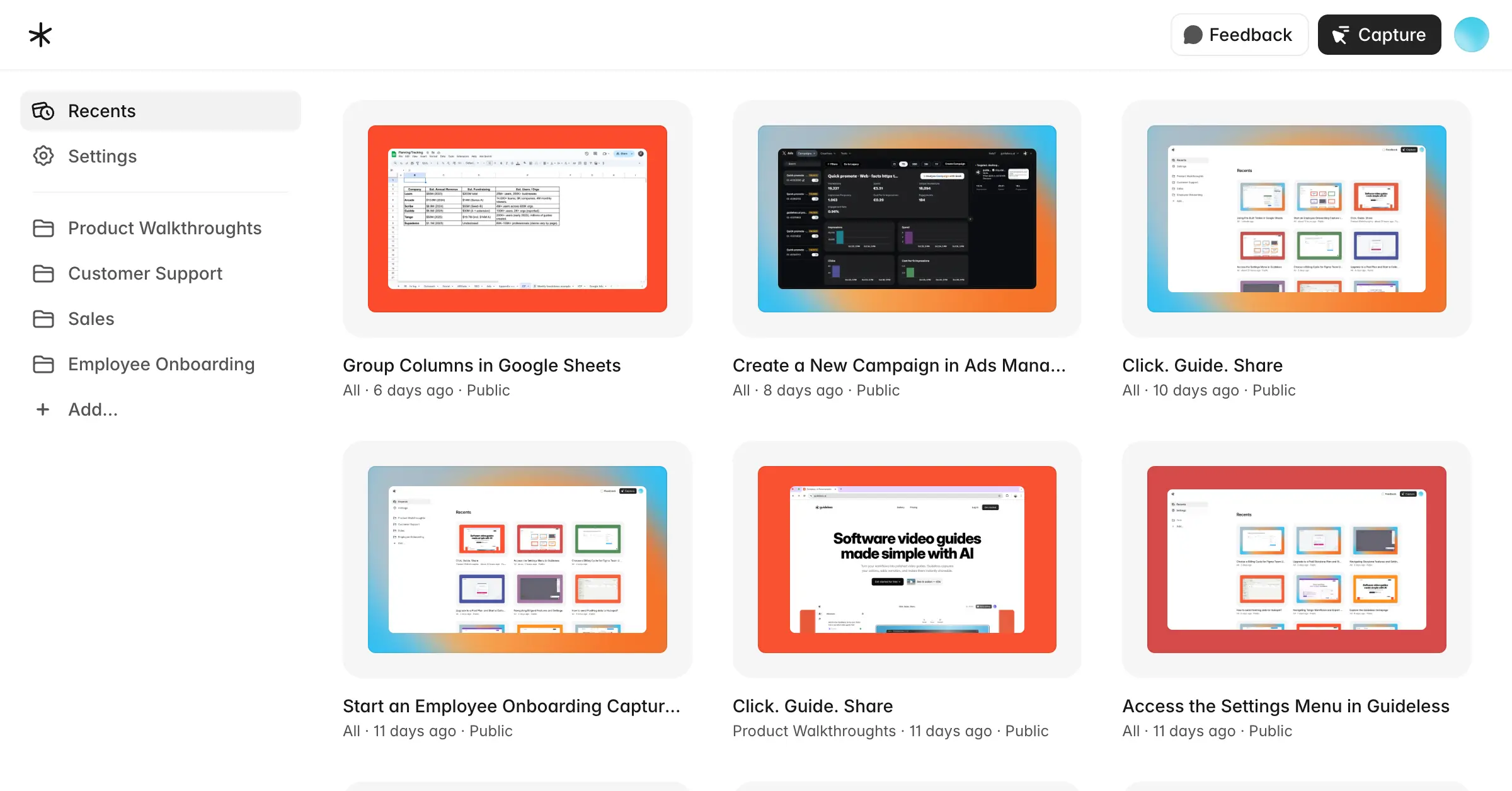
One practical way to keep training current is to build it from short walkthrough videos created in the ERP itself. With Guideless, you complete a task in your ERP once while Guideless captures each step. It then writes the instructions and produces a narrated video and a step-by-step guide from the same capture.
When the ERP changes, you don't have to recreate the whole guide. You update only the steps that changed and keep the rest, so the guide keeps matching what staff see on screen. Built-in analytics show how guides are viewed, which helps you see whether the training material is being used.
This approach also helps with producing tailored resources for different departments and country offices. Each role can have its own set of short video guides, organized in one place. And with AI narration available in 42+ languages, you can quickly build resources that support multi-country rollouts.
ERP implementation checklist
With your ERP implementation plan set out in detail, all that's left is a quick checklist to use as you work through implementation.
- Executive sponsor, project manager and department leads named
- Requirements and success measures agreed and signed off
- Department champions chosen and given time for the role
- Future-state processes designed and approved by department leads
- Modules, roles, permissions and workflows configured
- Source data cleaned and trial migrations completed
- Integrations built and tested
- End-to-end and user acceptance tests passed
- Role-based training content created and tested on the final configuration
- Champions and end users trained
- Go-live communication sent with dates and support contacts
- Go/no-go decision made against the readiness checklist
- Final migration reconciled and hypercare staffed
- Adoption reviewed at 30, 60 and 90 days
- Training content updated after each configuration change
CRM implementation plan: what's different?
CRM software manages interactions with current and potential customers, so unlike an ERP plan, a CRM implementation plan centers on sales, marketing and service workflows. Fewer departments take part, and integrations usually cover email, calendars, marketing automation and the ERP for orders and invoices. Data migration is mostly contacts, accounts and deal history, where cleaning up duplicate records takes the most time.
Getting people on board with a CRM can be trickier than with an ERP. This is because most of the information in a CRM comes from the people using it every day, especially sales reps logging their calls and deals. If they stop updating the system, the sales forecasts based on that data become unreliable, leaving managers to chase updates during meetings. However, if the CRM simplifies their tasks and managers actively use it to discuss deals, reps are more inclined to keep entering data.
Short, task-specific guides help here too, for example a walkthrough showing reps how to import contacts into Salesforce correctly. The same approach works for broader Salesforce user adoption, with short guides for each role and screen.